Ultimate Event Poster Guide for Amazon Sellers
Amazon sellers need fast, eye‑catching event posters to drive traffic during launches, holidays, and webinars. This guide gives you a battle‑tested framework that skips costly freelancers. Follow the exact tools, prompts, and metrics to turn a simple…


1. Strategic Foundations for High‑Converting Posters
Define Event Goal & KPI Dashboard

Start by writing a one‑sentence event goal (e.g., "Drive 500 new ASIN purchases during Black Friday launch"). Map three KPIs: CTR on the poster, conversion lift, and ROAS. Build a simple Google Sheet dashboard that pulls Amazon Advertising data via the API every 6 hours. Set benchmark thresholds (CTR ≥ 2.5%, conversion lift ≥ 15%). This framework lets you measure poster impact objectively and iterate only when ROI exceeds the set target.
Audience Persona Mapping & Visual Language

Create two micro‑personas for your event: the price‑sensitive shopper and the premium‑seeker. Use Amazon Brand Analytics to extract top search terms and demographic slices. Translate each persona into a visual style guide—color palette (e.g., #FF6F61 for urgency, #2A9D8F for trust), typography (Montserrat Bold for headlines), and iconography (shopping cart vs. badge). Store this guide in DesignLumo's Brand Kit so every AI prompt inherits brand consistency without manual tweaking.
Competitive Poster Swipe File & Gap Analysis
Collect the top 10 competitor event posters from Amazon's "Sponsored Brands" carousel using a scraper like Octoparse. Import the PNGs into Adobe Express, then overlay a heat‑map (via Hotjar's image tool) to spot visual hotspots. Identify three gaps—missing brand logo, weak CTA hierarchy, or low‑contrast color. Record these gaps in a shared Notion table; they become your checklist for every new poster, ensuring you always outperform competitor visual cues.
2. AI‑Powered Design Creation Workflow
Prompt Engineering in DesignLumo for Editable Posters

Open DesignLumo and enter a detailed prompt: "Create a 1080×1350px Amazon event poster for a Black Friday bundle, featuring a bold red banner, product mockup on the right, 30% OFF badge, and space for a QR code. Use brand fonts Montserrat Bold and Open Sans, maintain layer names: Background, Product, Badge, CTA, QR. Export as PSD with editable layers." Within 15 seconds you receive a fully layered PSD that you can tweak instantly, cutting design time from hours to minutes.
Hybrid Background Generation with Midjourney + DesignLumo Layers
Use Midjourney (v5) to generate a dynamic abstract background: prompt "high‑contrast black‑orange gradient with subtle circuit pattern, 1080×1350, cinematic lighting". Download the 4K PNG, then import into DesignLumo. Apply a mask layer to isolate the central safe zone, and let DesignLumo auto‑detect the background layer for color adjustments. This hybrid method yields a unique visual that no competitor can copy, while keeping all elements fully editable for brand compliance.
Rapid Iteration Using Canva’s Brand Kit + DesignLumo Export
After the first draft in DesignLumo, export the PSD to Canva for quick copy swaps and A/B headline testing. Enable Canva’s Brand Kit (upload your logo, colors, fonts) so any text change respects brand guidelines automatically. Duplicate the design, alter the CTA wording (e.g., "Shop Now" vs. "Claim Your Discount"), and export both versions as PNGs. Upload to Amazon’s Sponsored Brands A/B test module and let data decide the winner within 48 hours.
3. Optimization & Distribution Tactics
A/B Testing Posters on Amazon Sponsored Brands
Create two poster variants differing only in one element (CTA color, badge size, or headline). In Amazon Advertising, set up a Sponsored Brands campaign with a 50/50 split traffic allocation. Use the KPI dashboard from Section 1 to monitor CTR and conversion lift daily. Pause the underperforming variant after 1,000 impressions; the winning design typically yields a 12‑18% higher ROAS, justifying the minimal ad spend for testing.
Dynamic QR Code Integration for Off‑Amazon Traffic
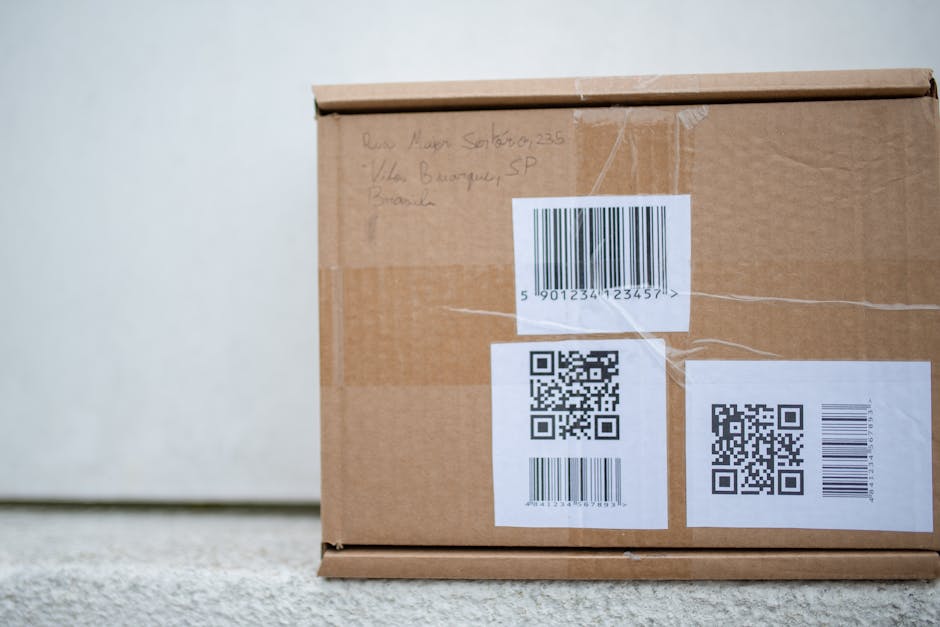
Generate a unique QR code per poster using QR Code Generator API (link: https://www.qr-code-generator.com). Encode a UTM‑tagged landing page that hosts a limited‑time coupon. In DesignLumo, add a transparent QR layer and lock its position. Track scans via Google Analytics real‑time events; aim for a scan‑to‑click conversion ≥ 25%. This drives external traffic, builds email lists, and provides an additional data point beyond Amazon’s native metrics.
Post‑Event Performance Analytics & Asset Repurposing
After the event, pull the final KPI report from your dashboard and calculate LTV uplift per poster. Export the winning design’s layers from DesignLumo and repurpose them for Amazon A+ content, Instagram Stories, and email newsletters—saving up to 40% on new creative production. Document the conversion lift in a Notion case study to reuse the proven visual formula for future launches.
Before you go
- Leverage DesignLumo’s "Layer Naming" feature to auto‑generate SEO‑friendly alt text for each visual element.
- Schedule poster refreshes every 2 weeks during a campaign to combat ad fatigue; even a 5% visual tweak can recover 8% lost CTR.
- Combine Amazon’s Brand Analytics search term heatmap with Midjourney’s prompt keywords to create hyper‑relevant background imagery.















Ready to create your first design?
Join thousands creating professional designs in seconds.
Create with DesignLumo
Related Resources
Facebook Visual Toolkit for Amazon Sellers
Essential Facebook design tools to boost Amazon FBA sales.
Email Marketing Content Ideas for Amazon FBA Sellers
Tactical email design ideas to boost Amazon FBA sales.
Amazon FBA Product Graphics Design Playbook
Step‑by‑step tactics to create high‑converting Amazon product graphics.
Amazon FBA Print Materials Mastery Guide
Actionable tactics for flyers, brochures, and print assets that boost Amazon sales.
Amazon FBA Ad Creative Blueprint
Step‑by‑step tactics to build high‑converting Amazon ad graphics fast.
Amazon FBA Marketing Mistakes to Dodge
Avoid costly errors in Amazon listings, A+ content, and image creation.