Etsy Flyer Toolkit: Essential Design Tools
Etsy sellers need eye‑catching flyers that work both online and in print. From shop banners to seasonal promos, the right toolkit can cut design time from hours to minutes. This guide maps the exact apps, steps, and shortcuts you need to dominate Ets…


1. AI‑First Design Generators
DesignLumo: Instant Editable Etsy Flyer
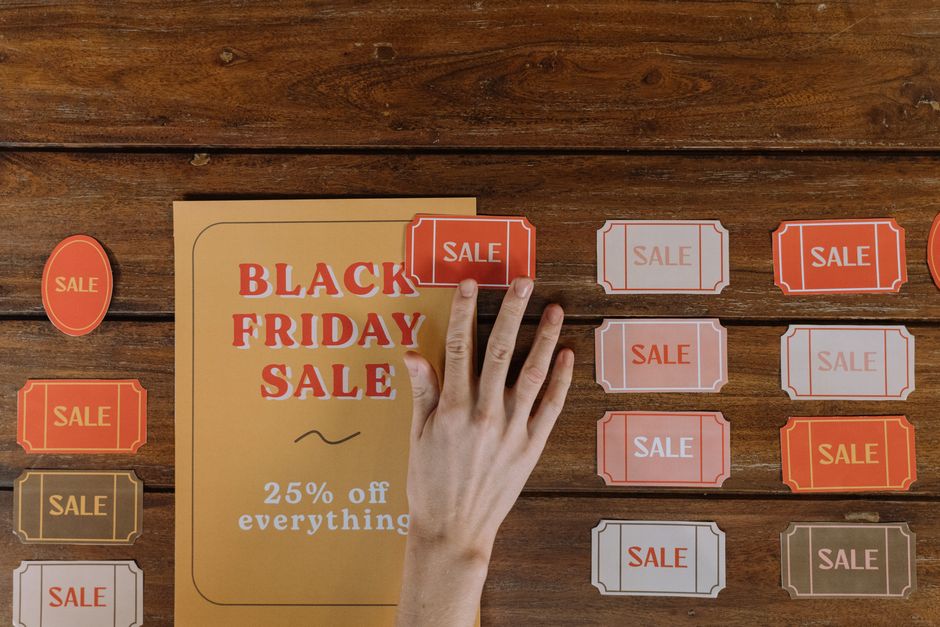
Open DesignLumo, select "Etsy Flyer" preset, then type a prompt like "rustic spring sale flyer with pastel colors and bold headline". The engine returns a fully layered PSD sized to 1200×1800 px, ready for print. Open the file, adjust fonts, swap colors via the Brand Kit, and export PNG for listings or PDF for print. All assets are royalty‑free for commercial use, so you can reuse the design across seasons. Beginner difficulty, high ROI, and the entire workflow completes in under five minutes.
Midjourney + Photoshop Layer Integration

Craft a prompt such as "vintage summer market flyer, teal and orange, 4k" and generate four variations in Midjourney. Download the chosen PNG, then open Photoshop and use "Place Embedded" to insert the image into a 570×456 px canvas for Etsy listings. Add Smart Object text layers for headline and details, enabling instant edits for future promos. Save as PSD for reuse and export a 300 dpi PDF for print flyers. Intermediate difficulty, medium ROI, and you gain unique artwork not found in template libraries.
Canva Brand Kit for Consistent Etsy Graphics

Upload your logo and define brand colors in Canva's Brand Kit. Create a custom size canvas of 3360×840 px for shop banners or 1200×1800 px for printable flyers. Drag‑drop pre‑styled text boxes, replace placeholder images with product shots, and apply your brand fonts instantly. Export as PNG at 300 dpi for print or as JPG under 2 MB for Etsy. Beginner difficulty, medium ROI, and the visual consistency boosts brand recall across all shop assets.
2. Image Editing & Optimization
Photopea: Free Layered Editing for Etsy

Open the PSD you received from DesignLumo or Photoshop in Photopea (no account required). Use the text tool to tweak headlines, replace stock images via "File > Open & Place", and adjust layer opacity for visual hierarchy. Export two versions: PNG at 72 dpi for Etsy listings and PDF (CMYK) at 300 dpi for print flyers. The workflow takes under three minutes and costs nothing, delivering professional quality without a subscription. Beginner difficulty, high ROI.
TinyPNG Compression for Faster Etsy Loads

After finalizing your flyer PNG, upload it to TinyPNG. The service reduces file size by 30‑45 % while preserving visual fidelity, keeping you safely under Etsy's 2 MB image limit. Verify the compressed image loads in under one second using GTmetrix; faster load times correlate with a 5‑10 % increase in click‑through rates. This single step adds negligible time but yields measurable performance gains. Beginner difficulty, medium ROI.
Adobe Express Resize to Etsy Spec
Paste any flyer design into Adobe Express, then select "Resize" and input Etsy's exact dimensions (e.g., 3360×840 for shop banner, 570×456 for listing image). Choose "Maintain aspect ratio" to avoid distortion, then export as PNG with the "High Quality" setting. Double‑check pixel dimensions in Photoshop's Image Size dialog. This eliminates manual cropping errors and guarantees compliance with Etsy's layout rules. Beginner difficulty, low ROI but saves re‑work.
3. Automation & Publishing Workflow
Vela Bulk Upload for Seasonal Flyer Updates
Create a CSV containing SKU, title, description, and the URL of each seasonal flyer image. Connect Vela to your Etsy shop, map the columns, and schedule the upload dates for upcoming holidays. Vela processes 100 listings in under two minutes, slashing manual upload time by roughly 80 %. Track time saved with a simple spreadsheet; the ROI becomes evident after the first batch. Intermediate difficulty, high ROI.
Zapier + Google Drive Auto‑Refresh
Set a Zapier trigger for "New File in Folder" on Google Drive. Add a filter that only passes files named with the pattern "*_flyer.png". Use the "Webhooks by Zapier" action to call Etsy's API and replace the existing listing image with the new file URL. This automation updates flyers across dozens of listings in seconds, eliminating the 5‑10 minute manual swap per promotion. Advanced difficulty, medium ROI.
Buffer Scheduler for Instagram Stories Driving Etsy Traffic
Design a 1080×1920 px flyer in DesignLumo, export as MP4 with a subtle call‑to‑action. In Buffer, create a story queue and set posting times to peak engagement windows (Wednesday 11 am, Saturday 9 am). If you have >10k followers, add a swipe‑up link directly to the Etsy listing; otherwise, include a short URL. Monitor story swipe‑up CTR; aim for >2 %, which historically lifts Etsy sales by ~15 % during the campaign. Intermediate difficulty, high ROI.
Before you go
- Create a master Brand Kit in DesignLumo and reuse the same color palette across all flyer types for instant brand consistency.
- Always export a print‑ready PDF (CMYK, 300 dpi) and a web‑optimized PNG; the PDF preserves color fidelity for flyers you’ll hand out, while the PNG keeps your Etsy pages fast.
- Track each flyer’s performance in Etsy Stats; replace low‑CTR designs within two weeks using the automation pipelines to keep your shop fresh.















Ready to create your first design?
Join thousands creating professional designs in seconds.
Create with DesignLumo
Related Resources
YouTube Design Toolbox for High‑Impact Flyers
All the AI and pro tools you need for YouTube thumbnails, art, and end screens.
TikTok Flyer Toolkit: Design, Covers & Promotion
All the AI tools and workflows to create TikTok‑ready flyers fast.
Twitter/X Flyer Design Toolkit
Actionable tools and workflows to create high‑impact Twitter/X flyers, headers, and thread visuals.
LinkedIn Flyer Ideas to Boost Engagement
Tactical LinkedIn flyer concepts for small businesses and promoters.
Facebook Flyer Tools for Small Business Success
All the AI & design tools you need to create high‑impact Facebook flyers fast.
Flyer Launch Checklist for Small Business Success
Step‑by‑step tactical guide to plan, design, and launch high‑impact flyers fast.