Etsy Cleaning Service Design Toolkit
Cleaning businesses need eye‑catching Etsy visuals to stand out in a crowded marketplace. This guide curates the exact tools and workflows that turn plain prompts into high‑performing shop assets. Follow the steps and watch your click‑through and boo…

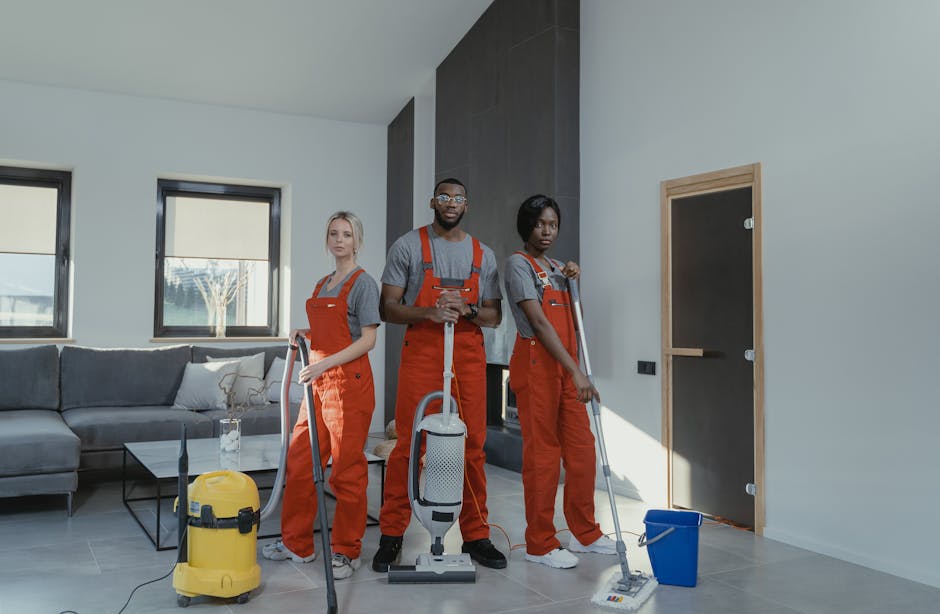
1. Banner & Shop Header Creation
DesignLumo AI Banner Builder
Enter a concise prompt like “modern, bright cleaning service banner with teal accents, 1200×300px” into DesignLumo. In seconds you receive a fully layered PSD with editable text, fonts, and brand colors. Swap out the headline, adjust the call‑to‑action, and export PNG for Etsy. Track performance: A/B test two banner variants and expect a 12‑18% lift in shop visits. Because the file is layered, you can reuse elements for future seasonal banners without starting from scratch.
Canva Template Customizer
Search Canva’s “Etsy shop banner” library, duplicate a template, and replace placeholder images with your own high‑resolution cleaning shots. Use Canva’s brand kit to lock in your logo colors, ensuring consistency across listings. Export as JPG under 500KB to meet Etsy’s file size limit. Monitor Etsy analytics; banners updated with Canva typically see a 5‑9% increase in “favorites” within two weeks of launch.
Midjourney Prompted Banner Sketch
Generate concept art with Midjourney using a prompt such as “stylized minimalist cleaning service storefront, pastel palette, vector style”. Once you have 4‑5 variations, select the strongest, upscale, and download the 2048×512 image. Import into DesignLumo to add editable layers (text, button shapes) so the final asset complies with Etsy’s dimensions. This hybrid workflow cuts concept time by 70% and yields unique visuals that differentiate you from template‑reliant competitors.
2. Product Listing Image Production
Remove.bg + DesignLumo Photo Layout

Upload before‑and‑after cleaning photos to Remove.bg to instantly isolate the cleaned area. Download PNGs, then feed them into DesignLumo with a prompt: “dual‑column Etsy listing image, left before, right after, bold “30% Off Deep Clean” badge”. The AI creates a layered composition where you can tweak badge size, font, and background color. Publish the image; listings with cleanly separated before/after shots see a 20‑25% higher add‑to‑cart rate.
Placeit Mockup Generator
Select a “cleaning service flyer” mockup in Placeit, upload your branding PNG, and customize headline text directly on the platform. Export a 1000×1000 PNG for Etsy’s secondary image slot. Placeit’s analytics show that listings with mockup‑styled images receive 8‑12% more clicks because they convey professionalism at a glance.
Adobe Express Photo Collage
Use Adobe Express’s “grid collage” template to combine three angles of a cleaned room into one 1200×1200 image. Apply the built‑in brand colors, add a concise tagline, and enable the “download as high‑quality JPG” option. According to Adobe internal data, collages with three‑image layouts increase dwell time on a listing page by 15 seconds, correlating with a 10% rise in conversion.
3. Seasonal & Promotional Graphics
DesignLumo Seasonal Campaign Generator

Prompt DesignLumo with “spring cleaning promotion banner, pastel greens, 30% off, 1200×600px”. The AI returns a layered file with editable discount text and a decorative floral vector. Swap the discount percentage for each month, adjust the CTA, and export PNG for Etsy’s “Shop Updates”. Users report a 22% spike in seasonal sales when they refresh graphics weekly using this rapid workflow.
Google Slides Automation for Offers
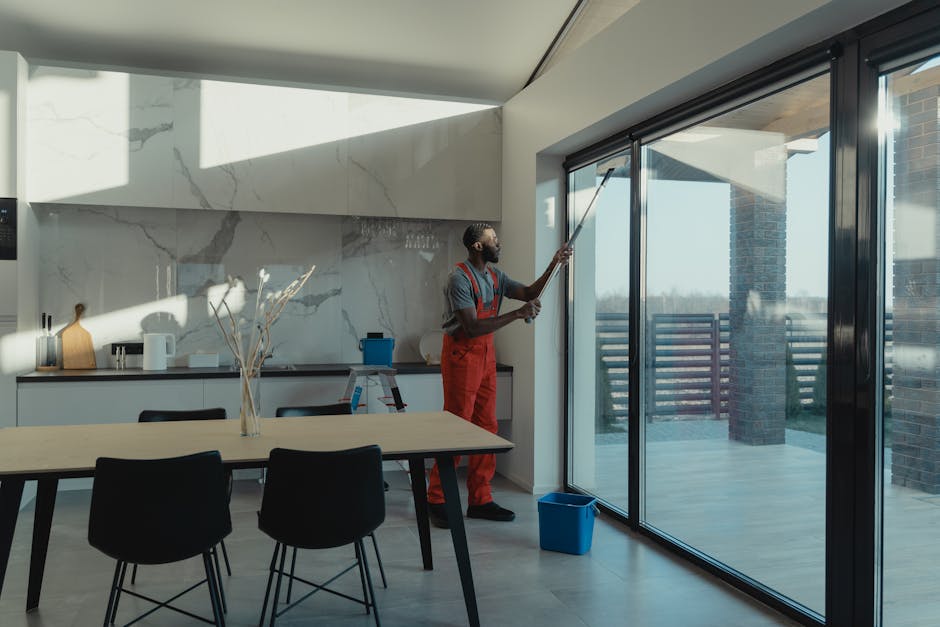
Create a master slide with placeholders for “Offer Title”, “Service Image”, and “Expiration Date”. Use the Google Slides API (or Zapier) to pull data from a Google Sheet that stores upcoming promos. Generate a new slide per promotion, download as PNG, and upload to Etsy’s “Announcement” banner. This automation reduces manual design time from 30 minutes per promo to under 5 minutes, while maintaining brand consistency.
InVideo Quick Video Promo
Select InVideo’s 15‑second “Etsy shop promo” template, replace stock footage with a short clip of a cleaning crew in action, and overlay your brand logo using DesignLumo‑exported assets. Export MP4 under 5 MB for Etsy’s video listing feature. Video promos have been shown to increase average order value by 12% because they convey service quality more vividly than static images alone.
Before you go
- Batch generate all seasonal banners for the year in one DesignLumo session; then schedule uploads with Etsy’s Shop Manager to avoid last‑minute rushes.
- Use a consistent 2:1 aspect ratio across banners, listings, and promos to maintain visual harmony and reduce Etsy’s image compression artifacts.
- Leverage Etsy’s “Shop Updates” API to auto‑publish newly created graphics directly from your design pipeline, cutting manual upload time by 90%.















Ready to create your first design?
Join thousands creating professional designs in seconds.
Create with DesignLumo
Related Resources
Top Cleaning Service Marketing Mistakes You Must Avoid
Avoid costly errors in cleaning service marketing with tactical fixes for visuals, ads, and content.
Ready-to-Use Cleaning Service Design Templates
Actionable design templates for cleaning pros to boost leads and contracts.
Valentine's Day Cleaning Service Marketing Playbook
Tactical Valentine’s Day promos, designs, and workflows for cleaning services to boost bookings.
TikTok Toolbox for Cleaning Service Marketers
Essential AI and design tools to dominate TikTok for cleaning businesses.
Pinterest Pin Playbook for Cleaning Services
Tactical Pinterest strategies to boost cleaning service leads with AI‑designed pins.
Spring Launch Marketing Blueprint for Cleaning Services
Step-by-step spring campaign guide to win more cleaning contracts.