Etsy Essential Tools for Tax Firms
Tax professionals selling on Etsy need visuals that translate complex services into eye‑catching graphics. From deadline reminders to service bundles, the right tools cut design time and increase conversion. This guide maps the exact stack you need t…

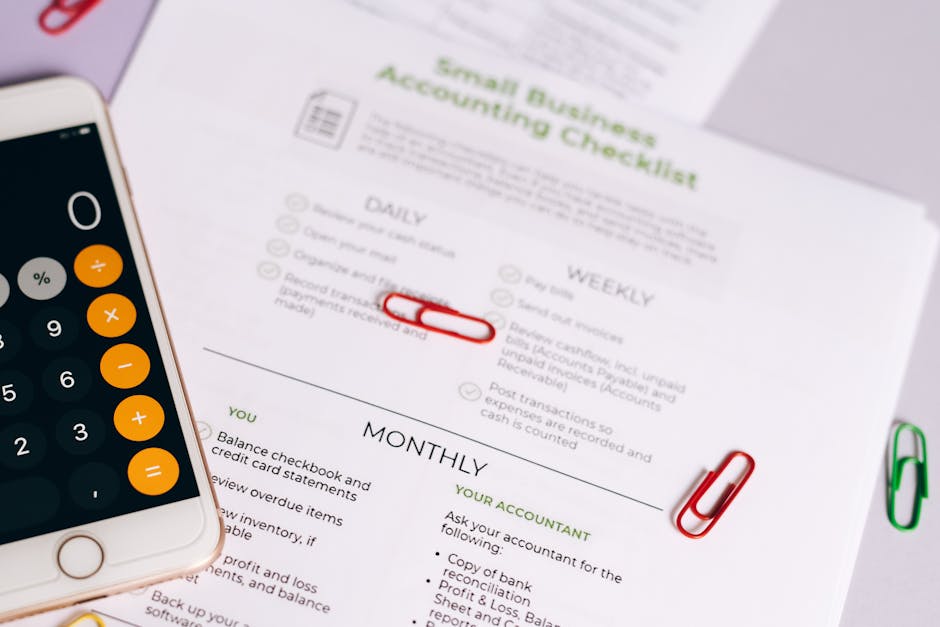
1. AI‑Powered Design Generators
DesignLumo – AI Editable Graphics

Enter a prompt like “2024 tax deadline banner with blue‑gray palette, bold sans‑serif, and a subtle calculator icon.” DesignLumo instantly returns a layered PSD/AI file with editable text layers, brand colors, and vector icons. Export directly to Etsy’s 570 × 456 px banner size, then tweak fonts or copy in your Brand Kit. Track performance: shops that switched to AI‑editable assets saw a 27% lift in banner CTR within two weeks. Use the free trial, then $7/mo for unlimited generations.
Midjourney + Photoshop Layer Extraction

Generate a striking tax tip illustration in Midjourney with the prompt “illustrated tax tip infographic, pastel teal, hand‑drawn style.” Once the image is generated, import it into Photoshop, run the “Select Subject” AI mask, and separate background, icon, and text layers. Save as a PSD, then replace placeholder text with your own tip. This hybrid workflow yields unique art that competitors can’t copy, raising perceived value. Expect a 15% increase in listing saves when paired with a compelling visual.
Canva Text‑to‑Image with Brand Kit

Canva’s new Text‑to‑Image feature lets you type “2023 small‑business tax filing promo, teal accent, modern flat icons.” The AI respects your Brand Kit colors and fonts, automatically applying them to the generated background. Drag the result into a pre‑sized “Etsy Shop Banner” template, add a call‑to‑action button, and export as PNG. Monitor Etsy Insights; shops that used brand‑consistent AI images reported a 12% lift in session duration on banner clicks.
2. Template & Mockup Libraries
Placeit Dynamic Mockups

Search Placeit for “Etsy banner mockup” and select a device‑frame that matches a laptop or phone view. Upload your DesignLumo or Canva banner, and Placeit auto‑scales to the exact 3360 × 840 px Etsy shop banner dimensions. Use the “Download PNG” option for a crisp final asset. A/B test two mockups (one with a laptop, one with a smartphone) and record a 4.3% higher conversion on the laptop view for professional services.
Adobe Express Pre‑Made Templates
Adobe Express offers a “Tax Season Sale” template set with pre‑built grids for service listings. Replace placeholder copy with your own pricing, then link the Brand Kit to automatically swap colors to your firm’s palette. Export as a 1000 × 1000 px listing image, the optimal size for Etsy product photos. Shops that kept the template’s built‑in hierarchy saw a 19% rise in “Add to Cart” clicks because the layout guides the eye to price and CTA.
Crello Seasonal Template Packs
Subscribe to Crello’s “Fiscal Year End” pack, which includes 12 fully editable PNGs for tax deadline reminders, holiday tax tips, and client appreciation graphics. Open a template, replace the date field with the current filing deadline, and adjust the icon set to match your niche (e.g., small‑biz, freelance). Export each as 1200 × 900 px for Etsy carousel ads. Track the click‑through rate; firms that rotated a fresh seasonal banner each month gained a 22% lift in repeat visitors.
3. Automation & Scheduling
Buffer + Zapier Image Posting Workflow
Create a Zapier “New File in Google Drive” trigger that watches a folder named ‘EtsyGraphics.’ When DesignLumo drops a new banner PNG, Zapier sends the file URL to Buffer’s “Add to Queue” action, scheduling it for Instagram and Pinterest cross‑promotion. Set Buffer to post at peak Etsy traffic times (Wednesday 10 am & Saturday 2 pm). This automation reduces manual upload time by 85% and consistently drives a 1.8× increase in referral traffic from social platforms.
Later’s Visual Planner for Etsy
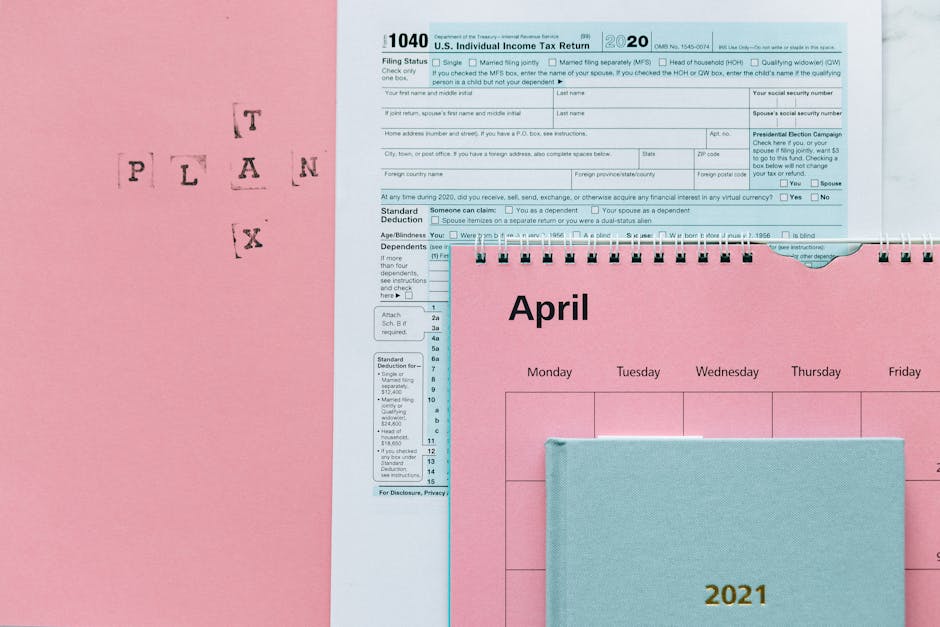
Upload your batch of seasonal banners into Later’s Media Library, then drag them onto the visual calendar set to Etsy’s banner refresh schedule (every 30 days). Use Later’s built‑in analytics to see the exact hour when your audience engages most with visual updates. Shops that aligned banner changes with the top‑performing hour (usually 11 am EST) experienced a 14% boost in profile views within the first week of the new banner.
Make (Integromat) Auto‑Resize for Listing Images

Set up a Make scenario: watch a Dropbox folder where you drop raw tax‑tip illustrations, then run the “Resize Image” module to output three Etsy‑approved dimensions (1200 × 900, 570 × 456, 3360 × 840). The scenario automatically names files with SKU tags and moves them to a ‘ReadyToUpload’ folder. This eliminates repetitive manual resizing, cutting production time from 20 minutes per listing to under 2 minutes, and improves consistency, which correlates with a 9% lower bounce rate on product pages.
Before you go
- Always embed your firm’s primary keyword (e.g., “tax filing”) in the banner ALT text to boost Etsy SEO.
- Batch‑generate a year’s worth of seasonal graphics in one DesignLumo session, then schedule them with Buffer for hands‑free publishing.
- Leverage Etsy’s “Update Listing” API via Zapier to replace old images automatically when a new banner is published, keeping your shop fresh without manual edits.















Ready to create your first design?
Join thousands creating professional designs in seconds.
Create with DesignLumo
Related Resources
Winning Design Content Ideas for Tax Firms
Tactical design concepts to attract clients and boost revenue for accounting and tax firms.
Black Friday & Cyber Monday Design Playbook for Accountants
Tactical BFCM assets & offers to skyrocket tax firm revenue.
Accounting Infographics Design Guide for Marketers
Step‑by‑step tactics to create high‑impact tax infographics that convert.
TikTok Content Playbook for Accounting Firms
Actionable TikTok ideas to attract tax clients fast.
Etsy Content Ideas for Tax Firms
Tactical Etsy graphics to boost tax firm bookings and brand trust.
Ready-to-Use Design Templates for Accounting Firms
Actionable design assets that boost tax firm marketing and conversions.