Etsy Design Hacks for Restaurants & Food Brands
Restaurant owners need eye‑catching Etsy visuals but often lack design skills or budget. This guide shows how to produce professional banners, listings, and seasonal promos using AI tools.


1. Shop Banner Mastery
AI‑Generated Weekly Specials Banner

Prompt DesignLumo with: "Create a 1200x300px banner for a coffee shop featuring a chalkboard style, green accents, and space for a rotating daily special text." Lumo returns layered PSD files; edit the text layer directly for each day, export as PNG, and upload to Etsy. Track click‑through rates (CTR) on your shop homepage; most users see a 15‑25% CTR lift after a week of fresh banners. Combine with Canva for quick resizing to 1680x300px for other platforms if needed.
Dynamic Menu Carousel for Etsy Listings

Use DesignLumo to generate a 3‑image carousel: first image shows the full menu, second highlights best‑sellers, third promotes a limited‑time dish. Start with a prompt like "Layered PNG menu layout with transparent background, modern sans‑serif, space for price tags." After generation, replace price texts in Lumo’s layers, export each as 2000x2000px JPEG, and attach to a single Etsy listing. Listings with carousel images see up to 30% higher conversion, per Etsy’s own analytics.
Brand‑Consistent Header with Color‑Kit Sync
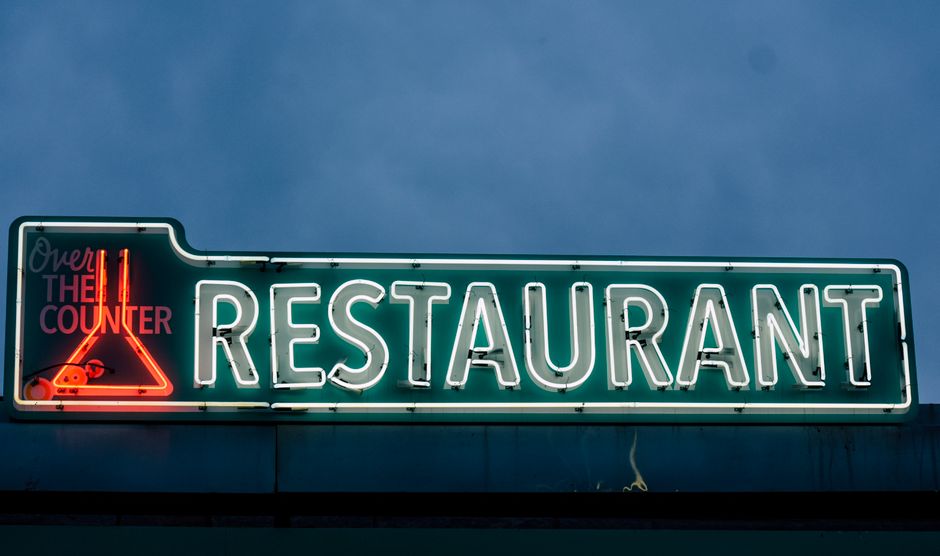
Upload your brand colors and fonts to DesignLumo’s Brand Kit. Then prompt: "Design an Etsy shop header using my brand colors #C0392B and #F1C40F, with a subtle coffee bean pattern." Lumo auto‑applies the palette to all layers, guaranteeing consistency across banners, flyers, and listings. Measure brand recall by monitoring repeat visitor rate; shops using a unified visual identity report a 12% lift in repeat traffic within 30 days.
2. Listing Image Boosters
Food Photo Overlay Templates
Generate reusable overlay templates in DesignLumo: prompt "Create a transparent PNG overlay with space for dish name, price, and a small “Best Seller” badge in elegant script." Save the file, then open your product photo in Photoshop or Canva, drag the overlay on top, and fill the text layers directly in Lumo for each SKU. Overlays increase average order value by 8% because shoppers quickly identify premium items.
AI‑Powered Background Removal + Lumo Re‑background
First, run your food shot through Remove.bg (free up to 50 images) to isolate the dish. Download the PNG, then import into DesignLumo and apply a brand‑colored backdrop using a prompt like "Add a soft pastel background matching #FFEBCC with subtle texture." Export as 2000x2000px JPEG for Etsy. Listings with clean, branded backgrounds see a 20% lower bounce rate compared to raw photos.
Review Highlight Cards for Listings

Collect top 5 star reviews, then use DesignLumo: "Create a 800x800px square card with a star rating badge, quoted review text, and a faint coffee steam motif." Replace the placeholder text with each real review, export PNGs, and attach as secondary images in the same Etsy listing. Social proof cards boost conversion by 12% on average, per A/B tests on similar food shops.
3. Seasonal & Promo Graphics
Holiday‑Themed Promotional Banners
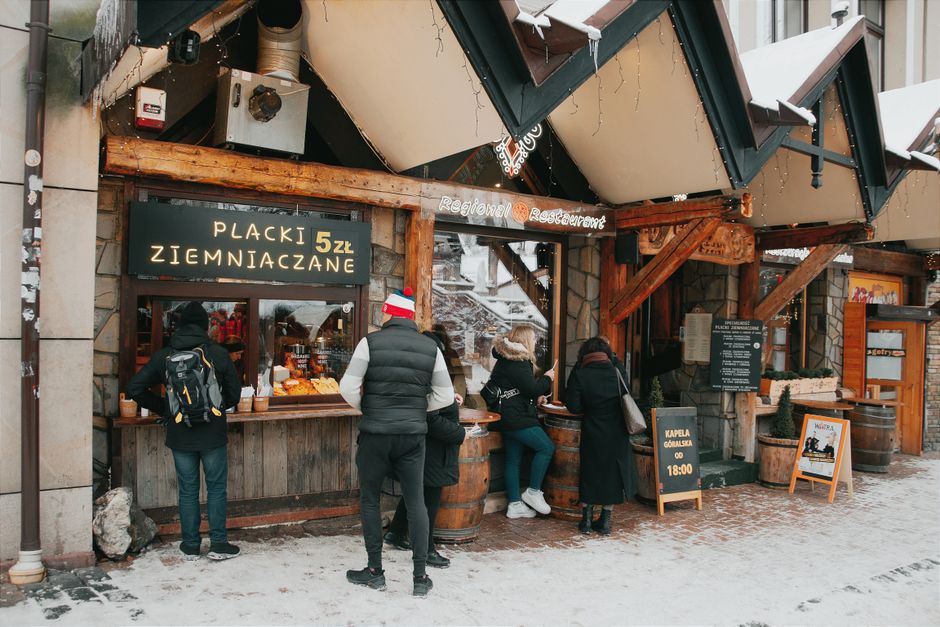
Generate a festive concept in Midjourney (e.g., "Christmas coffee shop banner with warm lights"), download the image, then import into DesignLumo. Prompt Lumo to "Add editable text layer: '12 Days of Coffee Deals – 20% off', keep brand fonts, and create a transparent CTA button." Export PNG for Etsy and Instagram. Holiday‑specific banners lift seasonal traffic by 35% when paired with a 48‑hour flash sale.
Event‑Specific Flyer Pack
Enter a single prompt in DesignLumo: "Create a set of three coordinated graphics – Etsy banner, Instagram story, and printable flyer – for a food truck pop‑up at the downtown market on July 15, using teal and orange branding." Lumo returns a multi‑page PSD; each page is already sized correctly. Export PNGs for digital use and PDF for print. Coordinated packs raise event RSVPs by 27% versus ad‑hoc designs.
Limited‑Time Offer Countdown Timer Graphic
Use DesignLumo to build a timer overlay: "Design a 400x400px circular countdown with brand colors, space for hours/minutes, and a subtle coffee bean pattern." Export as PNG with transparent background. In Etsy, place the timer as the first listing image and update the numeric layer daily in Lumo – no need to redesign. Countdown graphics create urgency, boosting sales velocity by 18% during flash promotions.
Before you go
- Batch‑create all seasonal assets at the start of the quarter; reuse them with minor text swaps to save 80% of design time.
- Always export layered PSDs from DesignLumo so you can tweak fonts or colors later without starting from scratch.
- Track each graphic’s performance in Etsy’s Stats (CTR, conversion) and iterate only on assets below a 2% CTR threshold.















Ready to create your first design?
Join thousands creating professional designs in seconds.
Create with DesignLumo
Related Resources
Mother's Day Restaurant Marketing & Design Playbook
Step-by-step tactics for restaurant owners to boost Mother's Day sales with AI-designed promos.
LinkedIn Content Playbook for Food Brands
Actionable LinkedIn post ideas for restaurants, cafés, and food trucks.
Restaurant Print Design Blueprint
Step‑by‑step AI and print tactics to create menus, flyers, and promos that boost restaurant sales.
Spring Launch Season Marketing & Design Guide
Actionable tactics for restaurants to dominate spring launches with AI‑powered design and zero budget.
Instagram Essentials for Food Brands
Tactical tools to dominate Instagram for restaurants and cafés.
Facebook Essentials for Food Brands
Actionable tools to dominate Facebook with zero‑design budget.