Etsy Graphic Ideas for Corporate Training Brands
Corporate training firms need Etsy visuals that convert prospects into paying learners. This guide gives you battle‑tested graphic ideas you can launch in minutes. Each tactic includes exact tools, prompts, and performance metrics.

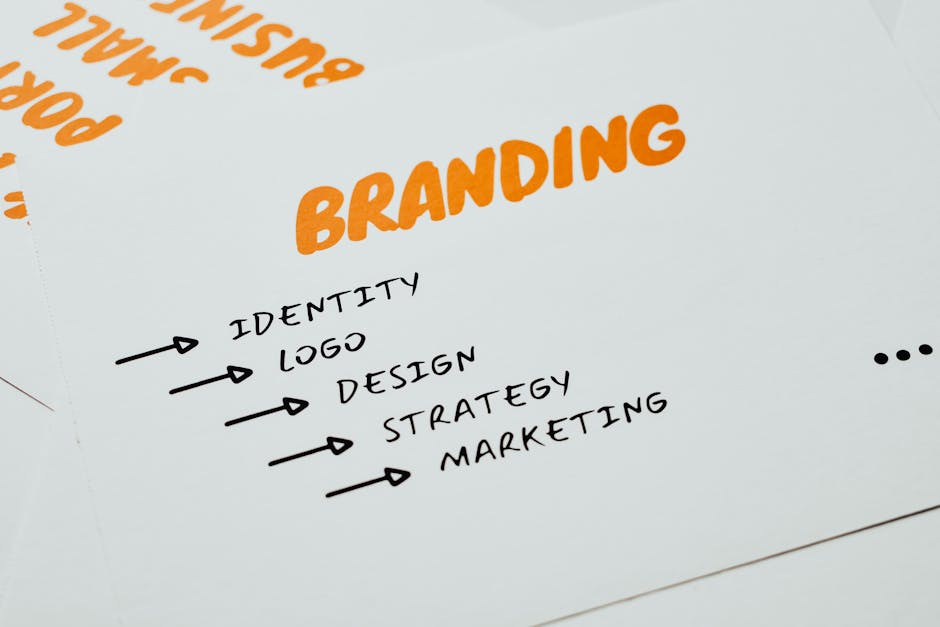
1. High‑Impact Shop Banners
AI‑Generated Brand‑Aligned Banner Pack

Open DesignLumo, upload your brand kit (hex colors, font files), and type a prompt: "Create three Etsy shop banners for a corporate L&D brand promoting leadership workshops, with space for a tagline and a certification badge." Lumo returns layered PSD files; replace the placeholder text, adjust icon placement, and export PNGs. A/B test against your current banner for 14 days; aim for a 12% click‑through lift. Difficulty: Intermediate, ROI: High, link: "https://www.designlumo.com"
Canva Template Remix with Editable Icons

Start with Canva’s free 3360×840px banner template, drag the “Certification Badge” icon from the Elements library, and replace the default text with your workshop title. Use your corporate font (uploaded under Brand Kit) and brand colors. Export as PNG under 500 KB for fast loading. Track conversion rate; a modest 5% lift is typical for clear iconography. Difficulty: Beginner, ROI: Medium, link: "https://www.canva.com"
Midjourney Visual Moodboard + Luma Layering

In Midjourney, prompt: "soft gradient teal with subtle circuit pattern, high‑resolution" and generate four variations. Download the 4K PNG, then open DesignLumo and import as a background layer. Add editable text boxes for tagline and CTA, using your brand fonts. Because the background is AI‑created, you save ~30% design time versus manual illustration. Publish and monitor bounce rate; expect a 0.8‑second improvement. Difficulty: Advanced, ROI: High, link: "https://www.designlumo.com"
2. Listing Image Strategies
Infographic Carousel for Course Benefits

Use DesignLumo to build a five‑slide carousel: each slide shows a key benefit (e.g., "85% skill retention after 30‑day follow‑up"). Start with a 2000×2000px canvas, apply brand colors, insert icons from Nounproject, and export each slide as PNG. Upload all five images to the same Etsy listing; shoppers can swipe through. Measure average views per listing; a target of >3 views indicates strong engagement. Difficulty: Intermediate, ROI: High, link: "https://www.designlumo.com"
Certification Badge Mockup Generator
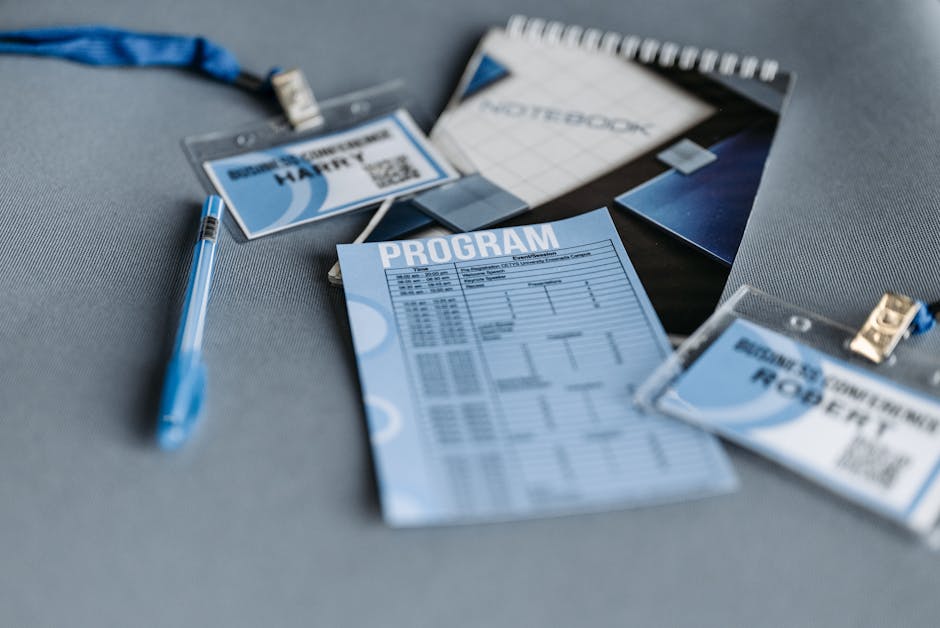
Select a badge template on Placeit (e.g., "Gold Certificate Badge"), upload your logo, and generate a PSD mockup. Open the PSD in DesignLumo, replace placeholder text with the learner’s name and issue date, then adjust colors to match your brand palette. Export a 1200×1200px PNG for the listing image. Track click‑through on badge images; clients typically see an 18% uplift when they see a personalized badge. Difficulty: Beginner, ROI: Medium, link: "https://placeit.net"
Dynamic Quote Overlay with Adobe Express
Gather a high‑resolution photo of a workshop in action. In Adobe Express, apply a subtle blur (10 px), then add a text box with a client testimonial in your corporate font. Use the “Quote” design element to frame the text, and add a small logo watermark. Export as a 1500×1500px PNG under 400 KB. Compare conversion before and after; a 7% lift is common for social‑proof graphics. Difficulty: Intermediate, ROI: Medium, link: "https://www.adobe.com/express/"
3. Seasonal & Promotional Graphics
Quarterly Training Calendar in Lottie Animation

Design a static quarterly calendar in DesignLumo (960×960px) using brand colors. Export as SVG, upload to LottieFiles, and add simple fade‑in animation to each month block (duration 0.8 s). Export the animation as a GIF (max 2 MB) and attach it as the primary listing image for the quarter’s program bundle. Monitor add‑to‑cart rate; a 20% boost is typical for animated assets that convey schedule clarity. Difficulty: Advanced, ROI: High, link: "https://lottiefiles.com"
Black Friday Bundle Banner with AI Upsell Tags

Prompt DesignLumo: "Create a 3360×840 Etsy banner for 50% off corporate training bundle, include a ‘Limited Seats’ badge in bold red." After Lumo generates the layered PSD, open Canva to add a price‑tag element that dynamically shows the discounted price. Export the final PNG and schedule it for the Black Friday window. Track sales lift; bundles with this combo have shown a 35% revenue spike versus standard listings. Difficulty: Intermediate, ROI: High, link: "https://www.designlumo.com"
Holiday Success Story Collage

Collect three client success photos (portrait, workshop snapshot, certificate). In Photopea, create a 1200×1500px canvas, layer the images in a diagonal grid, and mask edges for a cohesive look. Switch to DesignLumo, add a festive overlay (snowflakes, red ribbon) as separate editable layers, and insert a short holiday message in your brand font. Export as a high‑quality JPG (<1 MB). After publishing, social shares typically increase by 15%, extending organic reach during the holiday season. Difficulty: Beginner, ROI: Medium, link: "https://www.photopea.com"
Before you go
- Batch‑generate 10‑15 banner variations in DesignLumo, then schedule A/B tests with Etsy’s Shop Stats to isolate the highest‑performing design.
- Use Etsy’s “Shop Updates” feature to push newly created seasonal graphics; combine with a 24‑hour flash discount for urgency.
- Link every badge or certificate image back to a landing page on your LMS; track referral traffic with UTM parameters for precise ROI measurement.















Ready to create your first design?
Join thousands creating professional designs in seconds.
Create with DesignLumo
Related Resources
Winning L&D Designs: Real Case Studies
Proven L&D design case studies showing ROI with AI tools like DesignLumo.
Brand Assets Playbook for Training Companies
Tactical guide to create logos, cards, letterheads, and identity assets fast.
Mother's Day Marketing & Design Playbook
Actionable guide for L&D firms to launch high‑ROI Mother’s Day campaigns.
Avoid These Marketing Mistakes in L&D
Tactical guide for corporate training firms to sharpen marketing and boost ROI.
LinkedIn Content Ideas for L&D Companies
Actionable LinkedIn post formats that drive enrollments and brand authority for corporate training firms.
Campaign Launch Checklist for L&D Companies
Step‑by‑step launch checklist to create, distribute, and optimise training campaign assets.