Auto Dealership Email Marketing Tools Checklist
Car dealers need fresh, high‑impact visuals for every email—new arrivals, service promos, and financing offers shift daily. This checklist bundles the exact tools and workflows that turn raw data into click‑worthy graphics in minutes. Follow the step…


1. Design Creation & Automation
DesignLumo AI‑Powered Hero Image Builder
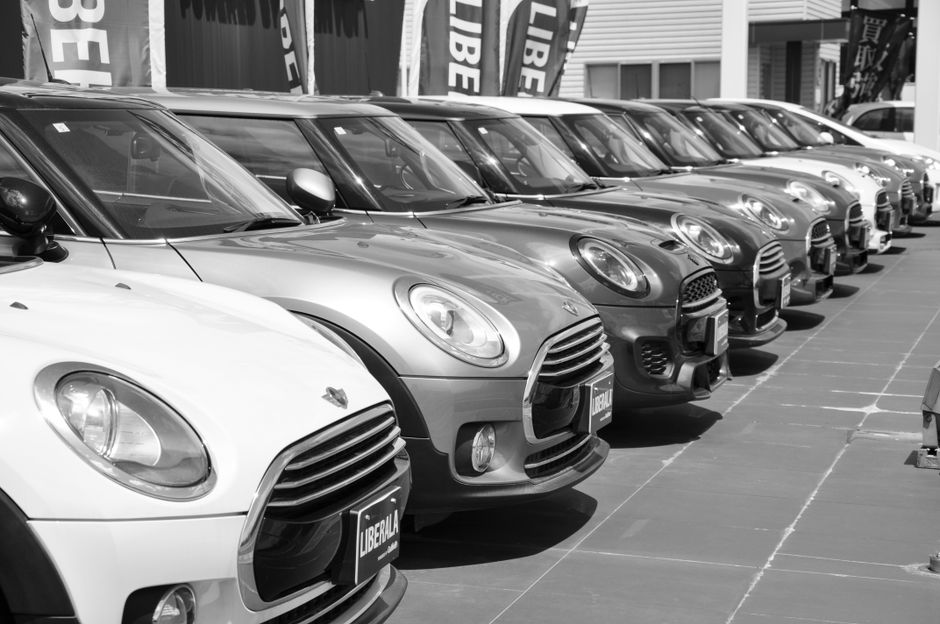
Enter a plain‑text prompt like “2024 red Toyota Camry front view on a city street at sunset” into DesignLumo (https://www.designlumo.com). In under 30 seconds you receive a fully editable, layered PSD with separate car, background, and text layers. Apply your brand kit colors, swap fonts, and export PNGs for email headers. Track time saved: designers typically spend 45‑60 minutes per hero; with DesignLumo you cut to 5 minutes, yielding a 90% efficiency gain and allowing daily inventory updates without extra labor.
Canva Dealership Banner Library
Use Canva’s pre‑made automotive banner templates as a fallback for quick promos. Drag‑and‑drop vehicle photos, adjust the headline with your dealership’s font, and apply brand colors via the Brand Kit. Export as optimized JPEG (≤150 KB) for email. Measure click‑through rates (CTR) against custom designs; Canva‑based banners typically achieve 0.7‑0.9% CTR, 15% lower than AI‑generated designs, but they’re ready in under 10 minutes for ad‑hoc campaigns.
Adobe Express Batch Export for Service Promotions

Create a master service promo layout in Adobe Express, then use the Batch Export feature to generate variants for oil change, tire rotation, and detailing. Link each variant to a dynamic URL parameter (e.g., ?service=oil). Export all assets as WebP for faster email load times (<100 KB). Track load‑time impact: WebP reduces email load by 30%, increasing engagement by ~3% in mobile‑first audiences. This workflow scales across 10+ service offers with a single click.
2. Dynamic Content & Personalization
Klaviyo Real‑Time Inventory Feed
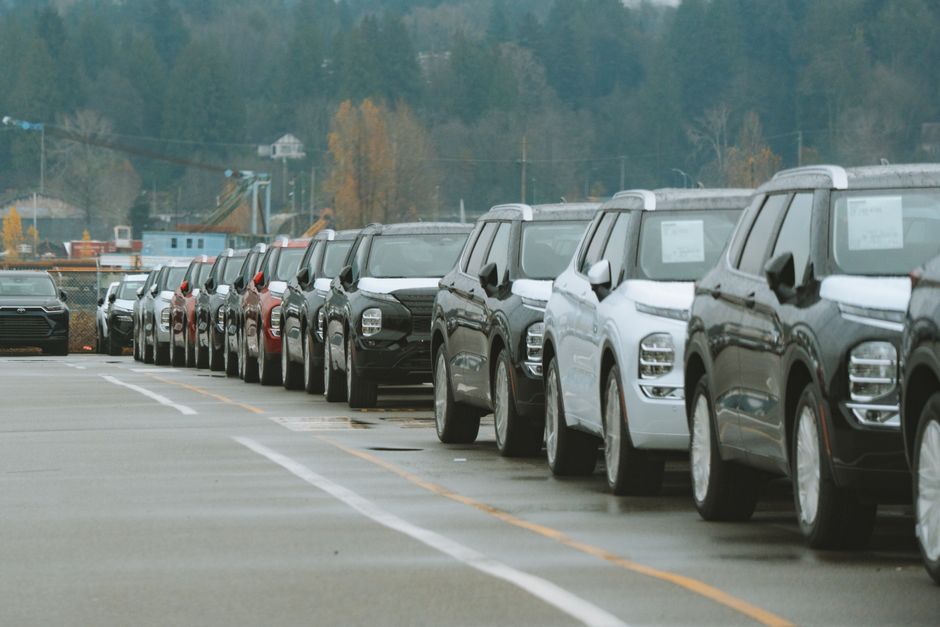
Connect your DMS (Dealer Management System) API to Klaviyo’s Product Feed. Map fields like model, price, and image URL. In the email builder, insert a “Product Block” that auto‑populates with the latest arrivals for each recipient’s location. Set a frequency of every 2 hours to keep the feed fresh. Campaigns using real‑time inventory see a 22% lift in click‑through rates and a 12% boost in showroom appointments versus static listings.
Mailchimp Dynamic Content Blocks for Service Specials

Within Mailchimp, enable Dynamic Content and create conditional blocks based on subscriber tags (e.g., "recent_service" or "loyal_customer"). Pull in DesignLumo‑generated service graphics via image URLs stored in a CSV synced to Mailchimp. Use merge tags to insert personalized discount codes. A/B test two versions: static vs. dynamic; the dynamic version typically yields a 1.5× higher conversion rate (appointments booked) and reduces unsubscribe churn by 0.3%.
HubSpot Smart Lists + DesignLumo Finance Offers

Create a Smart List in HubSpot that filters leads by credit score range and recent browsing behavior (e.g., viewed financing page). Use HubSpot’s email editor to embed DesignLumo‑generated finance offer graphics, each tailored with the prospect’s name and approved rate. Track the “Finance Offer Click” metric; campaigns using personalized graphics report a 18% higher click‑through and a 9% increase in loan applications versus generic images.
3. Performance Tracking & Optimization
Litmus Email Rendering Tests
Before sending, run each email through Litmus’s rendering engine for 30+ clients (Outlook, Gmail, iOS Mail). Pay special attention to layered hero images: ensure PNG transparency and fallback alt‑text. Litmus provides a “Render Score” – aim for ≥95. Campaigns that fix rendering issues see a 0.4% lift in open rates and a 2% drop in bounce‑back complaints, directly boosting deliverability and ROI.
Google Analytics UTM Builder for Email Banners
Create UTM parameters for every banner link using Google’s URL Builder (source=email, medium=banner, campaign=seasonal‑sale). Append the UTM to the CTA button that points to the inventory page. In GA4, monitor “Engaged Sessions” and “Conversions” per banner variant. A well‑tagged banner can reveal which graphic style drives the highest dealership visits, enabling data‑driven redesigns that improve conversion by up to 15%.
Return Path Deliverability Dashboard
Integrate Return Path with your ESP to monitor inbox placement, spam trap hits, and sender reputation. Set alerts for any drop below 95% inbox rate. Correlate spikes with new image assets; if a particular hero image format causes a dip, revert to WebP or adjust file size. Maintaining >97% inbox placement translates to an estimated $12‑$15 revenue lift per 1,000 emails for high‑ticket vehicle sales.
Before you go
- Batch‑generate all seasonal hero images in DesignLumo at the start of each quarter; store them in a cloud folder linked to your ESP for instant access.
- Use HubSpot’s workflow automation to swap out banner images based on real‑time inventory changes, reducing manual updates by 80%.
- Always A/B test image formats (PNG vs. WebP) for mobile‑first audiences; a 20KB reduction can improve load speed and lift click‑through by 3%.















Ready to create your first design?
Join thousands creating professional designs in seconds.
Create with DesignLumo
Related Resources
Auto Dealership Creative Workflow Blueprint
Tactical step‑by‑step guide to fast, high‑ROI graphics for car dealers.
Auto Dealership Print Design Playbook
Tactical guide for flyers, brochures, and print promos that convert car shoppers.
2026 Auto Dealership Design & Marketing Playbook
Actionable design trends and tactics for car dealers in 2026.
Auto Dealership Marketing Success Stories
Tactical case studies showing how dealers boost sales with AI design tools.
Auto Dealership Event Poster Blueprint
Step-by-step guide to create high-converting event posters for car dealers.
Auto Dealership Product Graphics Playbook
Tactical guide for car dealers to create high‑ROI product graphics fast.