Email Design Playbook for Music Schools
Music and art schools need email visuals that convert parents and students into paying customers. This guide delivers battle‑tested graphic ideas you can roll out this quarter. Each tactic includes exact tools, prompts, and performance metrics.

1. Hero Image Strategies
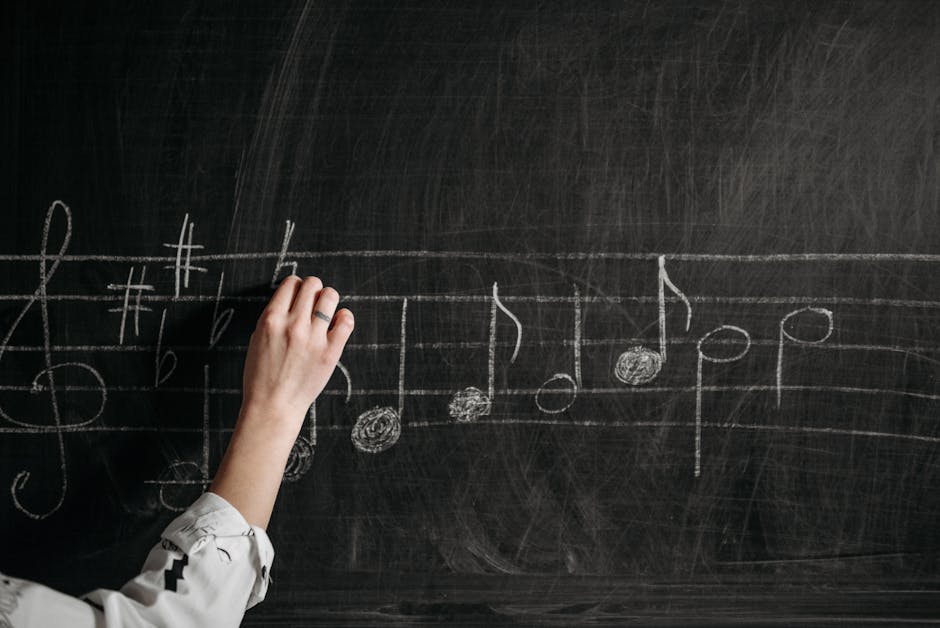
Seasonal Recital Countdown Hero
Prompt DesignLumo: "Create a 600x300 email hero for a winter piano recital, teal and gold palette, include a transparent placeholder for a live countdown timer, layered PSD ready for editing." Export the PSD, drop the timer widget from Mailchimp or Klaviyo, and add a UTM‑tagged CTA button. Test with A/B: static hero vs countdown hero; aim for a 15% lift in open rate and 8% lift in click‑through. Tools: DesignLumo (https://www.designlumo.com), Mailchimp, Photoshop. Difficulty: Intermediate. ROI: High.
Parent‑Focused Summer Camp Banner

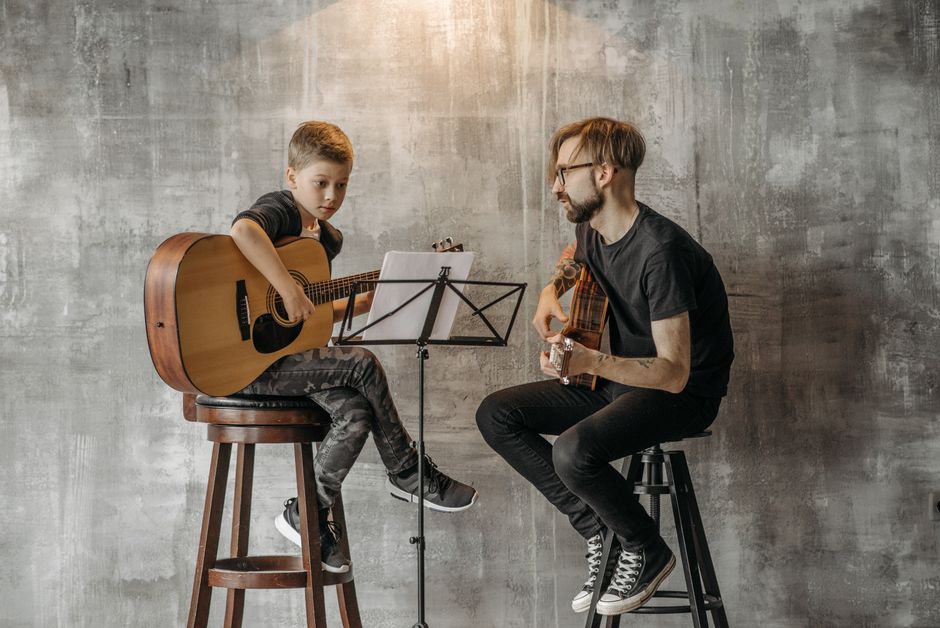
Start with Canva’s "Summer Camp" template, replace the background with a custom illustration generated in Midjourney (prompt: "vibrant watercolor summer music camp, children with instruments, pastel colors"). Upload the image to DesignLumo, ask for a layered 600x200 banner with editable text boxes for dates, early‑bird discount, and brand colors. Export as PNG for the email, then embed a 10‑second GIF of confetti using Adobe Express. Track conversion with a unique promo code; expect a 12% boost in ticket sales. Difficulty: Beginner. ROI: Medium.
Student Spotlight Carousel Hero
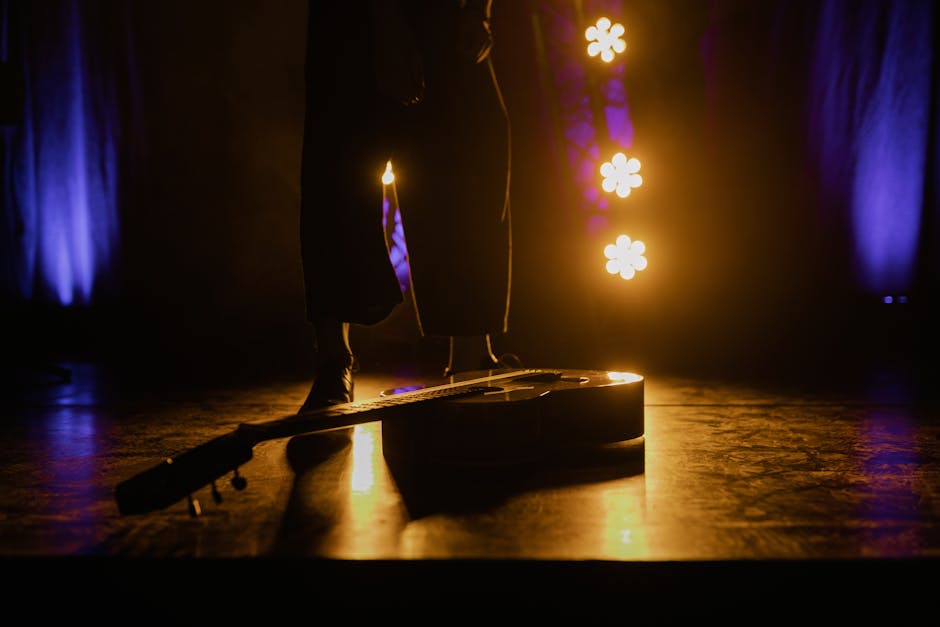
Generate a high‑resolution stage background in Midjourney (prompt: "spotlight on young violinist, dark theater, soft golden glow"). Feed the image into DesignLumo and request three layered slides: slide 1 – student name & instrument, slide 2 – short testimonial, slide 3 – CTA to book a trial lesson. Export each slide as PNG, upload to your ESP’s carousel block, and set a 3‑second auto‑rotate. Measure engagement via slide‑view metrics; aim for a 20% increase in trial sign‑ups. Difficulty: Advanced. ROI: High.
2. Newsletter Header Tactics
Instructor Spotlight Header
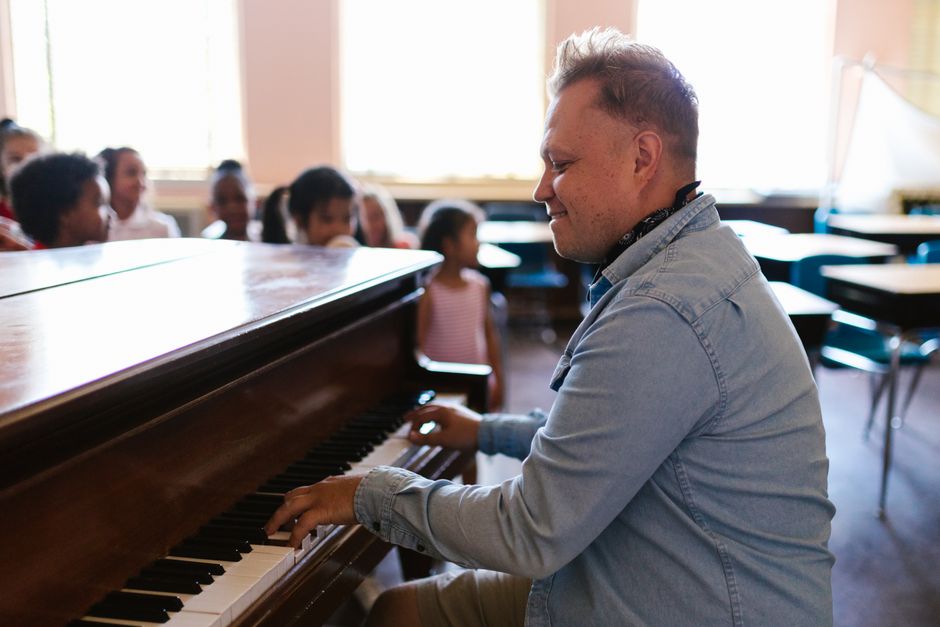
Use DesignLumo to produce a 800x150 header with a split‑screen layout: left side a portrait (prompt: "friendly jazz piano teacher, studio background, natural light"), right side editable text for bio and a "Book a Lesson" button. Export as layered PSD, then replace the portrait with the actual teacher’s photo in Photoshop to keep the brand style consistent. Include a subtle animation via GIF for the button hover state. Open‑rate lift target: +9%. Tools: DesignLumo, Photoshop, Mailchimp. Difficulty: Intermediate. ROI: Medium.
Instrument Sale Header
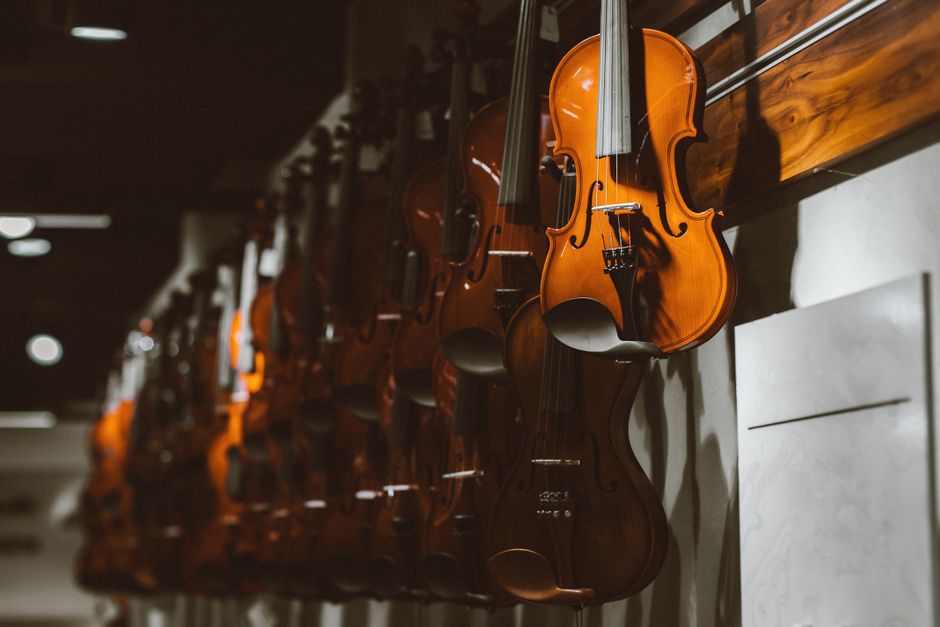
Create a bold 800x150 header in Canva using the "Black Friday Music Gear" template. Replace the generic guitar graphic with a custom illustration from DesignLumo (prompt: "realistic acoustic guitar with price tag, neon outline, school brand colors"). Add a dynamic price badge using Adobe Express that updates automatically via an RSS feed of inventory. Include UTM parameters on the CTA link to track revenue. Expected ROI: 5% increase in accessory sales per newsletter. Difficulty: Beginner. ROI: Low.
Alumni Success Story Header
Generate a cinematic background in Midjourney (prompt: "graduated violinist performing on stage, spotlight, audience silhouettes"). Upload to DesignLumo and ask for a header with layered text fields for the alumnus name, graduation year, and a CTA "Read Their Journey". Export as PNG for the email, then embed a hidden HTML tag that triggers a 2‑second video preview on hover (hosted on Vimeo). Track click‑throughs; aim for a 13% lift in blog traffic. Difficulty: Advanced. ROI: High.
3. Drip Campaign Graphic Systems
Welcome Series Welcome Graphic
In DesignLumo, prompt: "Create a 600x400 welcome email graphic for a music school, pastel palette, include space for personalized name, friendly mascot playing a ukulele, brand logo in top‑right corner, layered PSD". After export, use your ESP’s personalization tag to inject the student’s first name into the text box automatically. Add a subtle bounce animation via CSS. Measure first‑email open rate; goal is 25% higher than baseline. Difficulty: Beginner. ROI: High.
Abandoned Cart Reminder Graphic

Design a 600x250 reminder banner in Canva using the "Cart Abandonment" template, then replace the generic instrument image with a DesignLumo‑generated close‑up of a violin bow (prompt: "high‑detail violin bow, warm lighting, school colors"). Layer a red “Complete Your Purchase” button with a dynamic countdown timer added in Mailchimp’s content block. Track recovery rate; aim for a 7% lift in completed sales. Difficulty: Intermediate. ROI: Medium.
Post‑Recital Feedback Graphic
After each recital, send a feedback email with a custom graphic created in DesignLumo: prompt for a 600x300 layout featuring a stage silhouette, overlay text "We value your feedback", and a QR code placeholder linked to Google Forms. Export as PNG, embed the QR code generated in QRCode Monkey, and set a 48‑hour expiration. Monitor response rate; target a 15% increase over plain‑text requests. Difficulty: Advanced. ROI: Low.
Before you go
- Always export designs as layered PSD from DesignLumo; it lets you swap photos or copy text without re‑creating the whole asset.
- Add UTM parameters to every CTA button in emails; combine with Google Analytics to attribute revenue to specific graphic ideas.
- Run weekly A/B tests on hero vs. header variations; even a 2% lift in open or click rates compounds dramatically over a large subscriber list.















Ready to create your first design?
Join thousands creating professional designs in seconds.
Create with DesignLumo
Related Resources
Spring Launch Playbook for Music & Art Schools
Actionable spring marketing tactics to fill classes, sell tickets, and boost revenue.
Etsy Essentials: Marketing Tools for Music Schools Success
Actionable Etsy design tools to boost banners, listings, and seasonal promos for music and art schools.
Pinterest Playbook for Music & Art Schools
Tactical Pinterest strategies to fill classes, sell tickets, and grow your creative school.
Instagram Toolkit for Music & Art Schools
Essential Instagram tools and workflows to boost music & art school enrollment.
Twitter/X Content Playbook for Music Schools
Tactical Twitter/X graphics ideas to boost music school enrollment and events.
Product Graphics Playbook for Music Schools
Actionable guide to AI‑powered product graphics that sell music & art school services.