Manufacturing Email Design Ideas that Convert
Manufacturers need email assets that speak to procurement managers, distributors, and OEM partners. Static templates waste time and dilute brand impact. This guide delivers proven, AI‑driven graphics that you can edit on the fly and ship at scale.


1. Hero Image Strategies
Dynamic Product Showcase Hero
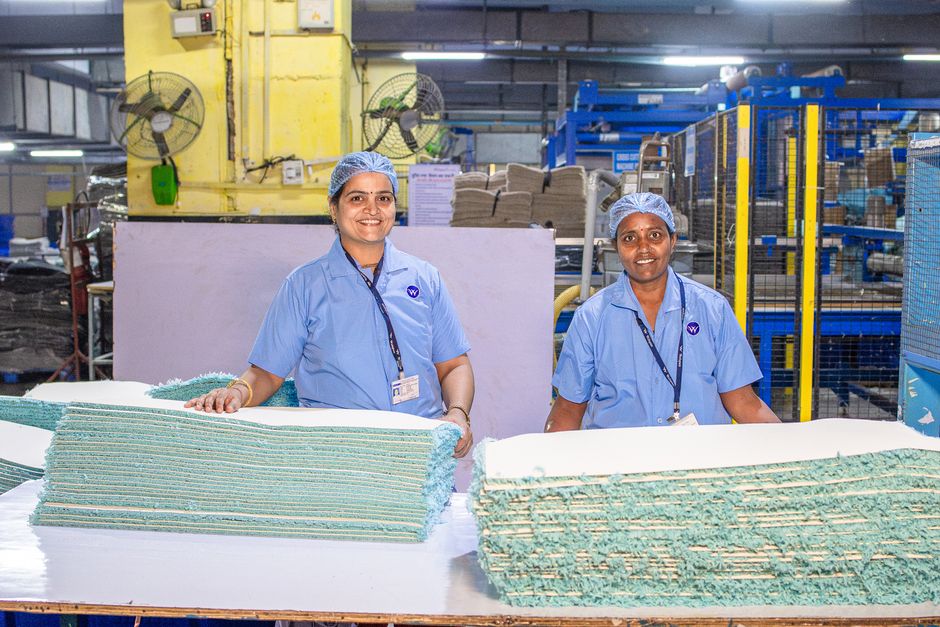
Start with a high‑resolution product photo (minimum 1500 px wide). Prompt DesignLumo (https://www.designlumo.com) with: “Create a 600 × 300 email hero featuring the product centered, a semi‑transparent spec overlay on the left, and a bold CTA button on the right in brand colors.” The AI returns fully layered PSD files: background, product layer, text, button, and brand‑kit colors. Export a web‑optimized PNG, embed in your ESP, and set up an A/B test against a plain image. Aim for a 2‑3 % CTR lift; track via UTM parameters. Refine font size and button contrast based on heat‑map data from Hotjar.
Certification Badge Overlay Hero
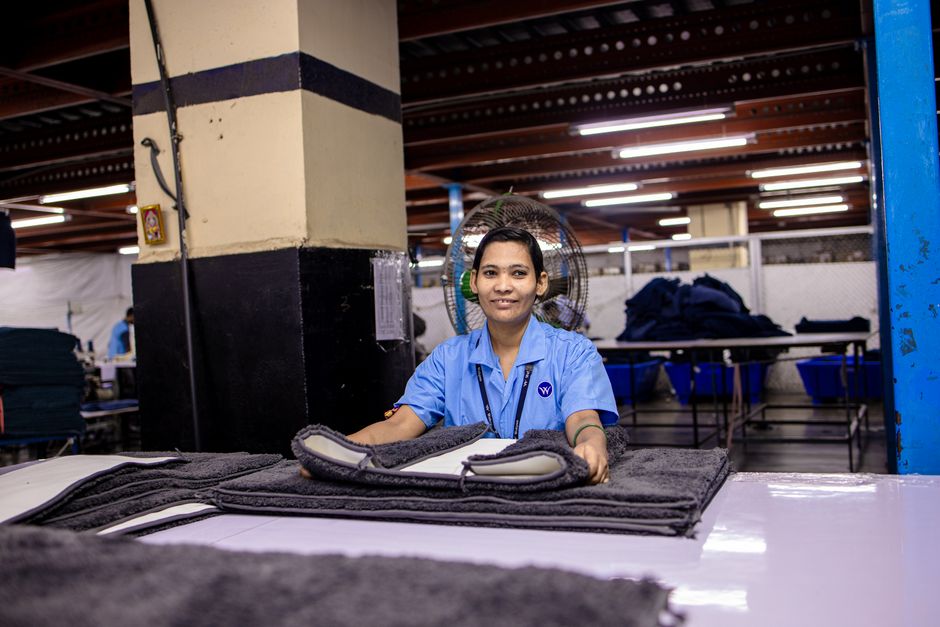
Procurement teams trust certifications. Use Canva’s badge library to download an ISO 9001 or AS9100 vector, then open it in DesignLumo. Replace the static badge with an editable layer so you can swap certifications per campaign without redesign. Position the badge in the top‑right corner, add a 2‑line headline (“Certified Quality for Your Supply Chain”) using your brand font, and include a 5‑second animated pulse effect (export as GIF). Deploy to your email list and monitor open‑rate changes; certifications typically add 1.5 % to opens when highlighted in the hero.
Trade Show Teaser Hero

Generate a futuristic expo‑floor backdrop with Midjourney (prompt: “high‑tech manufacturing trade show hall, neon lighting, 4K”). Upscale the image, then import into DesignLumo. Add a cut‑out of your flagship machine (PNG with transparent background), a bold date overlay (“June 12‑15, Frankfurt”), and a CTA button linked to a registration landing page. Export as a 600 × 300 PNG and embed UTM‑tagged links. In a 3‑day drip, measure click‑through; trade‑show teasers often achieve 3 % CTR when visual intrigue is combined with a clear CTA.
2. Newsletter Header Tactics
Capability Infographic Header
Create a 600 × 200 header that visualizes core capabilities (e.g., “5 µm tolerance, 24‑hr turnaround”). In DesignLumo, select your brand kit, then add three vertically stacked icon‑plus‑text blocks using AI‑generated vector icons (prompt: “minimalist CNC icon”). Assign each block a distinct brand color for quick scanning. Export as PNG and place at the top of your monthly newsletter. Track scroll depth via Litmus; a well‑designed header can increase time‑in‑email by 5 % and improve downstream click‑through to capability pages.
OEM Partner Spotlight Header
Pull the OEM partner’s logo (SVG preferred) and open it in Adobe Express to apply a subtle gradient overlay that matches your brand hue. Export the logo, then import into DesignLumo to add editable copy (“Partnering with XYZ for Advanced Automation”). Use the brand‑kit fonts and set the text opacity to 85 % for a cohesive look. Insert the header into your partner‑focused newsletter and monitor referral clicks; partner spotlights typically lift referral traffic by 2 % when the header is visually aligned with both brands.
Seasonal Production Calendar Header
Maintain a Google Sheet with monthly production capacity and key cut‑off dates. Use Zapier to push the sheet data to DesignLumo’s API (POST /generate) with a prompt: “Create a 600 × 200 calendar header showing month name, capacity bar, and cut‑off date badge in brand colors.” The AI returns a layered PSD that you can batch‑render for each month. Automate the upload to Mailchimp via its API, so each campaign pulls the current month’s header automatically. This reduces manual design time by ~80 % and improves relevance, driving a 10 % lift in click‑through on schedule‑sensitive offers.
3. Drip Campaign Graphic Playbooks
Lead Nurture Product Stack Carousel

Design a 5‑slide carousel that walks prospects through a product family (e.g., “From prototype to mass production”). In DesignLumo, prompt: “Generate five 600 × 400 slides, each showing a different machine model with specs overlay, brand colors, and a CTA ‘Learn More’ button.” Export each slide as PNG, then combine into an animated GIF or use the ESP’s carousel feature. Track conversion from the carousel click to the product page; a well‑crafted carousel often adds 4 % to the overall nurture conversion rate.
Contract Renewal Reminder Banner
Start with a simple renewal banner template in Canva (size 600 × 150). Add a placeholder for the contract end date. Import the design into DesignLumo to convert the date field into an editable text layer. Connect DesignLumo to your CRM via Zapier so the field auto‑populates per contact. Insert the banner into a renewal drip email, and A/B test subject lines (“Your contract expires soon” vs. “Renew now for continued supply”). Expect a 10 % uplift in renewal‑click rates when the banner is personalized and editable.
Supply Chain Transparency Timeline
Map the order journey (Order → Production → QA → Shipment) using a horizontal timeline. Prompt DesignLumo: “Create a 800 × 200 timeline graphic with four icons, each labeled, using brand colors, and a hover‑over tooltip placeholder.” Export as layered SVG, then embed in an email using an interactive PDF link (hosted on your site). Track click‑through on the PDF; customers who see transparent timelines reduce support tickets by up to 15 % and increase order‑value confidence, delivering high ROI on the graphic effort.
Before you go
- Batch‑generate all hero assets in DesignLumo, then store the layered files in a shared library for instant reuse across campaigns.
- Always embed UTM parameters in graphic CTA links and monitor performance in Google Analytics to quantify each asset’s contribution.
- Leverage your brand kit in DesignLumo so color and font changes propagate automatically, guaranteeing brand consistency without manual edits.















Ready to create your first design?
Join thousands creating professional designs in seconds.
Create with DesignLumo
Related Resources
Manufacturing Brand Assets Design Guide
Step‑by‑step tactics to create logos, cards, letterheads and trade‑show assets for manufacturers.
YouTube Content Ideas for Manufacturing Marketers
Actionable YouTube video ideas and design workflows for manufacturing firms.
Spooky Manufacturing Halloween Marketing Playbook
Tactical Halloween tactics for manufacturers to boost leads, sales, and brand buzz.
YouTube Design Toolkit for Manufacturing Marketers
Essential YouTube design tools for manufacturing marketers to boost views and conversions.
Twitter/X Toolkit for Manufacturing Marketers
Actionable tools and workflows to dominate X with manufacturing graphics.
Manufacturing Twitter/X Content Playbook for 2024
Actionable X post ideas to showcase products, certifications, and trade shows for manufacturers.