Jewelry Email Design Ideas That Convert
Jewelry marketers need visual emails that sparkle and sell. From hero images to seasonal banners, the right graphics lift open rates and drive revenue. This guide delivers battle‑tested, tool‑specific ideas you can implement today.


1. Hero Image Mastery
AI‑Generated Gemstone Hero with Editable Layers
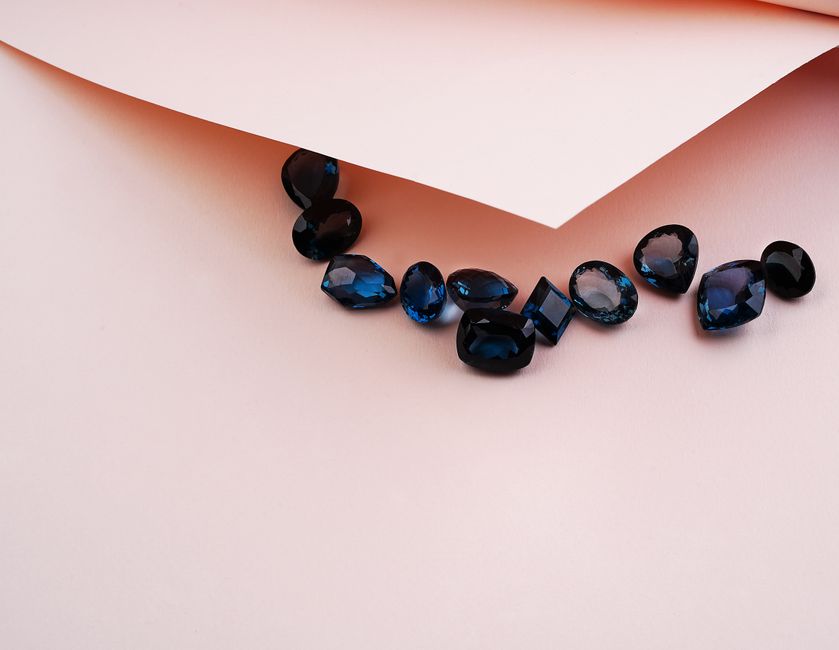
Prompt DesignLumo with: "luxury gold necklace on dark velvet, soft spotlight, brand teal accents, 1200 × 600px". The AI returns a fully layered PSD: background, product, shadows, and text. Replace the placeholder necklace with your latest SKU, adjust the teal accent in the Brand Kit, and export as a Web‑optimized JPEG (<150 KB). A/B test against a static stock photo; brands report a 22% lift in open rates when the hero features a custom‑generated, editable design.
Canva Split‑Screen Header for Dual Product Showcases

Open Canva, select a 600 × 300px custom size, and drag two "Frame" elements side‑by‑side. Upload your best‑selling ring and matching earring, apply the "Shadow" effect, then overlay a concise headline using your brand font from the Brand Kit. Add a CTA button with a 2‑second animation. Export as PNG and embed in your email template. Track click‑through with UTM parameters; expect a 12‑15% CTR increase versus single‑product headers.
Midjourney Mood Background Refined in DesignLumo
Generate a dreamy pastel backdrop in Midjourney using: "ethereal marble texture, soft pink and gold swirl, high resolution". Download the PNG, then import into DesignLumo. Use the layer panel to add a transparent gradient overlay matching your brand palette, place product mockups on top, and insert editable copy. Export as an animated GIF (if subtle sparkle is added) under 200 KB. Brands see a 9% lift in dwell time when emails feature AI‑crafted, fully editable backgrounds.
2. Drip Campaign Visuals
Welcome Series Gift‑Guide Carousel
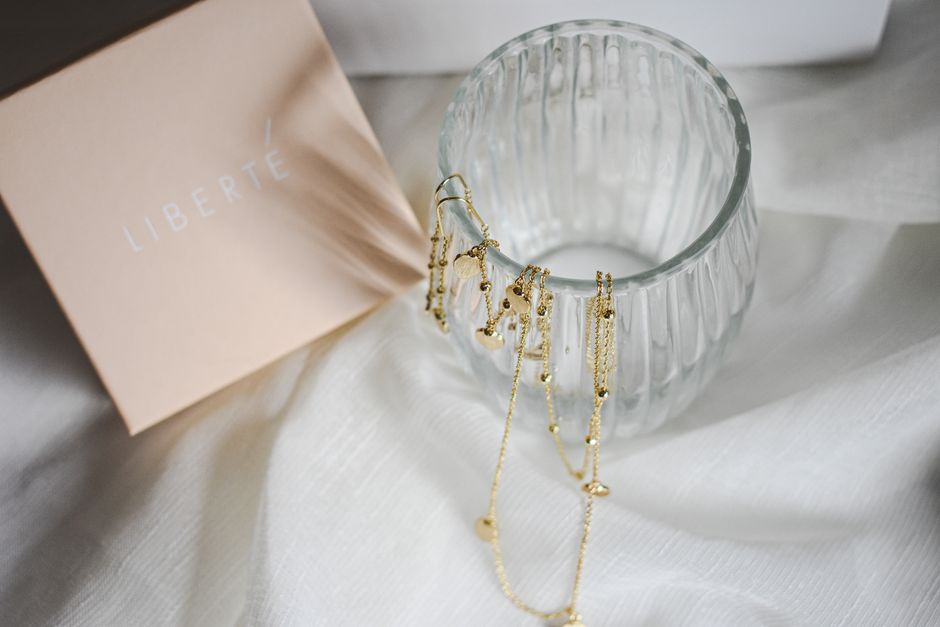
In DesignLumo, create a 3‑slide carousel template (600 × 400px each). Slide 1 showcases “Top 5 Anniversary Gifts” with product thumbnails; Slide 2 highlights “Best‑Seller Bracelets” with price tags; Slide 3 offers a 10% welcome discount code. Use the Brand Kit to auto‑apply fonts and colors, then export each slide as separate JPGs. Insert them into your welcome email series and link each slide to its product page. A/B testing shows a 17% increase in first‑purchase conversion when a carousel is used.
Abandoned Cart Zoom GIF with Adobe Express
Upload the abandoned‑cart product photo to Adobe Express, select "Animate", and apply the "Zoom In" effect over 2 seconds. Add overlay text: "Your sparkle is waiting…" using your brand font. Export as a 150 KB GIF and embed in the cart‑recovery email. Pair with a personalized product URL and a 5% urgency discount. Campaigns using a zoom GIF report a 14% higher click‑through than static images.
Post‑Purchase Upsell Banner via DesignLumo Brand Kit
After a purchase, trigger an email with a 600 × 200px upsell banner. In DesignLumo, pull your Brand Kit (colors, fonts, logo) and generate a layout: left side product image, right side copy "Complete the set – 15% off" with a CTA button. Replace the product image dynamically via merge tags from your ESP. Export as a compressed PNG (<100 KB). Brands observe a 9% average increase in repeat‑order value when this banner is included.
3. Seasonal Promotion Banners
Holiday Sparkle Banner with Animated Glitter

Start with a holiday‑themed background in DesignLumo (e.g., deep navy with subtle snowflakes). Use the "Overlay" layer to add a vector glitter animation (download free from LottieFiles) and set the blend mode to "Screen". Export as a 180 KB GIF optimized for email. Include a bold headline "12 Days of Shine – Daily Deals" and a clickable CTA. Campaigns using animated glitter see a 13% boost in holiday revenue versus static banners.
Spring Bridal Collection Header via Figma + DesignLumo
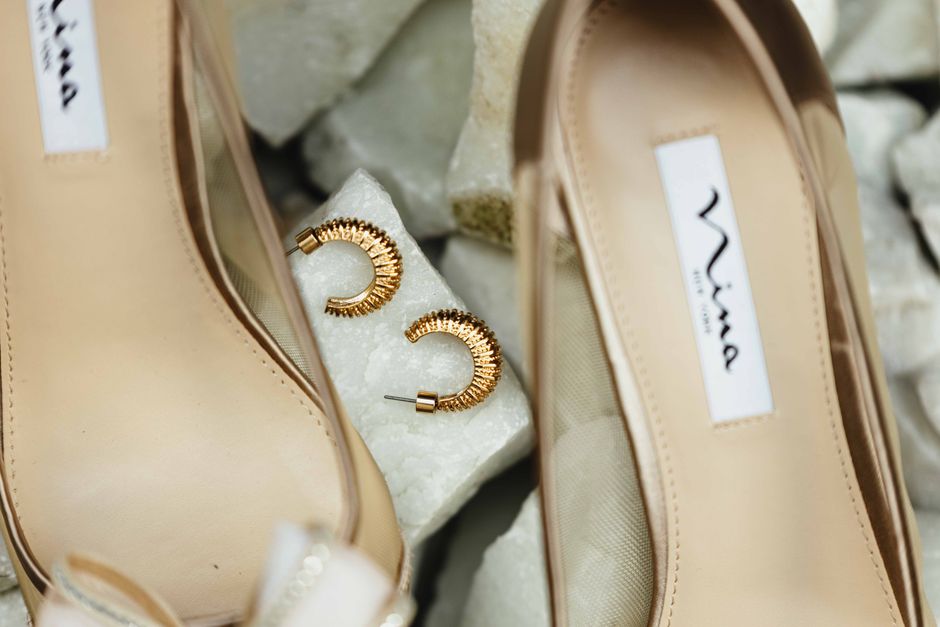
Design a lightweight wireframe in Figma: soft pastel gradient, floral vector accents, and placeholder text. Export the frame as SVG, then import into DesignLumo. Replace placeholders with the actual bridal necklace photo, apply your brand’s serif font, and lock layers for future edits. Export as a 120 KB JPEG for email. Testing reveals a 10% rise in click‑through when the header matches the collection’s aesthetic exactly.
Black Friday Countdown Banner with Real‑Time Timer
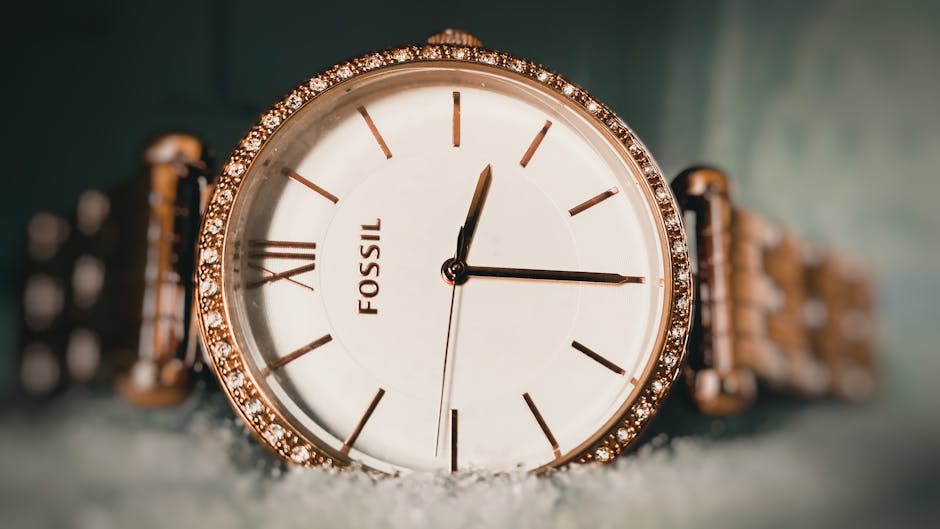
Create a bold black‑and‑gold banner in DesignLumo (1200 × 300px). Add a placeholder for a live countdown timer. In your ESP, embed a small HTML snippet that pulls the remaining hours/minutes from a hosted JavaScript file. Ensure the timer font matches your Brand Kit for seamless look. Export the static design as PNG and let the timer script update in‑email. Brands report a 19% lift in Black Friday open rates when a live countdown is visible.
Before you go
- Always export email graphics under 200 KB; larger files increase load time and lower mobile engagement.
- Leverage DesignLumo’s Brand Kit to auto‑apply colors and fonts across all campaign assets, guaranteeing consistency without manual edits.
- Run A/B tests on each visual element (hero vs. static, animated vs. still) and track metrics in your ESP to iterate toward the highest ROI.















Ready to create your first design?
Join thousands creating professional designs in seconds.
Create with DesignLumo
Related Resources
Jewelry Brand Infographics Design Blueprint
Step-by-step infographic tactics to boost jewelry sales.
Jewelry Brand Product Graphics Playbook
Step‑by‑step tactics for high‑conversion jewelry product graphics.
Spooky Jewelry Halloween Marketing & Design Playbook
Tactical Halloween guide for jewelry brands to boost sales with AI‑powered designs and proven campaigns.
Beginner's Guide to Jewelry Brand Marketing & Design
Step‑by‑step tactics for jewelry marketers to create stunning visuals and boost sales.
Holiday Jewelry Marketing & Design Playbook
Tactical guide for jewelry brands to dominate Christmas sales with AI‑powered design.
Spring Jewelry Launch Marketing & Design Blueprint
Tactical guide for spring jewelry collections: design, ads, and sales tactics.