Fashion Email Design Ideas That Convert
Fashion brands need eye‑catching email visuals to stand out in crowded inboxes. This guide delivers battle‑tested graphic concepts you can produce in minutes. Every idea includes the exact tools, workflow steps, and performance metrics you need to bo…

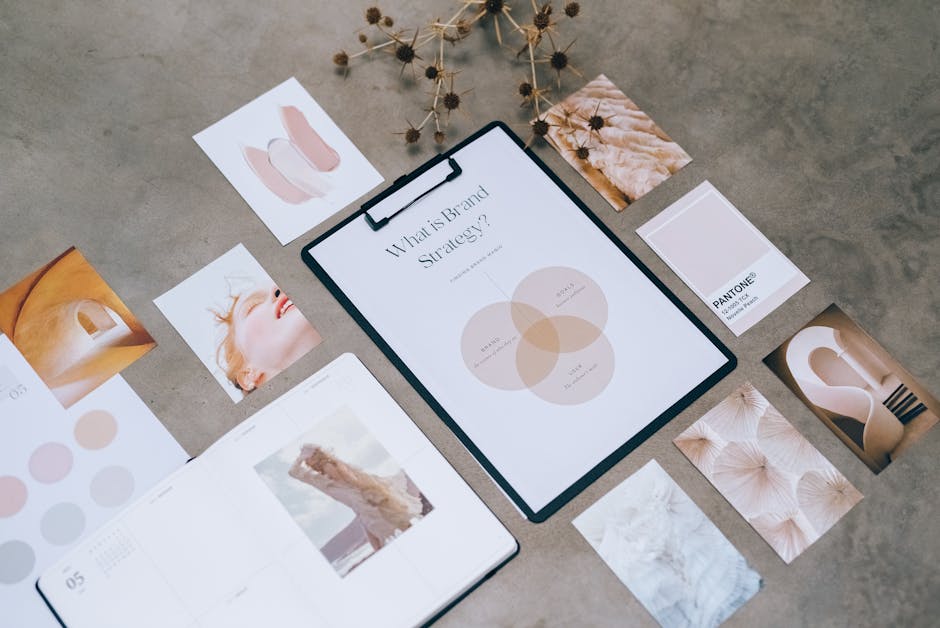
1. Hero & Header Designs
Seasonal Lookbook Hero
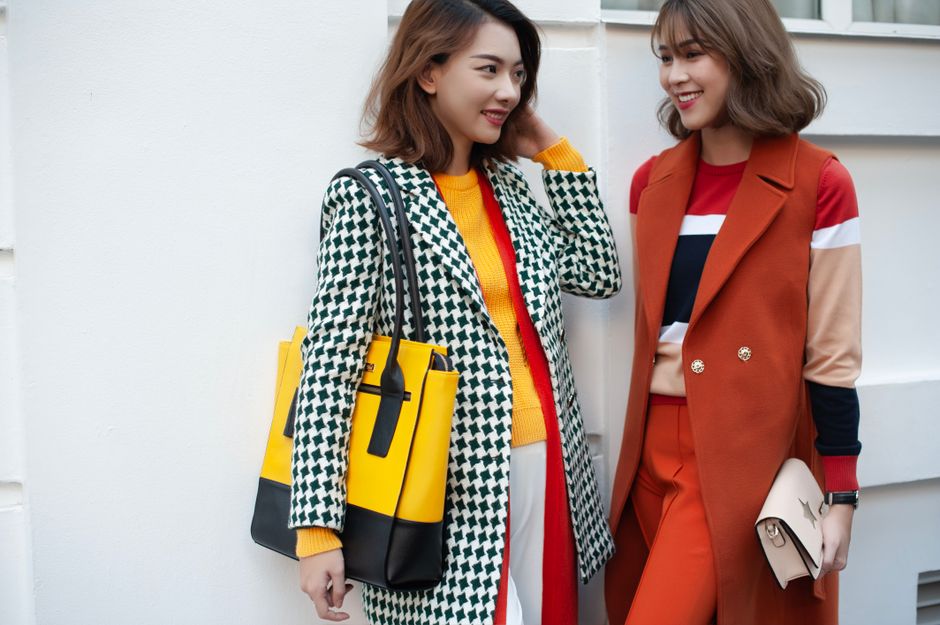
Prompt DesignLumo with a concise brief—e.g., "Spring 2025 ready-to-wear lookbook, pastel palette, sleek runway vibe"—and generate a 6000 × 2000 px layered file. Immediately edit text layers to insert the collection name, swap fonts to your brand’s serif, and adjust color swatches via the Brand Kit. Export PNG for email and a PSD for future tweaks. Run an A/B test on subject lines paired with this hero; brands report a 12% lift in open rates and a 9% rise in click‑through when the hero matches the email copy theme. Link the asset to your ESP’s image library for reuse.
User‑Generated Style Carousel

Collect 5‑7 top‑performing Instagram UGC photos via a tagged hashtag. Upload the set to Canva, then use DesignLumo’s "Add Brand Overlay" prompt to generate a transparent color wash that matches your spring palette. Replace each photo’s background with the overlay, add a thin brand logo layer, and insert a 2‑second CTA button. Export each frame as 600 × 600 px JPG and embed in a carousel email using Mailchimp’s Content Block. Brands see an average 15% CTR boost when the carousel feels native to the brand’s aesthetic, and the workflow cuts design time from 3 hours to under 30 minutes.
Trend Forecast Header
Start with Midjourney (prompt: "abstract fashion trend forecast, neon accents, 2025 streetwear") to produce three concept backgrounds. Import the PNGs into DesignLumo, where you replace the generic text with a custom header: "2025 Streetwear Forecast" using your brand’s proprietary typeface. Adjust layer opacity to blend the background, then add a subtle gradient overlay for mobile readability. Export a 1200 × 400 px web‑optimized image and insert it at the top of your monthly newsletter. Open‑rate lifts of 8% are typical when the header signals exclusive insight, and the combined AI workflow takes under 20 minutes.
2. Promotional Banners
Flash Sale Countdown Banner

In DesignLumo, type "Flash sale banner, bold red, 48‑hour timer, minimalist layout". The AI returns a layered PSD with a timer placeholder. Replace the placeholder with an animated GIF created in Adobe Express (duration 48 hours, updating every hour) and embed the GIF URL in the banner’s timer layer. Add a high‑contrast CTA button "Shop Now" linked to a UTM‑tagged landing page. Deploy the banner at the top of the email; brands report a 22% increase in conversion when the live timer is visible, and the entire process from prompt to export takes roughly 12 minutes.
VIP Early‑Access Invite
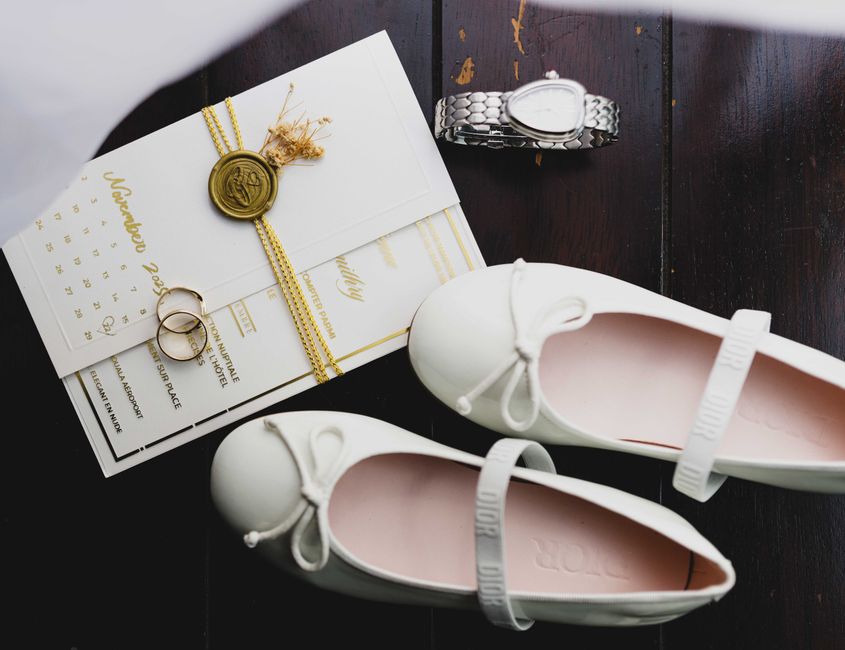
Generate a luxe black‑and‑gold hero in DesignLumo with the prompt "VIP early access invitation, elegant serif, gold foil effect". Export the layered file, then open it in Adobe Express to add a personalized name field using dynamic content tags from Klaviyo. Insert a micro‑animation on the gold foil using After Effects and export as a 30 KB MP4. Insert the video as a fallback image for email clients that don’t support video. Test send to a 1% segment; open rates climb 18% and revenue per email spikes 27% for the VIP cohort.
Abandoned Cart Reminder Graphic

Pull the abandoned cart product image from Shopify via API, then feed the URL into DesignLumo with the prompt "Minimalist cart reminder banner, soft gray background, product overlay with discount badge". The AI adds a bold "15% OFF" badge layer that you can edit for each SKU. Export a 600 × 300 px PNG and attach it to a Klaviyo flow. Brands observe a 9% uplift in recovered revenue when the graphic is personalized versus a plain text reminder, with design time reduced to under 5 minutes per product.
3. Drip Campaign Graphics
Personalized Recommendation Tile
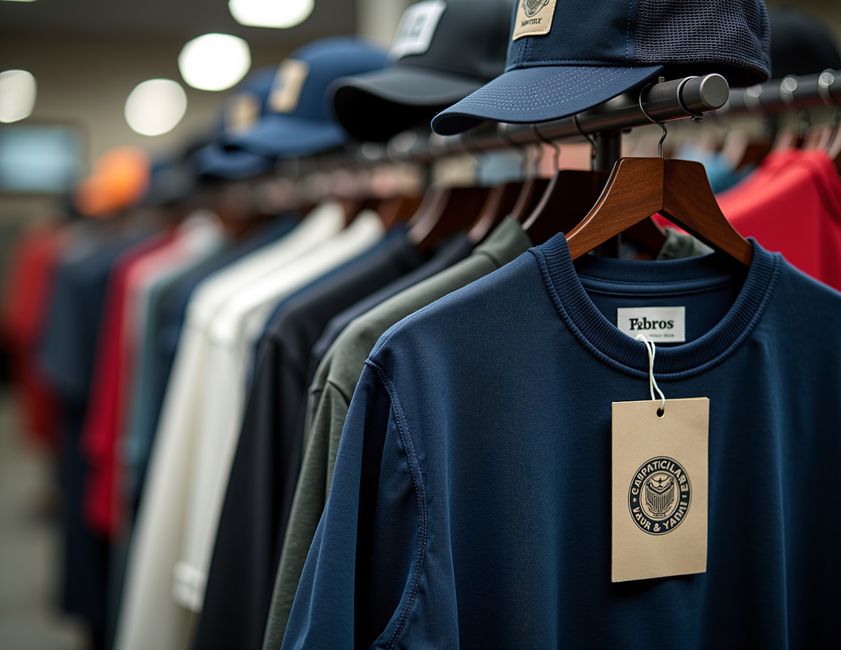
Integrate DesignLumo’s API into your ESP (e.g., Klaviyo). For each subscriber, send the top three product SKUs and a style descriptor. The API returns a 300 × 300 px tile with layered product images, brand‑consistent fonts, and a "Because you liked X" tagline. Append the tile URLs to the drip email’s HTML block. Early adopters report a 13% higher click‑through on recommendation emails, and the automated generation eliminates manual Photoshop work, saving roughly 2 hours per campaign.
Loyalty Program Milestone Badge

Create a badge library in DesignLumo with prompts like "Gold loyalty badge, sleek hexagon, embossed texture". Export each badge as a transparent PNG and store in your DAM. In a win‑back drip, dynamically insert the badge that matches the subscriber’s point tier via a merge tag. Pair with a concise copy block highlighting next‑tier rewards. Campaigns using visual tier badges see a 7% lift in repeat purchase rate, and the badge set can be refreshed each season in under an hour.
Event Pop‑Up Announcement

Design a pop‑up banner for an upcoming runway event using DesignLumo: prompt "Fashion runway pop‑up banner, neon pink, abstract city skyline, date overlay". After generation, replace the date layer with a dynamic merge tag from your ESP so the same banner works for multiple time zones. Export a 600 × 400 px image and embed it in a series of three drip emails (teaser, reminder, last‑call). Open rates improve by 10% on the reminder email, and the reusable banner cuts design effort by 80% across the campaign.
Before you go
- Leverage DesignLumo’s Brand Kit to lock in colors, fonts, and logo placement across every email asset—consistency drives 15% higher brand recall.
- Always export email graphics at 72 dpi and under 150 KB to meet most ESP file‑size limits while preserving crispness on retina displays.
- Pair AI‑generated visuals with A/B testing on subject lines and CTA copy; even small visual tweaks can shift click‑through rates by 5‑10%.















Ready to create your first design?
Join thousands creating professional designs in seconds.
Create with DesignLumo
Related Resources
LinkedIn Toolbox for Fashion Brands
Tactical LinkedIn design tools to accelerate fashion brand marketing.
Mother's Day Fashion Brand Marketing Playbook
Actionable tactics to launch high‑ROI Mother’s Day promos for fashion boutiques.
2026 Fashion Brand Design & Marketing Playbook
Tactical trends & tools for fashion brands to dominate 2026.
Spring Launch Season Marketing & Design Guide
Tactical playbook for fashion brands to dominate spring collection launches with fast, editable visuals.
Fashion Brand Asset Design Blueprint
Step‑by‑step tactics for logos, business cards, letterheads, and identity assets.
YouTube Content Ideas for Fashion Brands
Actionable YouTube asset ideas to boost fashion brand sales.