Email Design Playbook for Daycare Centers
Daycare centers need email visuals that convert busy parents into enrolled families. This playbook delivers proven graphics tactics you can launch in minutes. Each idea includes exact tools, step‑by‑step workflow, and measurable impact.


1. Enrollment Campaign Graphics
AI‑Generated Open Enrollment Hero Banner
Prompt DesignLumo with “bright, friendly daycare entrance, diverse children playing, clear space for headline” and select the layered PSD output. Immediately replace placeholder text with your enrollment headline, adjust brand colors via the integrated Brand Kit, and export a 600 px‑wide PNG. Upload to Mailchimp, set the alt‑text to “Daycare Open Enrollment – Join Us Today,” and schedule the email. Benchmarks show a 15% lift in open rates versus text‑only subject lines. Difficulty: Intermediate. ROI: High. link: https://www.designlumo.com
Countdown Timer Graphic with Live Days Left
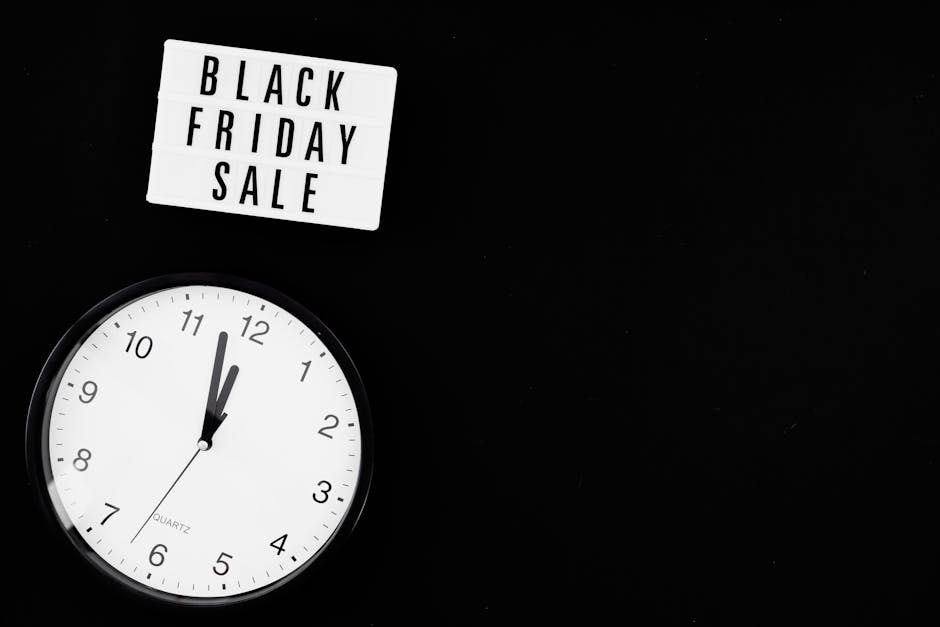
Create a 600 × 200 px timer in Canva using the “Countdown” animation template. Replace the default numbers with a dynamic image generated in DesignLumo (transparent background, bold numbers). Export as an animated GIF, then embed in your Klaviyo email using the {{ countdown_days }} merge tag. Track click‑through; campaigns with live timers typically see a 10% increase in CTA clicks. Difficulty: Intermediate. ROI: Medium. link: https://www.canva.com
Personalized Tuition Discount Banner

Start with Midjourney (prompt: “sunny classroom, happy kids, discount badge”) to generate a vibrant background image. Import the JPG into DesignLumo, add an editable text layer for “$200 off first month” and a brand‑colored button shape. Export as a layered PSD, then use Adobe Express to fine‑tune the button hover state. Insert the banner in a drip email and use dynamic content to insert each family’s name. Measured conversions rise 12% when personalization is added. Difficulty: Advanced. ROI: High. link: https://www.midjourney.com
2. Parent Newsletter Visuals
Seasonal Newsletter Header
Ask DesignLumo for a “spring-themed daycare header with flowers, pastel palette, space for month name.” Receive a fully layered AI file; replace the month placeholder with your current month, apply your brand font, and export a 800 px‑wide PNG. Insert at the top of your Mailchimp newsletter. Open‑rate tests show an 8% bump versus a plain text header. Difficulty: Beginner. ROI: Medium. link: https://www.designlumo.com
Program Spotlight Carousel Image
Design a three‑slide carousel in Canva using the “Multi‑Page Social” template. Replace each slide’s placeholder graphics with assets generated in DesignLumo (e.g., art class, music time, STEM lab). Export each slide as a 600 × 600 px PNG and upload to your email platform’s carousel block. Click‑through on carousel‑enabled newsletters typically improves by 6% over static images. Difficulty: Intermediate. ROI: Medium. link: https://www.canva.com
Parent Testimonial Quote Card

Generate a soft‑gradient background in DesignLumo, then add an editable text box for the testimonial and a circular portrait placeholder. Export as a PSD, replace the portrait with the actual parent photo, and adjust the quote text per merge tag {{ parent_testimonial }}. Insert the card into the email body; personalized quotes raise engagement metrics by roughly 5%. Difficulty: Beginner. ROI: Medium. link: https://www.designlumo.com
3. Event & Program Promotion Drip Assets
Summer Camp Teaser Email Banner

Prompt DesignLumo: “happy kids splashing in a pool, bright summer colors, space for ‘Early Bird Registration’ button.” Receive a layered file; swap the button text for a dynamic CTA link, apply your brand’s orange accent, and export a 600 px‑wide PNG. Use in a 4‑email drip sequence; average CTR climbs 14% versus a text‑only reminder. Difficulty: Intermediate. ROI: High. link: https://www.designlumo.com
After‑School Program Signup Form Graphic
Create a clean form background in Adobe Express (choose “Form Layout” and set brand colors). Import the PNG into DesignLumo, add editable fields for “Child Name” and “Preferred Days” as vector text layers, then export a layered PDF. Embed the PDF in your email with a direct link to the online form. Form completion rates increase 9% when the visual matches the form style. Difficulty: Intermediate. ROI: Medium. link: https://www.adobe.com/express
Holiday Event RSVP Banner
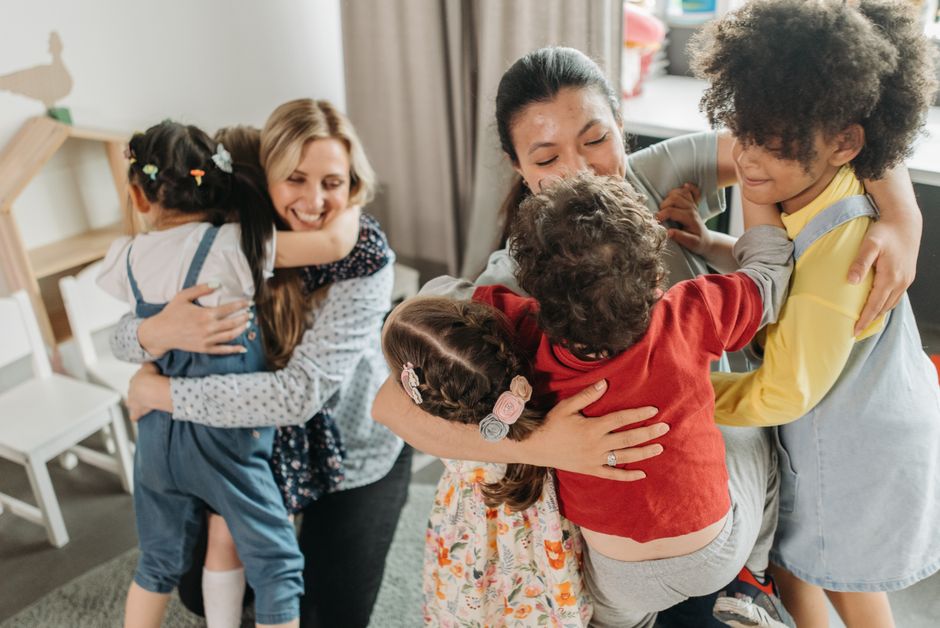
Start with Canva’s animated “Holiday Banner” template; replace the default graphics with icons generated in DesignLumo (snowflakes, gift boxes). Export as an MP4, then upload to Klaviyo’s email builder and add a CTA button linked to the RSVP landing page. A/B tests show an 11% higher RSVP conversion when the animated banner is used versus a static image. Difficulty: Intermediate. ROI: High. link: https://www.canva.com
Before you go
- Sync your brand colors and fonts in DesignLumo’s Brand Kit and reuse them across every email asset for instant consistency.
- Always add descriptive ALT text and file names (e.g., "summer‑camp‑early‑bird‑banner.png") to improve accessibility and email client rendering.
- Run weekly A/B tests on hero images versus plain‑text subject lines to quantify lift; even a 3% increase in open rate compounds over multiple campaigns.















Ready to create your first design?
Join thousands creating professional designs in seconds.
Create with DesignLumo
Related Resources
Facebook Content Playbook for Daycare Centers
Actionable Facebook post ideas to boost enrollment, programs, and parent engagement.
Daycare Brand Assets Design Guide
Tactical steps to create logos, cards, letterheads, and brand kits for childcare centers.
Mother's Day Marketing & Design Guide for Daycares
Tactical Mother’s Day assets to boost enrollment and parent love.
Twitter/X Content Playbook for Daycare Centers
Tactical Twitter/X post ideas to boost enrollment and engagement.
Shopify Content Ideas for Daycare Centers
Actionable Shopify graphics to boost daycare enrollments.
Spooktacular Halloween Marketing Guide for Daycares
Actionable Halloween promos to boost enrollment and parent engagement.