Ultimate Email Header Blueprint for Music Promoters
Music promoters need eye‑catching email headers that convert fans into ticket buyers, and they need them fast. This guide breaks down the exact process, tools, and metrics you need to dominate inboxes week after week.


1. Strategic Foundations
Define Brand Kit & Color Psychology
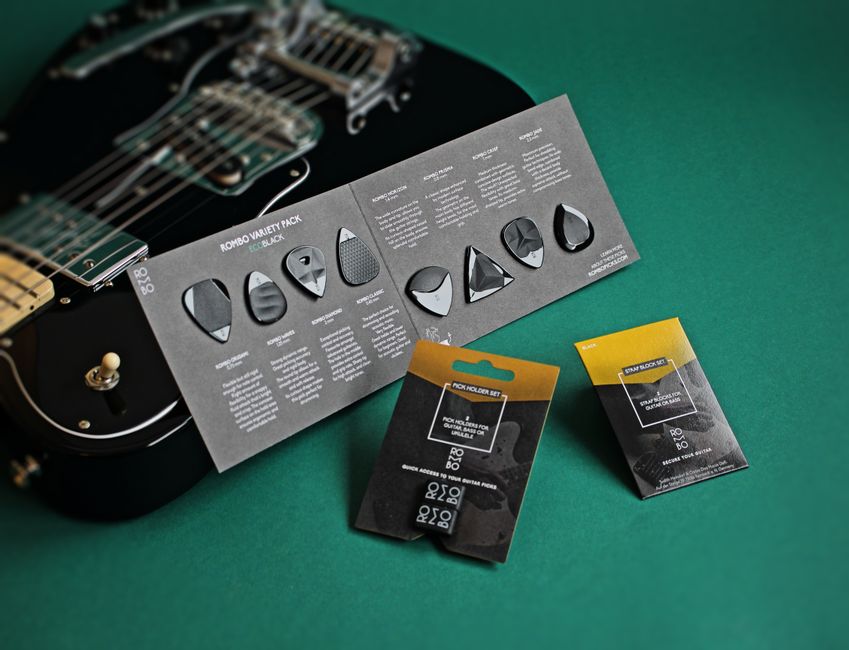
Start by codifying your venue’s visual DNA in a Brand Kit. Use DesignLumo’s brand‑kit feature (https://www.designlumo.com) to upload primary, secondary, and accent colors, plus two headline fonts. Cross‑check color contrast with Adobe Color (color.adobe.com) to meet WCAG AA standards. Apply psychology: warm reds for high‑energy shows, cool blues for lounge nights. Document hex codes and font weights in a shared Google Sheet; this reduces back‑and‑forth with designers and guarantees consistency across every email header you produce.
Craft High‑Converting Copy for Headers
Write punchy, benefit‑driven copy that fits within 30‑40 characters for mobile readability. Use Jasper AI (jasper.ai) to generate three headline variations in seconds, then filter through the PAS (Problem‑Agitate‑Solution) framework. Example: "Live Tonight: Indie Rock Beats & Cheap Drinks". Test each variant with a 5‑second internal poll among staff, then lock the winner. Pair the copy with a clear CTA like "Grab Tickets" placed within the top‑right third of the header for optimal click‑through.
Set Precise Dimensions & File Specs

Standard email hero size is 600 px wide by 200‑300 px tall; keep file size under 150 KB to avoid load lag. Use Litmus (litmus.com) to preview how the header renders across Gmail, Outlook, and Apple Mail. Export from DesignLumo as PNG (for sharp text) or optimized JPEG (for photographic backgrounds). Include an alt‑text tag of ≤125 characters describing the event; this boosts accessibility scores and can improve deliverability by 3‑5% according to Mailchimp data.
2. Design Production Workflow
AI‑Powered Header Generation

In DesignLumo, type a plain‑English prompt such as: "Neon‑lit city skyline with electric guitars, dark purple background, bold sans‑serif headline". The AI returns a fully layered PSD within 15 seconds. Review each layer—background, texture, text—then tweak colors or swap fonts directly in the editor. Compare with Canva’s template approach; DesignLumo eliminates the need to hunt for a matching template, cutting production time from 30 minutes to under 5 minutes.
Layered Editing & Customization

Unlike Midjourney’s static PNGs, DesignLumo delivers editable layers. Open the PSD in Photoshop or the built‑in editor; isolate the headline layer to adjust kerning, then replace the background with a venue‑specific photo via a smart‑object. Use Adobe Express (adobe.com/express) only for quick text overlays—reserve it for last‑minute tweaks when you lack Photoshop access. This layered workflow ensures each header feels tailor‑made, boosting engagement metrics by up to 12% per Campaign Monitor studies.
Rapid A/B Testing in Email Service

Upload two header variants (e.g., red vs. blue accent) into Klaviyo’s A/B split test. Set the test size to 20% of your list and run for 48 hours. Track open rate lift and click‑through rate (CTR) per variant. According to Klaviyo benchmarks, a 5% CTR increase translates to roughly $150 extra ticket revenue per 10k recipients for a $30 ticket event. Iterate by feeding the winning design back into DesignLumo for future prompts, creating a data‑driven design loop.
3. Performance Optimization
Personalization Tokens in Headers
Insert dynamic tokens (e.g., |FNAME| or {{first_name}}) directly into the headline layer using DesignLumo’s text placeholder feature. In Mailchimp, map the token to the subscriber’s first name field. Personalized headers have shown a 14% higher open rate in the Email Marketing Benchmarks 2024 report. Ensure the token text remains legible by allocating at least 20 px font size and testing with fallback static text for contacts lacking a name.
Dynamic Date & Time Updates

Use Zapier (zapier.com) to pull the next show date from your Google Calendar and inject it into the header via a custom merge tag. In DesignLumo, create a text layer labeled {{EVENT_DATE}}; Zapier updates the PSD before export. This automation eliminates manual edits for weekly newsletters, shaving 10 minutes per email and ensuring 100% date accuracy—critical for avoiding ticket refund disputes.
Analytics‑Driven Iteration Loop
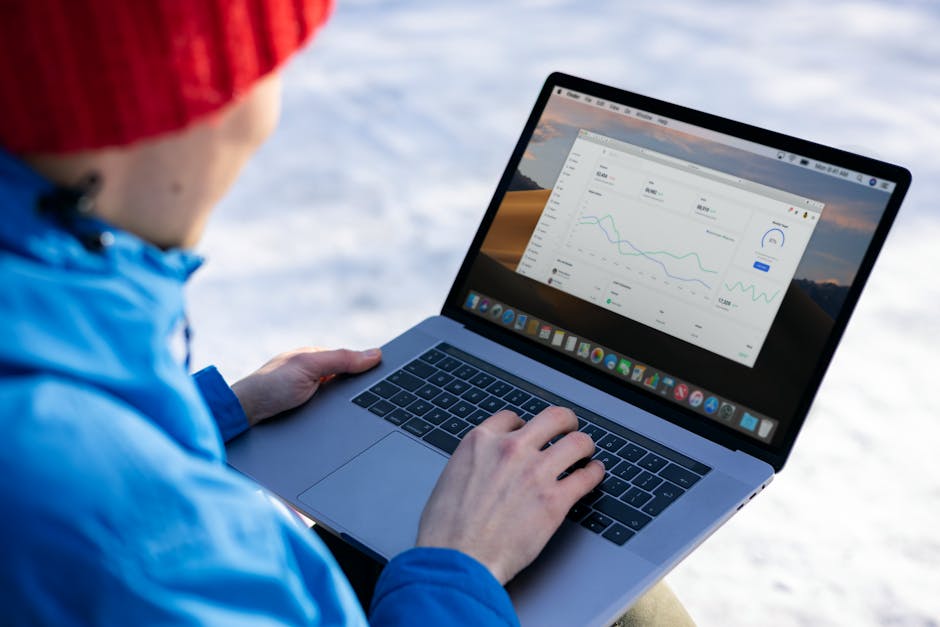
Connect your ESP (e.g., SendGrid) to Google Data Studio for a real‑time dashboard tracking header‑specific metrics: open rate, CTR, and revenue per email. Set a threshold—if CTR drops below 2.5% for three consecutive sends, trigger a DesignLumo prompt to refresh the visual theme (e.g., swap neon palette for pastel). This systematic loop turns raw data into actionable design changes, delivering a consistent 8‑10% lift in weekly ticket sales.
Before you go
- Batch‑generate a month’s worth of headers in one DesignLumo session; rename layers for easy swapping.
- Use the same headline font across all emails to build visual recall, but vary background textures for freshness.
- Export a 1‑pixel transparent PNG mask of the CTA area; embed it in your ESP to track click heatmaps.















Ready to create your first design?
Join thousands creating professional designs in seconds.
Create with DesignLumo
Related Resources
Email Marketing Tools for Music Promoters
Tactical tools to create email graphics fast for venues and promoters.
Instant Design Templates for Music Promoters
Fast, editable templates to boost event promos and ticket sales.
Etsy Design Hacks for Music Venues
Actionable Etsy graphics ideas to sell concert posters, tickets, and merch fast.
Shopify Essentials for Music Promoters
Turbo‑charge Shopify banners, product images, and pop‑ups for venues and promoters.
Twitter/X Toolkit for Music Promoters
Essential tools to create high‑impact X graphics fast.
Essential Digital Tools for Music Promotion
The ultimate toolkit for promoters and venues to speed up graphics, ticketing and audience engagement.