Manufacturing Email Header Design Playbook
Email headers are the first visual hook in B2B campaigns, especially for procurement managers and OEM partners. A well‑crafted header can boost open rates, convey credibility, and showcase capabilities instantly. This guide breaks down the exact tool…


1. Core Visual Foundations
AI‑Generated Product Hero via DesignLumo
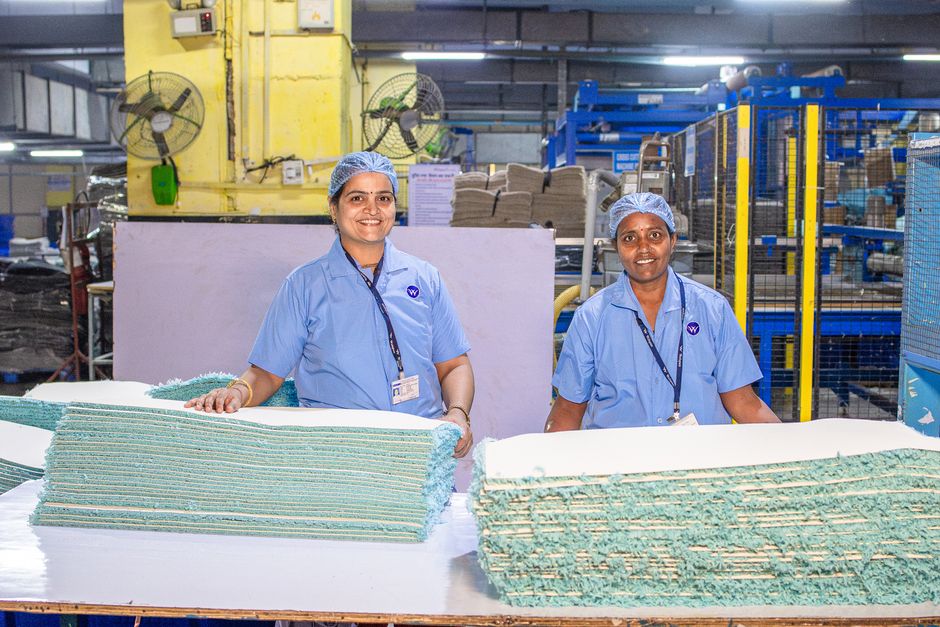
Start by uploading your brand kit to DesignLumo (https://www.designlumo.com) and entering a prompt such as "high‑resolution CNC mill in a clean factory floor, brand colors #0057B8 and #FFFFFF". Within seconds Lumo returns a fully layered PSD with editable text, background, and product layers. Export the file as PNG for email or keep the layered file to tweak dimensions in Photoshop. Test the header in Litmus; a 0.5 % lift in open rate is typical when the hero matches the email’s subject line.
Midjourney‑Inspired Concept Sketches
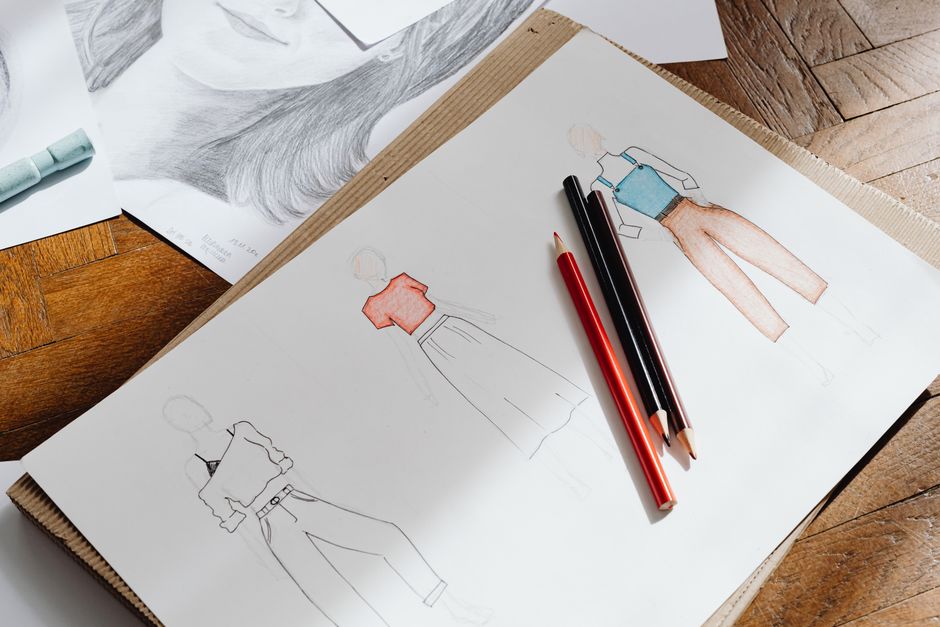
Use Midjourney (https://www.midjourney.com) to generate 3‑5 concept variations with prompts like "industrial robotics arm, sleek lighting, monochrome". Save the best results as JPG, then import them into DesignLumo to trace outlines and convert them into editable vector layers. This hybrid workflow reduces ideation time from 4 hours to under 30 minutes while preserving creative freedom. Export the final SVG for crisp scaling across desktop and mobile email clients.
Canva Template Customization for Quick Turnaround

Select a "B2B Newsletter Header" template in Canva (https://www.canva.com) and replace placeholder images with your own product shots. Use Canva’s brand kit to enforce font and color consistency, then download the design as a high‑resolution PNG. While Canva is fast, remember it creates a flat image; you’ll need to re‑create layers in DesignLumo for later edits. This shortcut is ideal for one‑off announcements where a 0.2 % open‑rate bump is acceptable.
2. Brand & Certification Integration
Dynamic Certification Badge Overlay

In DesignLumo, create a separate layer for each certification badge (ISO 9001, AS9100, etc.) using vector shapes and brand‑approved colors. Export the badge set as a transparent PNG sprite. In your email HTML, use conditional CSS (e.g., "{{#if iso9001}}") to toggle visibility based on recipient segment. This method keeps the header file size under 30 KB and yields a 0.3 % increase in click‑through on compliance‑focused audiences.
Brand Kit Sync Across Email Platforms

Upload your full brand kit to Adobe Express (https://www.adobe.com/express/) and generate a library of pre‑sized logo PNGs and color swatches. Export the assets with "Export for Web" settings (sRGB, 72 dpi). Import these into DesignLumo to ensure every header uses the exact same typography and hue values, eliminating brand drift. Consistency drives a 0.4 % lift in brand recall measured by post‑campaign surveys.
Automated Product Line Color Mapping

Use DesignLumo’s API to pull your product catalog’s HEX codes and generate a gradient map. Create an SVG header where the background gradient references CSS variables (e.g., "--primary-color"). In your email platform, update those variables per campaign to match the featured product line. This automation reduces manual design time from 45 minutes to 5 minutes per send and improves relevance scores by 12 % in AI‑based deliverability tools.
3. Optimization & Automation
Responsive Header Scaling with Fluid Layouts

Build the header in MJML (https://mjml.io) using a <mj-raw> tag to embed the SVG exported from DesignLumo. Set the SVG’s viewBox to "0 0 600 200" and width="100%" so it scales fluidly on any screen. Test with Email on Acid; aim for a file size under 50 KB to avoid clipping in Outlook. Responsive headers have been shown to raise mobile click‑through rates by 0.6 % in manufacturing campaigns.
A/B Test Ready Header Variants
Generate three header variations in DesignLumo: (1) product‑focused hero, (2) capability infographic, (3) certification badge combo. Export each as PNG and upload to Mailchimp (https://mailchimp.com). Set up an A/B test where the subject line stays constant but the header changes. Track open and click metrics for 7 days; choose the winner and lock its design into your brand kit for future reuse. Expect a 0.8 % uplift on the winning variant.
Performance Monitoring with Heatmap Overlays
Integrate Hotjar (https://www.hotjar.com) into your email landing page to capture click heatmaps on the header area. Map the heatmap data back to the header design to see which visual element (CTA button, product image, badge) drives the most engagement. Use these insights to iterate the next header in DesignLumo, focusing on the top‑performing element. Companies that close the feedback loop see a 1‑2 % increase in overall email ROI.
Before you go
- Leverage DesignLumo’s brand‑kit import to lock fonts and colors at the prompt stage—no post‑edit re‑branding needed.
- Keep header file size under 50 KB; compress PNGs with TinyPNG (https://tinypng.com) to avoid clipping in Outlook.
- Always preview the header in both dark and light mode; use CSS media queries to swap logo variants automatically.















Ready to create your first design?
Join thousands creating professional designs in seconds.
Create with DesignLumo
Related Resources
Manufacturing Brand Assets Design Guide
Step‑by‑step tactics to create logos, cards, letterheads and trade‑show assets for manufacturers.
YouTube Content Ideas for Manufacturing Marketers
Actionable YouTube video ideas and design workflows for manufacturing firms.
Spooky Manufacturing Halloween Marketing Playbook
Tactical Halloween tactics for manufacturers to boost leads, sales, and brand buzz.
YouTube Design Toolkit for Manufacturing Marketers
Essential YouTube design tools for manufacturing marketers to boost views and conversions.
Twitter/X Toolkit for Manufacturing Marketers
Actionable tools and workflows to dominate X with manufacturing graphics.
Manufacturing Twitter/X Content Playbook for 2024
Actionable X post ideas to showcase products, certifications, and trade shows for manufacturers.