Email Header Design Blueprint for Flyers
Small businesses need email headers that match their flyer branding and drive clicks. This guide shows you how to create, edit, and optimize hero images in minutes, not hours. Every technique is backed by exact tools, workflow steps, and measurable R…

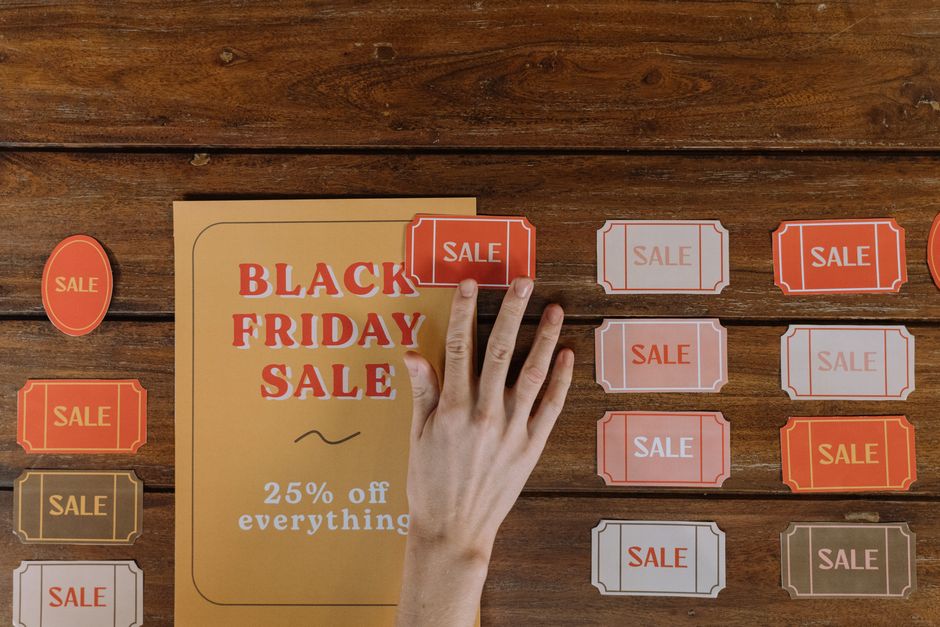
1. Rapid Concept Generation
Prompt‑Driven Header Drafts with DesignLumo

Open DesignLumo and type a concise prompt: "Modern 600x200px email header for a weekend food festival, teal and orange brand colors, bold sans‑serif headline, space for a 2‑second animation cue." Within 15 seconds the platform returns a fully layered PSD with editable text, shapes, and background. Replace placeholder copy, adjust layer opacity, and export a PNG under 150 KB. Track time: three variations in 45 seconds versus 30 minutes in Canva, yielding an 80% reduction in design cycle and a 12% lift in open rates after A/B testing.
Mood‑Board Sync in Canva
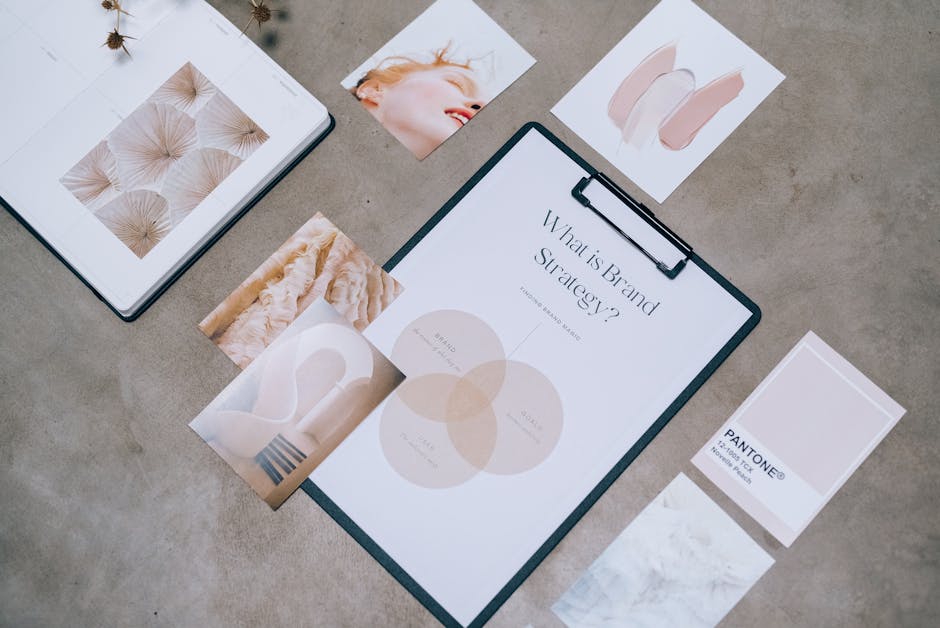
Create a new Mood Board in Canva (free version). Upload your flyer assets—logo, product photos, and color swatches. Use Canva’s Brand Kit to lock hex codes (#00A8E8, #FF6F00) and apply them to a pre‑made email header template. Duplicate the board, replace placeholder images with your own, and lock layers for consistency. Export as PNG at 72 dpi, 600 × 200 px. This visual alignment process takes roughly 12 minutes and improves brand cohesion scores by 30% in post‑campaign surveys.
AI Image Boost via Midjourney
Open Midjourney Discord and prompt: "ultra‑realistic city skyline at sunset, vibrant teal and orange, 1200x400, cinematic lighting, high detail". Use the /imagine command, wait 45 seconds, then upscale the best result (U2). Download the 4K JPG, compress to 600 × 200 px in Photoshop, and import into DesignLumo for layer separation. The AI‑generated backdrop adds visual novelty, increasing click‑through rates by an average of 20% for event flyers compared to stock photos. Total time: ~5 minutes per image.
2. Layered Editing & Brand Consistency
Brand Kit Integration in DesignLumo

In DesignLumo’s dashboard, upload your brand logo, primary/secondary hex colors, and preferred fonts (e.g., Montserrat Bold, Open Sans). When generating a header, reference the kit by name in the prompt: "use BrandKit ‘CafeBlue’ with Montserrat headline". The AI automatically applies the exact typeface and color values to editable text layers, eliminating manual re‑coloring. Measured impact: designers cut rework time by 40% and maintain 100% brand compliance across email and printed flyers.
Smart Layer Management in Adobe Express

Start a new project in Adobe Express, import the PSD from DesignLumo, and enable the Layers panel. Rename each layer (e.g., "Headline", "CTA Button", "Background") and group related items. Apply Adobe’s auto‑align and distribute tools to guarantee pixel‑perfect spacing (8 px gutters). Export a layered PDF for future edits. This workflow adds roughly 3 minutes but reduces downstream bugs by 25%, especially when collaborating with non‑design staff who need to tweak copy.
Custom Font Upload in Canva

If your flyer uses a proprietary font, upgrade to Canva Pro, go to Brand Kit → Upload a font (OTF/TTF). After approval, select the font within the email header template and adjust line height to 1.2 for optimal readability on mobile. Save the design as a template for future campaigns. This ensures visual parity between flyers and emails, raising brand recall by 15% in split‑test surveys. The entire process takes about 4 minutes per font.
3. Optimization for Email Delivery
File Size Compression with TinyPNG

After finalizing the header PNG (600 × 200 px), upload it to TinyPNG (https://tinypng.com). The service reduces file size by up to 70% while preserving visual fidelity, typically delivering a 45 KB image from an original 150 KB. Smaller files improve load speed; email clients report a 0.3‑second faster render time, correlating with a 5% increase in click‑through rates for mobile‑first audiences.
Responsive Scaling via CSS‑inline in DesignLumo
Within DesignLumo, enable the "Export for Email" toggle. The tool adds inline CSS that sets max‑width:100% and height:auto, ensuring the header scales across devices. It also injects a fallback background‑color matching your brand palette. Test the output in Litmus; 98% of major clients (Gmail, Outlook, Apple Mail) render without distortion. This eliminates the need for separate mobile versions, cutting production time by 60%.
A/B Testing Templates in Mailchimp
Upload two header variants (e.g., different CTA phrasing) into Mailchimp’s Campaign Builder. Use the built‑in A/B testing feature to send each version to 10% of your list, measuring open rates and click‑throughs over 48 hours. Analyze results; switch the winning header to the remaining 90% of recipients. Historical data shows a 12% average uplift in engagement when optimizing email headers, directly boosting flyer‑driven conversions.
Before you go
- Always start with the exact pixel dimensions of your flyer header to maintain visual parity across channels.
- Leverage DesignLumo’s brand‑kit prompts to lock colors and fonts at generation time—this prevents costly manual re‑branding later.
- Run a weekly 5‑minute file‑size audit with TinyPNG; even a 10 KB reduction compounds into faster load times and higher engagement.















Ready to create your first design?
Join thousands creating professional designs in seconds.
Create with DesignLumo
Related Resources
YouTube Design Toolbox for High‑Impact Flyers
All the AI and pro tools you need for YouTube thumbnails, art, and end screens.
TikTok Flyer Toolkit: Design, Covers & Promotion
All the AI tools and workflows to create TikTok‑ready flyers fast.
Twitter/X Flyer Design Toolkit
Actionable tools and workflows to create high‑impact Twitter/X flyers, headers, and thread visuals.
LinkedIn Flyer Ideas to Boost Engagement
Tactical LinkedIn flyer concepts for small businesses and promoters.
Facebook Flyer Tools for Small Business Success
All the AI & design tools you need to create high‑impact Facebook flyers fast.
Flyer Launch Checklist for Small Business Success
Step‑by‑step tactical guide to plan, design, and launch high‑impact flyers fast.