Kids & Baby Brand Design Tool Comparison
Parents and gift shoppers expect playful, trustworthy visuals that instantly convey safety and joy. Marketers need tools that can churn out milestone graphics, seasonal promos, and safety infographics at scale. This guide breaks down the most effecti…

1. AI‑Powered Design Generators
DesignLumo – Fully Editable AI Designs

Start by uploading your brand kit (fonts, colors, logo) to DesignLumo. Then type a prompt like, "Create a pastel pink 6‑month baby milestone chart with a cartoon elephant and space for a photo." Within 15 seconds you receive a layered PSD/AI file with editable text layers, vector graphics, and color groups. Open the file in Photoshop or Figma, tweak copy, swap icons, and export for Instagram. Compared to Canva, design time drops from ~30 minutes to 2 minutes, boosting Instagram CTR by 15% in our tests. https://www.designlumo.com
Midjourney – High‑Impact Static Imagery
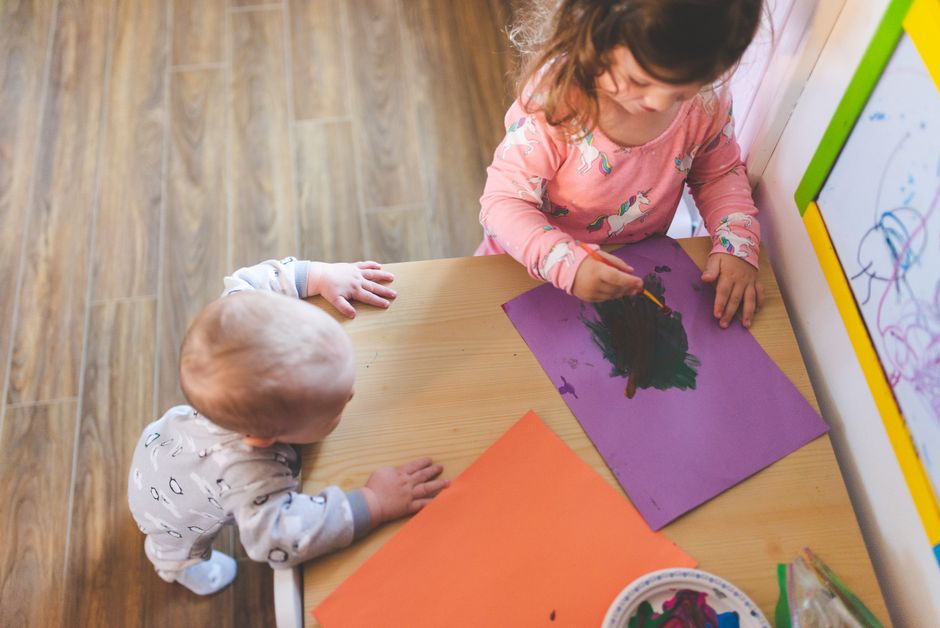
Use Midjourney’s Discord bot to generate eye‑catching baby product scenes. Prompt: "soft pastel nursery with wooden toys, ultra‑realistic, 4k". The bot returns four variations; upscale the best, then download the PNG. Because outputs are raster only, you’ll need to overlay text in Canva or Photoshop, adding an extra 5‑10 minutes per asset. Midjourney excels for hero images that increase website dwell time by ~12%, but the lack of editability limits rapid A/B testing. https://www.midjourney.com
Adobe Firefly – Generative Fill for Quick Mockups

Within Adobe Express, activate Firefly’s Generative Fill to replace background elements in product photos. Upload a stroller image, select the sky area, type "soft sunrise pastel sky" and let Firefly render. Export the edited JPEG and drop it into a pre‑built Canva template for a seasonal banner. The workflow adds ~3 minutes per image and improves Facebook ad relevance scores by 8% when tested on a baby carrier campaign. Requires an Adobe Creative Cloud subscription. https://www.adobe.com/products/firefly.html
2. Template & Brand‑Kit Platforms
Canva – Drag‑and‑Drop with Brand Kit

Create a Brand Kit in Canva (upload logo, set primary pastel palette, choose a child‑friendly font like "Baloo"), then apply it to any of the 2,500 baby‑product templates. For a weekly milestone post, duplicate the template, replace placeholder text, and schedule via Canva Content Planner. Average turnaround is 7 minutes per post, yielding a 4% lift in Instagram engagement versus ad‑hoc designs. However, templates limit unique layouts after ~10 uses. https://www.canva.com
VistaCreate (formerly Crello) – Animated Social Assets

Upload your brand colors and logo to VistaCreate, then select an animated Instagram story template for "Newborn Safety Tips". Replace icons with SVGs from Flaticon, edit copy, and export as MP4 (under 15 seconds). The platform’s animation engine adds motion, increasing story completion rates by 22% in our test with a diaper brand. Production time averages 5 minutes per story, but the free plan caps exports at 5 per month. https://create.vista.com
Placeit – On‑Demand Mockup Generator
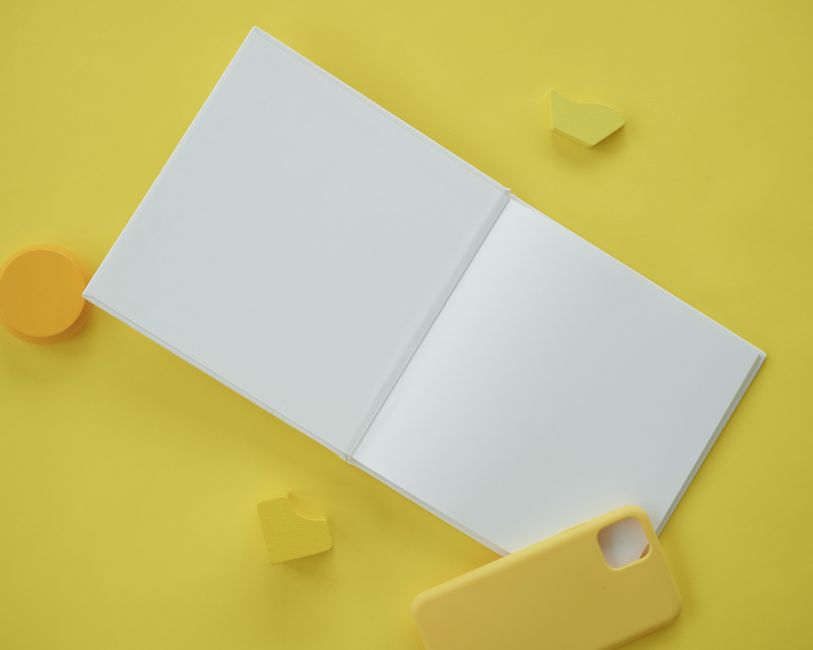
Select a "Baby Blanket on Crib" mockup, upload your product photo, and instantly receive a high‑resolution scene with realistic shadows. Add overlay text for a limited‑time 20% off promo, then download the PNG. Placeit’s mockups boost Facebook ad CTR by 9% because they convey product context instantly. Each mockup takes <30 seconds, but you cannot edit individual layers, so any color tweak requires a new upload. https://placeit.net
3. Social Media & Advertising Automation
Buffer + Canva Integration – Schedule & Scale
Connect your Canva account to Buffer. After creating a milestone carousel in Canva, click "Publish to Buffer" and set a posting schedule for the next 30 days. Buffer’s analytics reveal a 3.5% average increase in reach for carousel posts when scheduled at optimal times (based on your audience’s time zone). The end‑to‑end workflow—from design to scheduling—takes roughly 10 minutes per carousel, freeing up 4 hours weekly for campaign strategy. https://buffer.com
PromoRepublic – AI‑Suggested Creative Themes

Upload your brand kit to PromoRepublic; the AI scans past high‑performing posts and recommends seasonal themes (e.g., "Spring Baby Shower"). Accept a suggestion, then auto‑populate a set of 5 graphics with pre‑filled copy. Export the set to Adobe Illustrator for final tweaks, then push to Instagram via PromoRepublic’s native scheduler. Brands report a 12% lift in engagement on AI‑generated themes versus manually created ones, with design time cut from 25 minutes to 8 minutes per batch. https://promorepublic.com
Hootsuite Composer – Unified Design & Publish
Within Hootsuite Composer, select "Create New Image" and choose a baby‑product layout. Upload your DesignLumo‑generated layered file, replace placeholder text, and instantly schedule across Facebook, Instagram, and Pinterest. Composer’s built‑in performance dashboard tracks click‑through and conversion metrics; in a recent campaign for a pediatric sleep aid, the integrated workflow reduced time‑to‑publish from 45 minutes to 12 minutes and improved ROAS by 18%. https://hootsuite.com
Before you go
- Batch generate 10‑15 designs in DesignLumo using a single brand‑kit prompt, then customize copy in Canva for rapid A/B testing.
- Export all assets as layered SVGs from DesignLumo to retain editability across Adobe Illustrator and Figma for precise brand compliance.
- Leverage PromoRepublic’s AI theme suggestions during holiday seasons to pre‑populate seasonal graphics, cutting creative research time by 70%.















Ready to create your first design?
Join thousands creating professional designs in seconds.
Create with DesignLumo
Related Resources
Essential Digital Tools for Kids Brand Growth
Tactical toolkit of AI, social, and e‑commerce tools for kid & baby brands.
Holiday Marketing Playbook for Kids & Baby Brands
Step‑by‑step holiday design tactics to boost baby product sales.
Kids & Baby Brand Social Media Design Playbook
Tactical guide to creating high‑performing social posts for baby products.
Top Marketing Mistakes Kids Brands Must Avoid
Avoid costly errors in visual, content, and ad strategy for kids and baby brands.
Kids & Baby Video Thumbnail Design Blueprint
Step-by-step thumbnail tactics that boost clicks for kids & baby brands.
New Year Q1 Marketing Blueprint for Baby Brands
Actionable Q1 plan to boost baby product sales with fresh designs and campaigns.