Holiday Fashion Marketing & Design Playbook
The holiday window is the highest‑traffic period for fashion brands. Speed, visual cohesion, and data‑driven creativity separate the best‑selling collections from the rest. This guide gives you a step‑by‑step arsenal to launch, promote, and convert e…

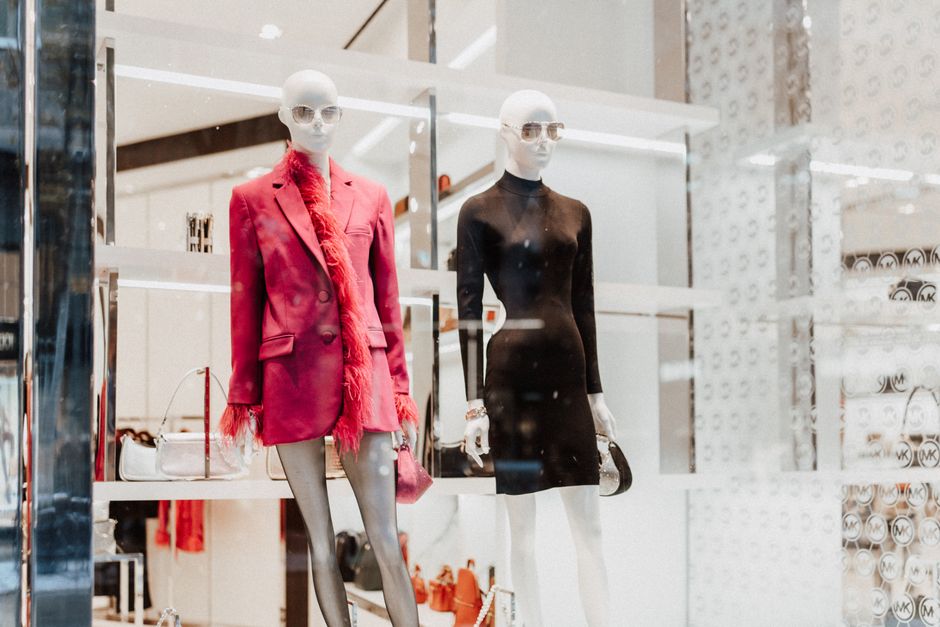
1. Festive Collection Launch Assets
AI‑Generated Lookbook Cover
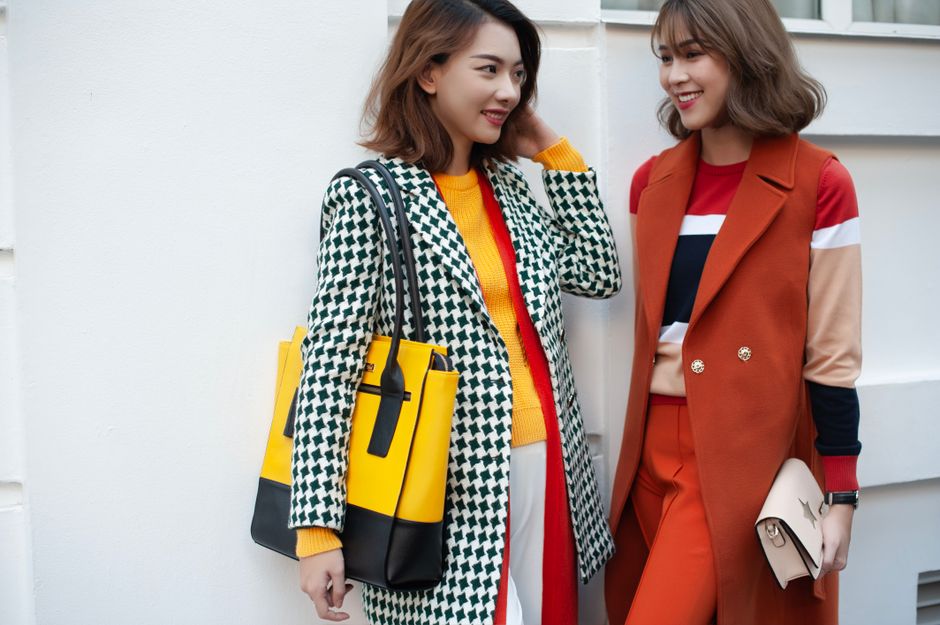
Prompt DesignLumo with your brand kit and holiday mood (e.g., "luxury winter runway, deep emerald, gold foil accents"). In 8‑12 seconds you receive a layered PSD with editable text, fonts, and background layers. Open the file in Photoshop, swap the season‑specific copy, and export PNGs for web and PDF for print. Track the cover’s click‑through rate in Google Analytics; aim for >3% versus the 1.5% baseline. This workflow cuts design time from 4 hours to under 15 minutes while keeping full editability.
Dynamic Holiday Banner Set

Start with a seasonal Midjourney background (use "holiday boutique storefront, soft snow, pastel lights"). Download the PNG, then upload to Canva to add CTA buttons. Export the layered file, re‑import into DesignLumo to turn each element into editable layers (text, logo, price). Publish the three‑size set (1080×1080, 1200×628, 300×250) to your Shopify theme. Measure banner conversion in Meta Ads Manager; target a 1.8× ROAS increase over last year’s static banners.
Product‑Specific Gift Tag Mockups
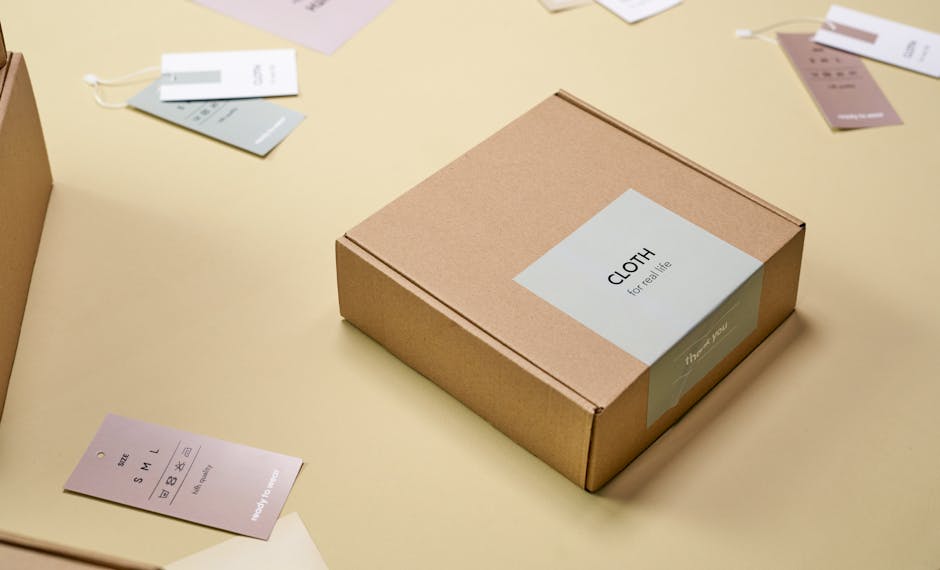
Create a gift‑tag template in Adobe Express (size 3×5 inches, holiday palette). Export as SVG, then open in DesignLumo to replace placeholder text with product‑specific names and SKUs using your brand’s font hierarchy. Sync the final PNGs to Shopify’s “gift options” app so each SKU automatically displays its tag at checkout. Track tag‑usage via Shopify analytics; a 5% lift in gift‑option selection translates into an average $12 increase per order.
2. Holiday Social Media Campaigns
12‑Day Instagram Carousel Countdown

Design a 12‑slide carousel in Figma using a consistent grid. For each day’s background, feed a DesignLumo prompt like "glittering snowflake pattern, brand teal, subtle sparkle" and receive layered PNGs. Drop the PNGs into Figma, add day‑specific copy, and export as a single MP4 via Figma’s prototype export. Schedule with Later, tagging each post with a unique hashtag. Monitor swipe‑through rate; aim for >2% (double the industry average) and adjust copy based on daily engagement spikes.
TikTok Outfit Reveal with AI‑Animated Overlays
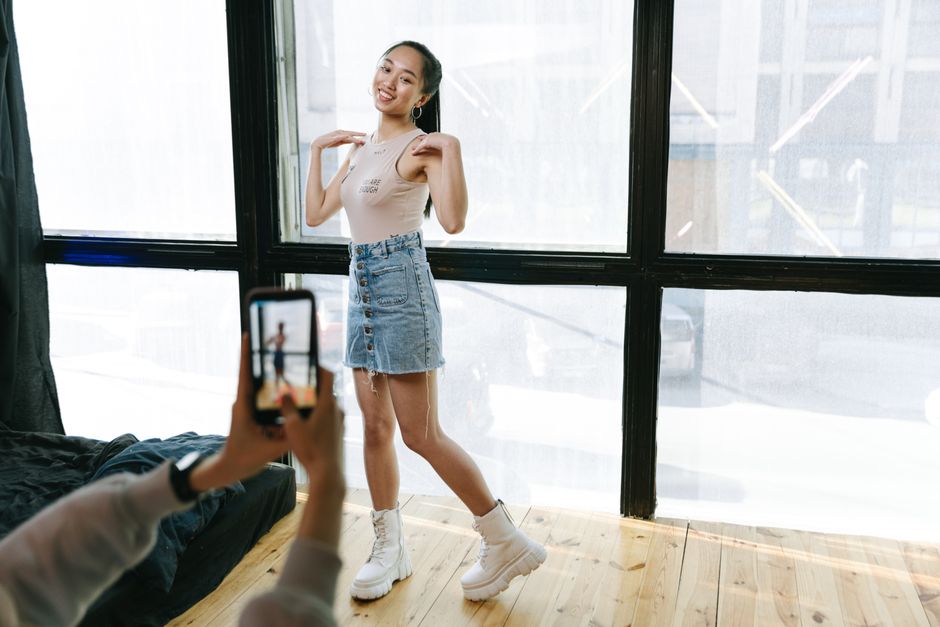
Generate a festive backdrop in Midjourney ("neon holiday cityscape, runway vibe"). Import the PNG into DesignLumo, isolate foreground elements, and export a transparent PNG. In Adobe Premiere, layer the PNG over product video, add a subtle animated glitter mask (keyframed opacity). Publish the 15‑second clip, using TikTok’s “Trending Holiday” sound. Track average watch time; target a 15% lift versus baseline videos, indicating higher algorithmic favorability.
Paid Meta Carousel Ads with Dynamic Product Feeds

Export your Shopify holiday collection as a CSV feed. In DesignLumo, create a carousel ad template where the price, discount badge, and product name are separate layers. Use a spreadsheet merge script (e.g., Zapier) to auto‑populate each layer with feed data, generating 30 unique ad creatives in minutes. Upload the batch to Meta Ads Manager, enable dynamic product ads, and set a target ROAS of 4.0+. Review the ad set after 48 hours; pause any creative under 2.5 ROAS.
3. Seasonal Email & SMS Marketing
Holiday Welcome Series with AI‑Personalized Headers

Segment your Klaviyo list by past purchase value. For each segment, feed DesignLumo a prompt like "elegant gold script, winter pine silhouette, high‑spender vibe" to generate three header variations. Export layered PSDs, replace copy in Photoshop, and upload the PNGs to Klaviyo email templates. Launch a 3‑email welcome series (Day 0, Day 3, Day 7) and track open rates; aim for 30%+ (versus the 20% average) by leveraging the hyper‑relevant visual cue.
Abandoned Cart SMS with Festive GIFs
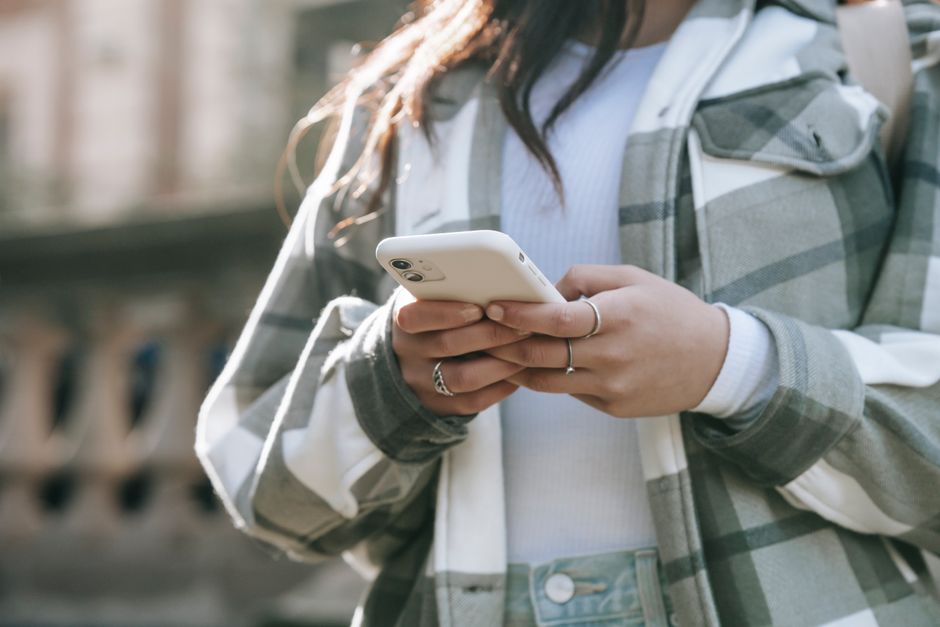
Create a 5‑second holiday GIF in Canva (use animated snowflakes over product image). Import the GIF into DesignLumo, add a bold "20% OFF" layer that stays editable for each SKU, then export as MP4. In Klaviyo SMS, embed the MP4 link and set a trigger for carts abandoned >30 minutes. Measure recovery rate; a well‑designed visual push should lift cart recovery to at least 12%, exceeding the typical 6‑8% baseline.
Year‑End Loyalty Reward Email
Design a reward badge in Figma (circular, brand colors, "VIP 2024"). Export SVG to DesignLumo, add a festive ribbon layer, and keep the point value as an editable text field. Insert the final PNG into a Klaviyo email template, linking each badge to a personalized landing page. Track redemption clicks; aim for >5% of loyalty members using the badge, translating into repeat purchase lift during the post‑holiday lull.
4. In‑Store & Pop‑Up Visuals
Printed Window Decals with AI‑Generated Patterns
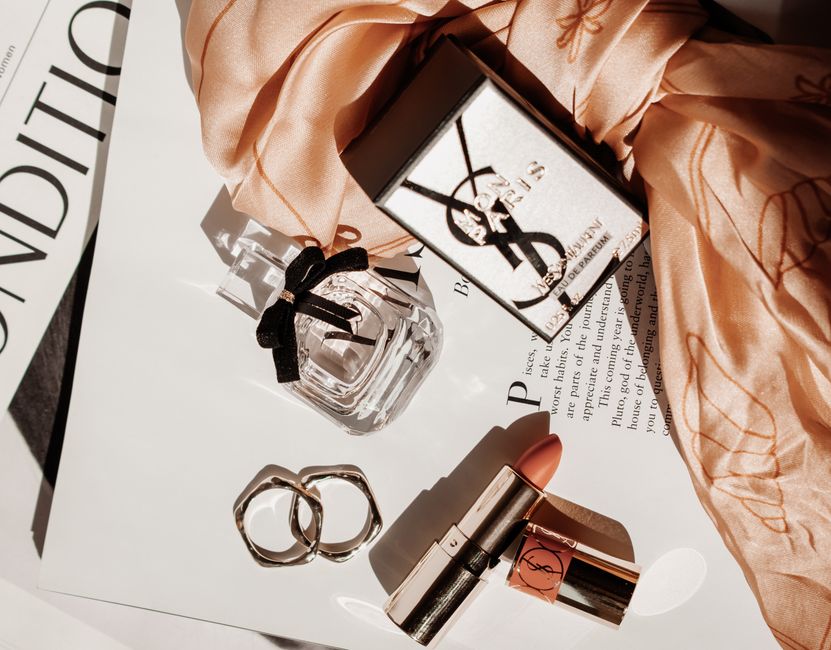
Prompt Midjourney for a seamless holiday pattern ("snowflake tessellation, deep navy, metallic accents"). Download the 300 dpi PNG, open in DesignLumo, separate the pattern into a repeatable tile layer, and export as a vector SVG for large‑format printing. Apply the decals to storefront windows and track foot traffic with a door sensor; aim for an 8% increase versus pre‑holiday baselines, proving the visual’s draw.
QR‑Enabled Holiday Lookbook QR Codes

Generate a QR code linking to your seasonal lookbook via QRCodeMonkey. Import the code into DesignLumo, overlay a frosted holiday frame and your logo, then export a 2 × 2 in printable PNG. Stick the codes on fitting rooms and checkout counters. Monitor scan counts via Google Analytics events; a 20% scan rate indicates successful offline‑to‑online traffic flow.
Pop‑Up Photo Booth Backdrop with Editable Brand Elements

In DesignLumo, prompt "luxury holiday boutique interior, soft bokeh lights, brand teal accents" to receive a layered PSD. Replace placeholder logo with your own brand mark, edit the tagline, and export a 24 × 36 in PDF at 300 dpi. Install the backdrop at pop‑up locations and encourage user‑generated content with a branded hashtag. Measure dwell time via onsite cameras; aim for a 25% increase compared to previous pop‑ups without a customized backdrop.
Before you go
- Batch generate all visual assets in DesignLumo before the first week of December; this prevents last‑minute rush and guarantees brand consistency.
- Integrate UTM parameters into every holiday creative and funnel data into Google Analytics to attribute revenue to specific assets in real time.
- Leverage the brand kit feature in DesignLumo to lock down colors and fonts, ensuring every AI‑generated piece automatically complies with your style guide.















Ready to create your first design?
Join thousands creating professional designs in seconds.
Create with DesignLumo
Related Resources
LinkedIn Toolbox for Fashion Brands
Tactical LinkedIn design tools to accelerate fashion brand marketing.
Mother's Day Fashion Brand Marketing Playbook
Actionable tactics to launch high‑ROI Mother’s Day promos for fashion boutiques.
2026 Fashion Brand Design & Marketing Playbook
Tactical trends & tools for fashion brands to dominate 2026.
Spring Launch Season Marketing & Design Guide
Tactical playbook for fashion brands to dominate spring collection launches with fast, editable visuals.
Fashion Brand Asset Design Blueprint
Step‑by‑step tactics for logos, business cards, letterheads, and identity assets.
YouTube Content Ideas for Fashion Brands
Actionable YouTube asset ideas to boost fashion brand sales.