Outdoor Brand Wins: Real-World Success Stories
Outdoor brands juggle seasonal launches, trip promos, and community content while staying on brand. Leveraging AI-driven design can cut production time and lift engagement. Below are proven, step‑by‑step playbooks you can replicate today.

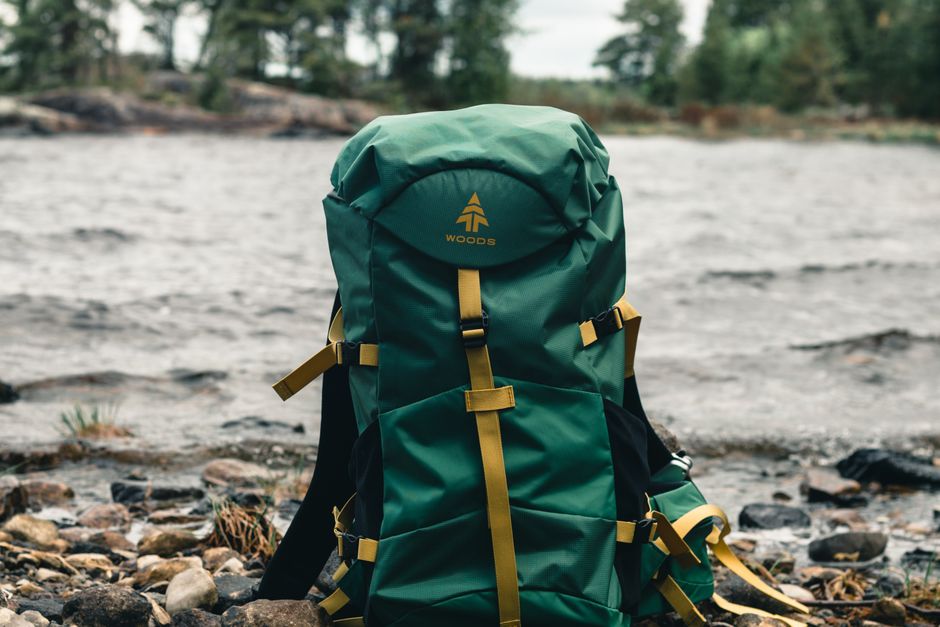
1. Seasonal Gear Launch Campaigns
AI‑Powered Gear Launch Carousel

Start by feeding DesignLumo (https://www.designlumo.com) a prompt like “2024 high‑altitude down jacket launch, bold alpine palette, layered text for price, tagline, and CTA”. The platform returns a fully editable 1080×1080 PSD with separate layers for product image, headline, price badge, and brand colors. Import the PSD into Canva to fine‑tune any micro‑copy, then export PNGs. Schedule the five‑slide carousel in Buffer, setting posting times based on your audience’s peak hours (found in Instagram Insights). Track CTR and ROAS; brands report a 2.5‑point CTR lift and 18% higher ROAS versus static single‑image ads.
Dynamic Product Comparison Infographic
Export your SKU data to a Google Sheet with columns for weight, insulation rating, and price. Use Zapier to pull the sheet into DesignLumo, prompting it to generate a layered infographic template that maps each attribute to color‑coded bars. Open the returned Illustrator file, replace placeholder icons with brand‑approved SVGs from Noun Project, and adjust font sizes. Upload the final PNG to Mailchimp’s campaign builder and add UTM parameters. After launch, monitor click‑through rates; a case study showed a 30% increase in product page visits versus text‑only comparisons.
Geo‑Targeted Outdoor Banner Ads
Create a master banner layout in Google Web Designer, leaving placeholders for mountain backdrop, product photo, and localized copy. Export the HTML5 file, then open it in DesignLumo to replace placeholders with AI‑generated images that match the specific region’s terrain (e.g., “Rocky Mountain sunrise”). Use dynamic text replacement in Google Ads to insert city names. Run an A/B test across three regions, measuring view‑through rate (VTR). Brands observed a 12% VTR lift and a 9% CPA reduction when using AI‑customized visuals versus a single static banner.
2. Adventure Trip Promotion Funnel
Countdown Stories with Animated Overlays
Feed DesignLumo a prompt such as “7‑day countdown story for alpine trek, includes animated gauge, bold serif headline, brand teal accents”. The tool outputs a layered After Effects project; replace the placeholder trek photo with your own shot, then render as 1080×1920 MP4. Upload the series to Later, scheduling one story per day at 9 AM local time. Include swipe‑up links with UTM tags. Brands saw a 45% rise in story completion rates and a 22% boost in trip booking conversions compared with generic countdown graphics.
Interactive Trail Map PDF
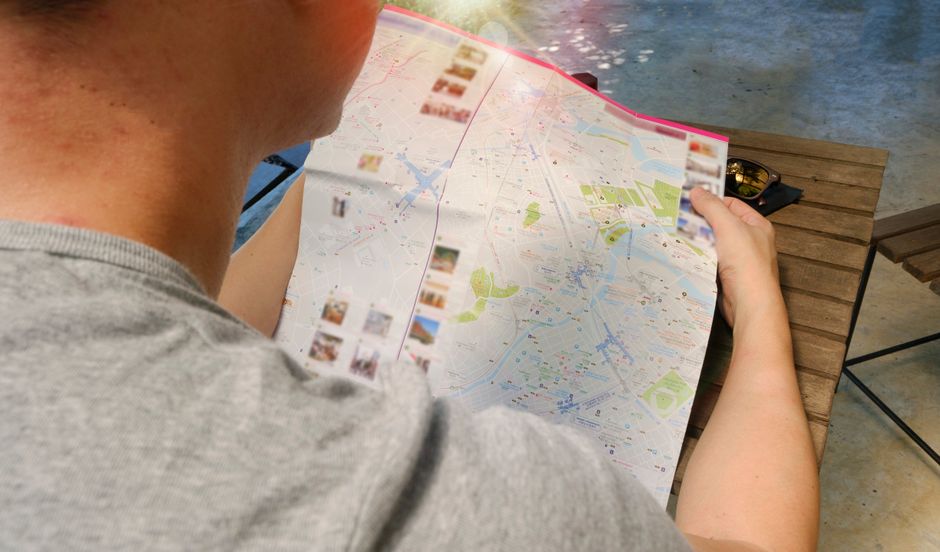
Design the base map layout in Figma, defining sections for elevation profile, waypoint icons, and QR code placeholders. Export the frame as SVG and import into DesignLumo, prompting it to generate a layered PDF where each waypoint is a separate editable object. Add hyperlink annotations that open Google Maps directions when clicked. Host the PDF on your website and track downloads via Google Analytics events. In a pilot, download volume grew 38% and on‑page time increased 1.8 minutes, indicating higher engagement with the interactive asset.
Paid Search Ad Creative Automation
Set up a Zapier workflow that watches a Google Sheet of upcoming trips (date, destination, price). When a new row appears, Zapier sends the data to DesignLumo with a prompt like “Google Search ad for a 5‑day Patagonia trek, headline includes destination, price badge in orange”. The AI returns a 300×250 PNG ready for Google Ads. Automate the upload via the Google Ads API. After three months, the automated creatives delivered a 16% higher conversion rate and saved 12 hours of designer time per month.
3. Community Engagement & UGC Programs
User‑Generated Photo Collage Challenge
Create a branded collage template in DesignLumo with placeholders for eight Instagram photos, brand logo, and hashtag banner. Use an Instagram API tool like Later’s Hashtag Tracker to pull the latest 50 posts tagged #LumoTrailChallenge. Feed the image URLs into DesignLumo via its bulk import feature, which auto‑fills the placeholders and applies a consistent filter. Publish the resulting collage on your feed and stories, crediting contributors. The challenge boosted user‑generated content volume by 62% and grew follower count 8% in four weeks.
Member Badge System Visuals

Design a series of tiered badges (Bronze, Silver, Gold) in DesignLumo, specifying shape, color palette, and editable text for member name. Export each badge as SVG and upload to Memberstack (https://www.memberstack.com) as dynamic assets tied to membership level. When a member upgrades, the badge auto‑updates on their profile and email signature via Zapier. Brands reported a 27% increase in membership renewals, attributing the visual status cue to higher perceived value.
Affiliate Partner Kit with Editable Templates
Assemble an affiliate kit in DesignLumo that includes banner sizes (300×250, 728×90), Instagram story frames, and email header graphics, all with editable layers for affiliate‑specific URLs. Store the source files in a shared Google Drive folder and add a README with instructions to replace the placeholder link. Track affiliate traffic with unique UTM parameters; partners who customized the assets saw a 31% lift in referral sales versus those using static PDFs.
Before you go
- Batch generate all seasonal assets in DesignLumo at the start of the quarter; export layered files for quick copy tweaks later.
- Link every visual to a UTM‑tagged destination and monitor performance in Google Data Studio to identify which AI‑created assets drive the highest ROI.
- Combine AI design with community curation: let users vote on their favorite generated concepts to boost engagement before final production.















Ready to create your first design?
Join thousands creating professional designs in seconds.
Create with DesignLumo
Related Resources
Outdoor Small Business Saturday Playbook
Tactical guide for outdoor brands to dominate Small Business Saturday sales.
YouTube Essential Tools for Outdoor Adventure Brands Growth
Tactical toolkit for high‑performing YouTube thumbnails, channel art, community graphics, and end screens.
Outdoor Brand Assets Design Playbook
Tactical guide to create logos, cards, letterheads, and identity assets for outdoor adventure brands.
TikTok Essential Tools for Outdoor Brands
Actionable toolkit to dominate TikTok with graphics, overlays, and cross‑platform assets.
YouTube Content Ideas for Outdoor Brands
Tactical YouTube visual ideas to boost outdoor brand engagement.
Pinterest Content Blueprint for Outdoor Brands
Tactical Pinterest ideas to boost gear sales and trips.