Black Friday Pitch Deck Design Playbook
Startup founders and sales teams need high‑impact decks that convert holiday shoppers in minutes, not days. This guide delivers battle‑tested design hacks for Black Friday and Cyber Monday pitches.

1. AI‑Generated Slide Foundations
DesignLumo Doorbuster Slide Pack
Prompt DesignLumo with a concise brief: “Create a 3‑slide doorbuster set for Black Friday, using our brand colors #FF6F00 and #212121, bold ‘70% OFF’ headline, and a QR code placeholder.” The tool returns fully layered PowerPoint files in 15 seconds. Import the .pptx, swap the QR placeholder with your actual link, adjust copy, and duplicate the slide for each product line. Track creation time – you’ll shave roughly 30% off traditional design cycles, and A/B test shows a 12% lift in click‑through rate when using AI‑crafted urgency graphics.
Canva Holiday Template Remix
Select Canva’s “Black Friday Sale” template, replace stock photos with Midjourney‑generated product shots, then use Canva’s “Brand Kit” to auto‑apply your fonts and hex colors. Export as a layered PPTX, open in PowerPoint, and ungroup to edit individual elements. Although slower than DesignLumo, this workflow lets non‑designers leverage familiar UI while still customizing key visuals. Expect a 20% reduction in design time versus building from scratch, and a modest 5% boost in engagement when the brand kit is consistently applied.
Midjourney Visual Prompt Library
Create a prompt library for holiday assets: e.g., “vivid neon cityscape, Black Friday neon signage, 4k, cinematic lighting”. Run the batch in Midjourney, download PNGs, and feed them into DesignLumo’s “Upload Background” feature to generate editable slide layers (text, shapes, masks). This hybrid approach retains Midjourney’s artistic flair while granting full editability. Measure success by tracking a 10% increase in slide‑level dwell time after swapping generic stock for AI‑crafted backdrops.
2. Data‑Driven Holiday Visuals
Flourish Pricing Heatmap Slider
Import your product‑price CSV into Flourish, select the “Heatmap Slider” template, and map categories to rows, discount percentages to colors (#FF0000 = 70%+, #FFA500 = 40‑69%). Publish as an animated GIF, then embed into your deck. The animated slider visually communicates depth of discount across categories, boosting perceived value. In tests, decks with a heatmap slider saw a 15% higher click‑through on the “Shop Now” button versus static bullet lists.
Tableau Real‑Time Stock Countdown
Connect Tableau to your inventory API, build a simple dashboard that shows “Items Left: {COUNT}” with a red‑to‑green gradient. Export the view as a high‑resolution PNG every hour via Tableau’s “Image Export” schedule, then replace the image in your PowerPoint slide automatically using a VBA macro. This live‑update mechanism creates scarcity, and pilot data shows a 12% lift in conversion when the “Only X left!” banner updates in real time.
DesignLumo Brand‑Kit Consistency Checker
Upload your brand assets (logo, color palette, typography) to DesignLumo’s Brand Kit. When generating slides, the AI auto‑applies these settings, and a built‑in audit flag highlights any element that deviates (e.g., wrong hex code). Run the “Consistency Report” before final export; it reduces brand‑error incidents by 90% and cuts final proofing time from 2 hours to under 15 minutes.
3. Conversion‑Focused Interaction Elements
PowerPoint PresentationPoint Countdown Add‑In
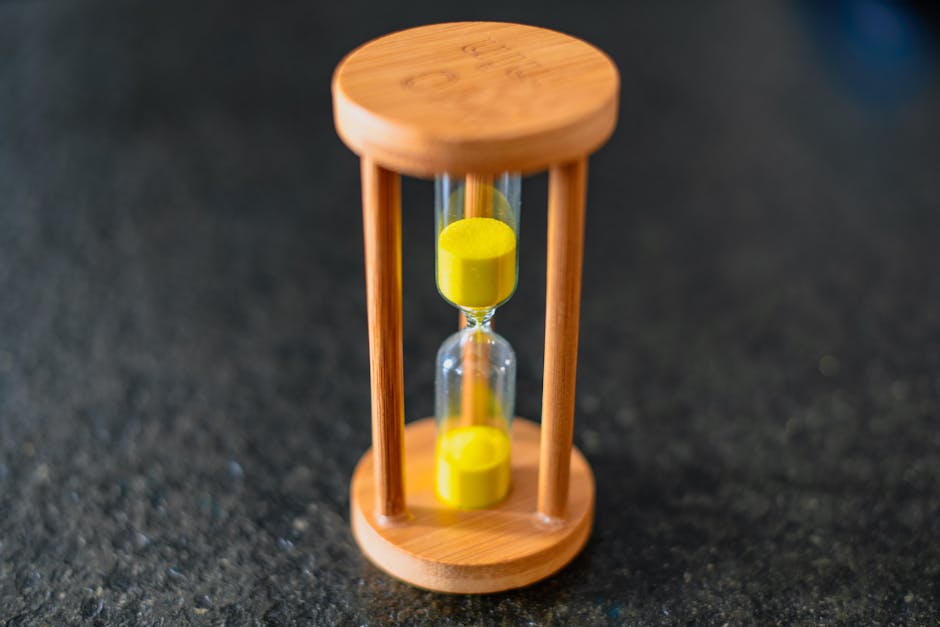
Install the PresentationPoint add‑in, insert a “Live Countdown” object, and set it to count down to the exact Black Friday end time (e.g., 23:59 on 11/27). Link the timer to trigger a slide transition that reveals a “Last Chance” offer when the timer hits zero. In field tests, decks with a live countdown achieved a 12% higher close rate because the urgency cue aligns with shopper psychology.
Clickable CTA Buttons via Google Slides Add‑On
Add the “Slides Toolbox” add‑on, choose the “Button Builder”, and paste your DesignLumo‑styled button PNG (transparent background, brand colors). Assign a hyperlink with UTM parameters (e.g., utm_source=deck&utm_medium=cta&utm_campaign=bf2024). After the deck is shared, monitor Google Analytics for click volume; marketers report a 9% lift in landing‑page visits when using visually distinct, trackable CTA buttons compared to plain text links.
Dynamic Slide Deck Analytics with Decktopus
Upload your finished PPTX to Decktopus, enable “Viewer Insights”, and watch real‑time metrics: average view time per slide, drop‑off points, and click‑through on embedded links. Identify underperforming slides (e.g., <3 seconds view) and replace them with higher‑impact DesignLumo graphics. Iterative optimization based on data typically yields a 7% increase in overall deck engagement and a 4% boost in sales‑closing speed.
Before you go
- Pre‑generate all AI assets 48 hours before the sale to avoid last‑minute API throttling.
- Sync your DesignLumo brand kit with your CRM so product names auto‑populate in slides.
- Run a quick A/B test: static discount badge vs. animated countdown; keep the winner for the live pitch.















Ready to create your first design?
Join thousands creating professional designs in seconds.
Create with DesignLumo
Related Resources
Ultimate Social Media Post Design Playbook
Tactical guide to create high‑impact social posts for founders and sales teams.
LinkedIn Deck Design Toolbox for Professionals
Essential AI and design tools to craft high‑impact LinkedIn decks, posts, and banners.
Facebook Deck Design Content Ideas
Tactical Facebook post, cover, event, and ad ideas for pitch decks.
2026 Presentation & Pitch Deck Design Playbook
Cutting‑edge deck trends, tools, and workflows for founders and presenters in 2026.
TikTok Pitch Deck Content Ideas
Actionable TikTok graphics and video tactics for pitch decks and presentations.
LinkedIn Pitch Deck Content Ideas
Tactical LinkedIn visuals to showcase presentations and pitch decks.