Dental Black Friday & Cyber Monday Design Playbook
The holiday shopping surge isn’t just for retailers—patients are also booking elective procedures. This playbook shows how dental and medical clinics can capture that demand with high‑impact, trust‑building creatives. Every tactic is built around AI‑…

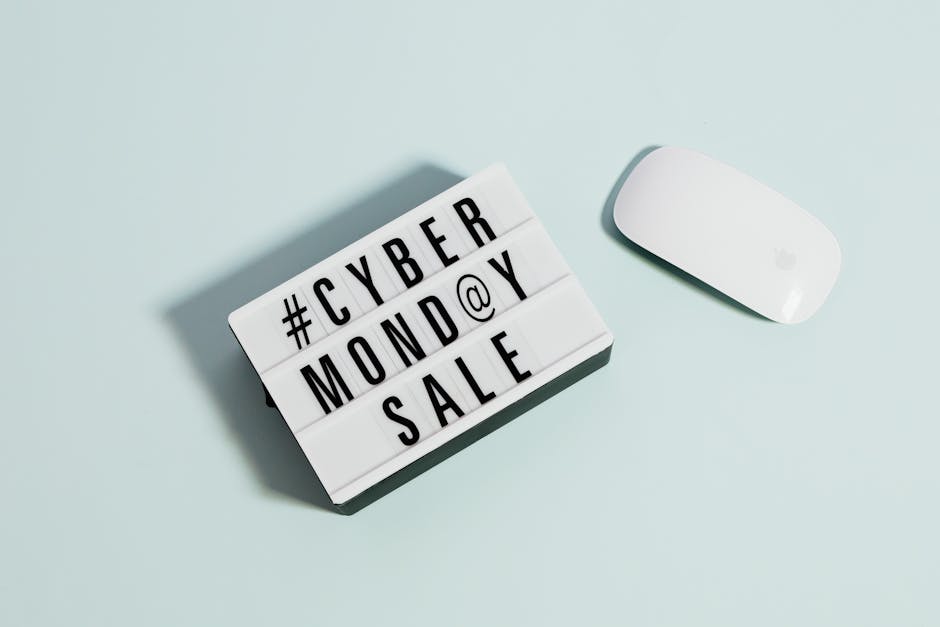
1. High‑Converting Offer Assets
Doorbuster Service Bundle Graphic

Start by defining a limited‑time bundle (e.g., teeth whitening + polish). Write a DesignLumo prompt: “Create a 1080×1080 layered graphic with bold red accents, our brand kit colors, and space for a 30% off badge.” Generate, then open the PSD in Adobe Photoshop to fine‑tune copy. Export PNG for Facebook ads and PDF for print flyers. Track click‑through rate (CTR) with UTM ?utm_source=fb&utm_campaign=bf2024; aim for 3‑5% CTR and 8‑12% conversion to booked appointments. Use Canva only for final size tweaks if needed.
Limited‑Time Appointment Countdown Timer

Create a 10‑second looping video in Adobe Express: set background to your clinic’s teal, overlay the text “24‑Hour Flash Sale”. Export MP4. In DesignLumo, generate a static thumbnail with the same branding for email pre‑header. Upload the video to Instagram Stories and embed the MP4 in Mailchimp’s email template using a custom HTML block. Include a UTM for source tracking. Measure video view‑through rate (VTR) and aim for >45% VTR; the countdown drives urgency and can lift booking rates by 15‑20% during the flash window.
Insurance‑Friendly Savings Coupon
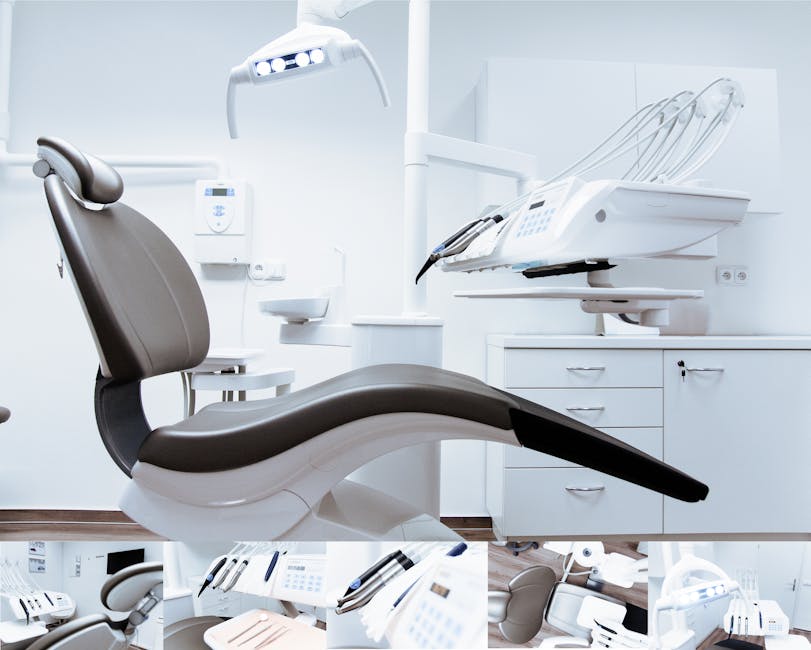
Use DesignLumo to generate a layered coupon design (5×7 in) that includes a QR code placeholder. Export the QR placeholder as SVG, then feed it to QR Code Generator (qr-code-generator.com) with the URL https://clinic.com/blackfriday‑offer?ref=coupon. Paste the SVG back into the DesignLumo file, lock the layer, and add your brand logo. Export a high‑resolution PNG for digital distribution and a printable PDF for in‑office handouts. Track coupon redemption via Google Analytics events; a 2‑3% redemption rate typically yields a 5‑10% lift in elective procedure bookings.
2. Patient Trust & Education Materials
Procedure Cost Breakdown Infographic
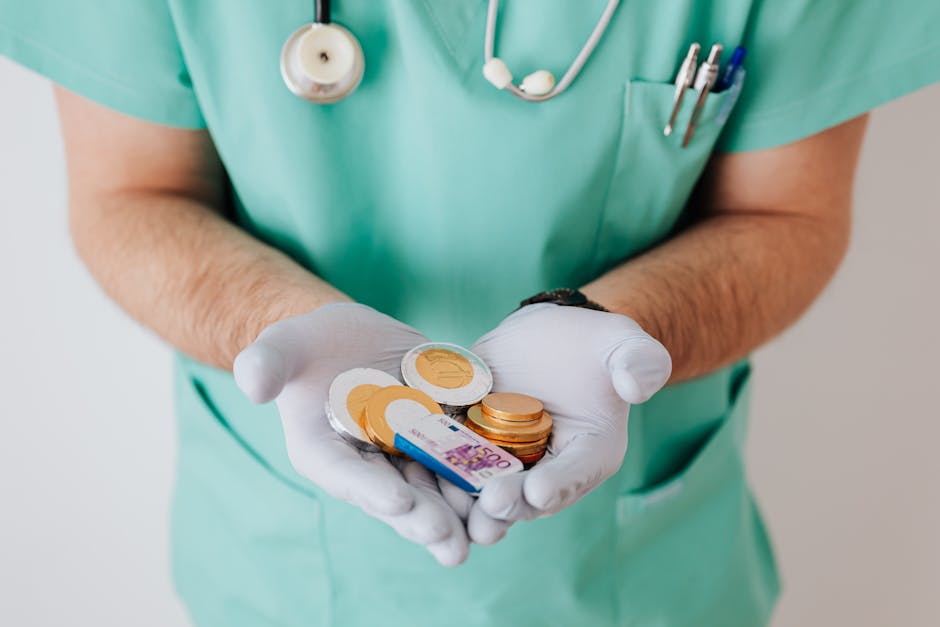
Prompt DesignLumo: “Create a vertical 800 px infographic showing step‑by‑step cost of Invisalign, with icons, brand colors, and space for patient testimonials.” After generation, open the PSD in Illustrator to adjust icon spacing and add a short FAQ text box. Export a web‑optimized PNG for blog posts and a printable PDF for the front desk. Use Google Analytics scroll‑depth to ensure at least 70% of viewers reach the cost section; this transparency can increase conversion by 12‑18% during Black Friday.
Post‑Procedure Care Checklist

Create a clean, printable checklist in Canva using a 5‑column layout, then replace static elements with DesignLumo‑generated editable text layers so staff can instantly swap procedure names (e.g., “Dental Implant”). Export as an interactive PDF with fillable fields for patient name and appointment date. Distribute via email automation (Mailchimp) and at checkout. Track PDF download completions with Bitly links; a 20% download rate correlates with a 5% reduction in post‑procedure call‑backs, saving staff time and boosting patient satisfaction scores.
Testimonial Carousel for Social
Generate background images for carousel cards with Midjourney (prompt: “soft dental office interior, warm lighting, shallow depth”). Import the images into DesignLumo and add layered text boxes for patient quotes, star rating icons, and a CTA button. Export each slide as 1080×1080 PNG. Schedule the carousel on Instagram and Facebook via Buffer, using UTM parameters to attribute traffic. Aim for >1,000 impressions per slide and a 4% engagement rate; authentic testimonials typically lift appointment booking by 8‑10% during holiday promotions.
3. Omni‑Channel Distribution & Automation
Facebook & Instagram Carousel Ads Scheduler
Create a set of 5 carousel cards in DesignLumo (each with headline, image, and CTA). Export PNGs and a CSV with headline copy. Upload the CSV to Meta Business Suite’s “Dynamic Creative” tool, linking each image to its copy automatically. Set start/end dates to align with Black Friday 00:00 PST to Cyber Monday 23:59 PST. Use the built‑in split‑test to compare “30% Off” vs “Buy One Get One Free” messaging. Monitor cost‑per‑lead (CPL); a successful campaign stays under $15 CPL for elective procedures.
Email Blast with Dynamic Content
In Mailchimp, create a campaign using the “Code Your Own” template. Insert the DesignLumo‑generated header image (1200×400 px) and a personalized greeting block that pulls the patient’s first name via merge tags. Add a conditional content block that shows either a teeth‑whitening deal or an orthodontics discount based on the patient’s past services (use Mailchimp’s segmentation). Include UTM parameters for each link. Track open rates (>25%) and click‑through rates (>5%); these benchmarks indicate a healthy conversion pipeline for holiday appointments.
Clinic Website Banner Rotation
Generate three banner variants in DesignLumo (sizes: 1920×600, 1200×400, 800×300) highlighting different offers. Install the “Smart Slider 3” plugin on your WordPress site and upload the banners as slides. Configure the plugin to rotate banners every 8 seconds and to display specific slides based on URL parameters (e.g., ?offer=whitening). Use Google Tag Manager to fire an event each time a banner is viewed; set a goal in Google Analytics for banner clicks. Aim for a 2‑3% click‑through rate, which typically translates to a 10‑15% increase in booked consultations during the sale window.
4. Performance Tracking & Optimization
UTM‑Based Attribution Dashboard
Build a Google Data Studio report that pulls from Google Analytics and Facebook Ads Manager. Create custom dimensions for source/medium/campaign using the UTM parameters set in every creative. Visualize metrics: impressions, clicks, CPL, and revenue per channel. Set alerts for any channel whose CPL exceeds $20. Review the dashboard daily during the Black Friday week to reallocate budget instantly. Clinics that optimize spend in real time typically improve overall ROI by 18‑22% versus static budgeting.
A/B Test Creative Variations
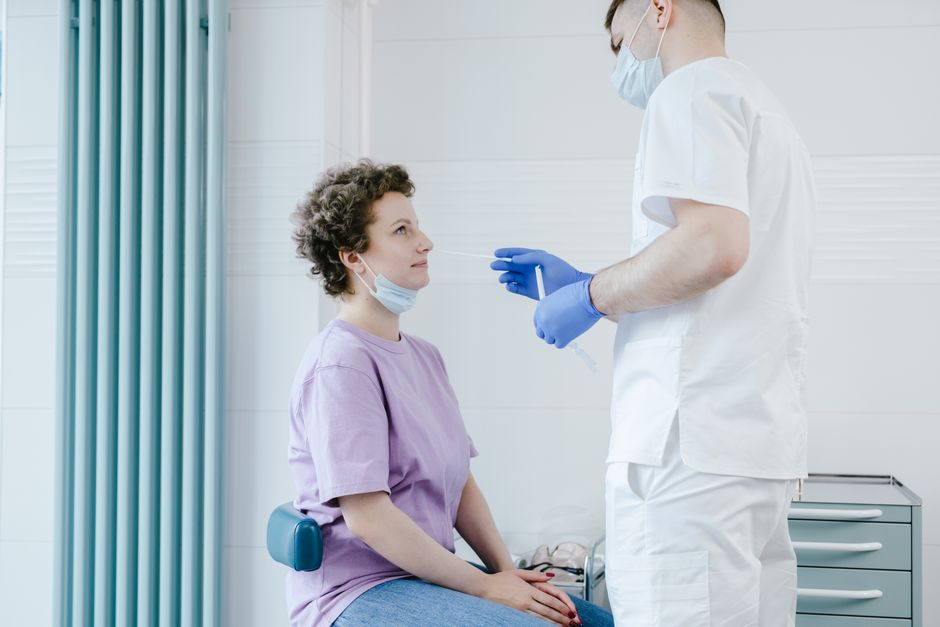
Use VWO to run a split test on two DesignLumo‑generated ad creatives: one with a “Limited Seats” badge, another with a “Free Consultation” badge. Set the test to run for 48 hours with a minimum sample size of 1,000 impressions per variant. Measure conversion rate (appointments booked). If the badge variant lifts conversion by >10% and maintains CPL under $15, roll it out across all ad sets. Document findings in a shared Google Sheet for future holiday campaigns.
ROI Calculator Spreadsheet
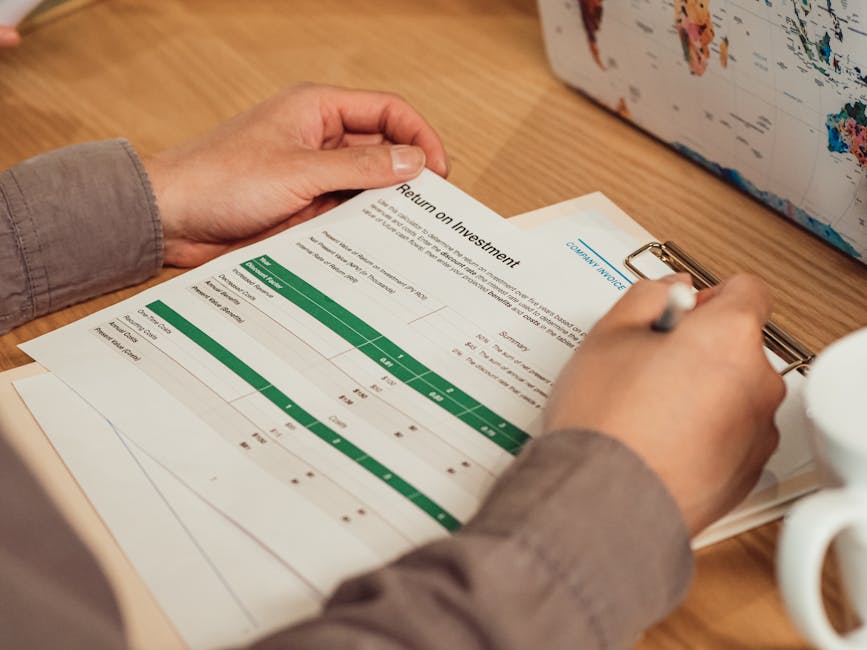
Create a Google Sheet with columns: Campaign, Spend, Leads, Booked Appointments, Avg Revenue per Appointment, Gross Profit, CPL, CPA, ROI %. Pull spend data from Meta Ads Manager via the native connector, and lead data from HubSpot. Use formulas to auto‑calculate ROI and highlight rows where ROI < 1.0 in red. Share the sheet with the practice manager for weekly review. Clinics that monitor ROI weekly typically increase net profit by 12‑16% by cutting underperforming ads before the holiday rush ends.
Before you go
- Write precise DesignLumo prompts that include brand‑kit colors, font names, and exact dimensions to avoid manual resizing.
- Layer every graphic with separate text, image, and CTA groups; this lets you A/B test copy without recreating the entire design.
- Schedule all UTM‑tagged assets at least 48 hours before Black Friday to allow ad platforms to approve and to capture early‑bird traffic.















Ready to create your first design?
Join thousands creating professional designs in seconds.
Create with DesignLumo
Related Resources
Shopify Content Ideas for Dental & Medical Clinics
Actionable Shopify design ideas to attract patients and boost clinic revenue.
Ultimate Dental & Medical Slide Design Playbook
Step‑by‑step AI‑driven guide to create high‑impact clinic slide decks.
Instagram Toolkit for Dental & Medical Clinics
Essential Instagram tools and workflows to boost patient engagement, bookings, and trust for clinics.
Mother's Day Clinic Marketing & Design Playbook
Actionable Mother’s Day tactics for dental and medical clinics.
TikTok Content Ideas for Dental & Medical Clinics
Actionable TikTok concepts that drive appointments and trust for dental and medical practices.
Dental Clinic Product Graphics Design Guide
Step‑by‑step tactics for creating high‑impact product graphics in dental and medical marketing.