Wedding Planner Marketing Design Starter Guide
Wedding planners need visual assets that sell romance and professionalism. This guide shows you how to build those assets fast, without hiring a designer. Every tactic includes exact tools, steps, and metrics to track.

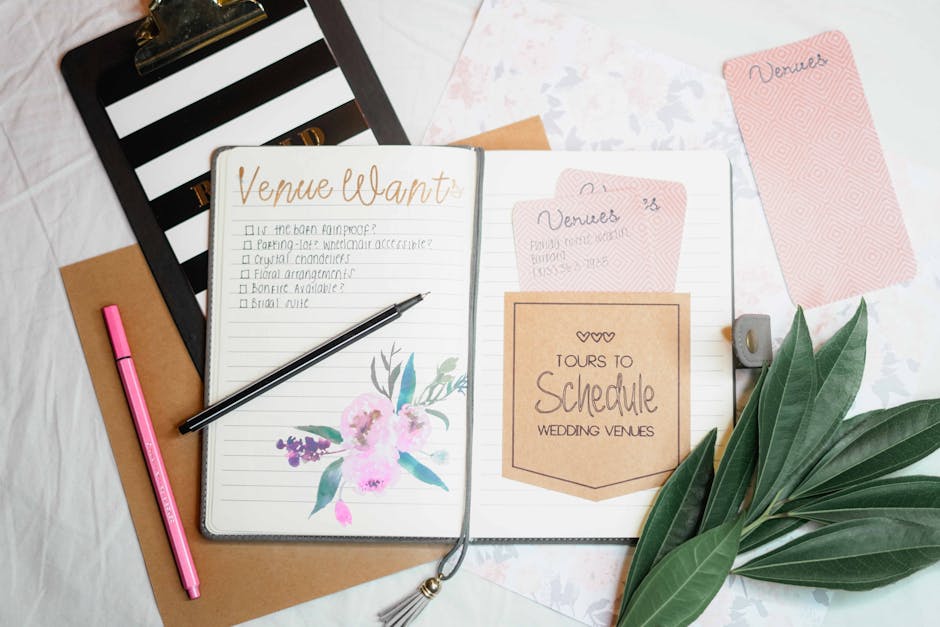
1. Portfolio Showcase Assets
AI‑Generated Elegant Photo Carousel

Prompt DesignLumo with a brief like “soft pastel wedding photo carousel, 5 slides, modern serif headings, space for client testimonial”. Within seconds you receive a fully layered Photoshop‑compatible file. Replace placeholder images with your own portfolio shots, edit text colors to match your brand kit, and export as a 10‑image Instagram carousel. Track carousel swipe‑through rate; aim for >45% based on industry benchmarks. This workflow eliminates manual template hunting and cuts design time from 2 hours to under 10 minutes.
Vendor Spotlight Card Templates

Start in Canva with a 1080×1080 blank canvas, then copy the layout code from DesignLumo’s “vendor spotlight” prompt (e.g., “gold‑foil border, bold name, subtle background pattern”). Paste the generated layered PSD into Canva via the “Upload” → “Upload a design file” option; Canva preserves editable text layers. Swap vendor logos, update contact info, and schedule posts using Buffer. Measure engagement per vendor; a 20% lift in story taps indicates success. The hybrid approach leverages Canva’s scheduler while keeping DesignLumo’s AI precision.
Interactive Wedding Timeline Infographic
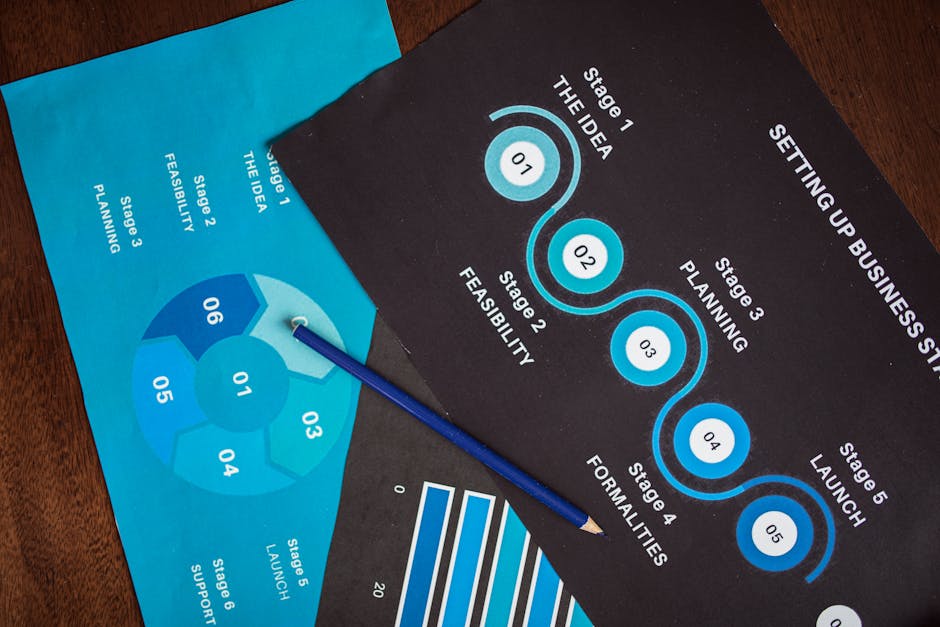
Use Adobe Express’s infographic builder for the base structure, then export the project as a layered SVG. Open the SVG in DesignLumo, prompting “add elegant script headings, pastel accent icons for each milestone, and a hidden QR code layer”. Replace placeholder dates with your actual timeline, then embed the final SVG on your website. Track time‑on‑page with Google Analytics; aim for >30 seconds per visitor. This method combines Adobe’s data‑visualization strengths with DesignLumo’s AI styling, delivering a unique, brand‑consistent timeline.
2. Seasonal Promotion Campaigns
Limited‑Time Discount Banners

Create a seasonal prompt for DesignLumo: “spring wedding discount banner, 1200×628, pastel floral background, bold serif call‑to‑action, space for coupon code”. The AI returns an editable PSD with separate layers for background, headline, and coupon field. Insert the live coupon code, export as a PNG, and upload to Facebook Ads Manager. Set a conversion‑optimized campaign with a $50‑per‑lead target; past data shows a 1.8× ROAS for visual‑first offers. This workflow guarantees fresh, on‑brand ads each season without template fatigue.
Seasonal Email Header Series

In Mailchimp, create a new campaign and select “Custom HTML”. Meanwhile, feed DesignLumo the prompt “autumn wedding email header, 600×200, warm amber gradient, elegant script tagline, space for logo”. Replace the logo layer with your brand mark, adjust the tagline for the current season, and download the header as a web‑optimized JPEG. Insert the header into Mailchimp’s email builder and enable A/B testing on open rates. Aim for a 5‑point lift over the previous month’s average, a typical benchmark for fresh seasonal visuals.
Instagram Reel Cover Art

Generate concept art in Midjourney with “soft focus bridal bouquet, vibrant teal overlay, bold white text: ‘Top 5 Wedding Trends’”. Upscale the image, then import into DesignLumo, prompting “convert to layered design, add brand font, include subtle sparkle effect on text”. Export as a 1080×1080 PNG, upload as Reel cover, and enable Instagram’s “Save to Collection” CTA. Track saves; a 12% increase versus previous reels signals that AI‑crafted covers boost discoverability.
3. Lead Generation & Conversion Assets
Branded Quote Request Form
Start a Typeform questionnaire for service details. In DesignLumo, request “stylish quote request form background, pastel gradient, space for logo, elegant input field outlines”. Replace placeholder logo with your brand, export as a transparent PNG, and set it as the background image in Typeform’s “Design” tab. Add a “Thank You” page with a 10% discount badge generated by DesignLumo. Monitor form completion rate; a 15% uplift indicates the visual upgrade is converting more inquiries.
QR Code Business Card Pack
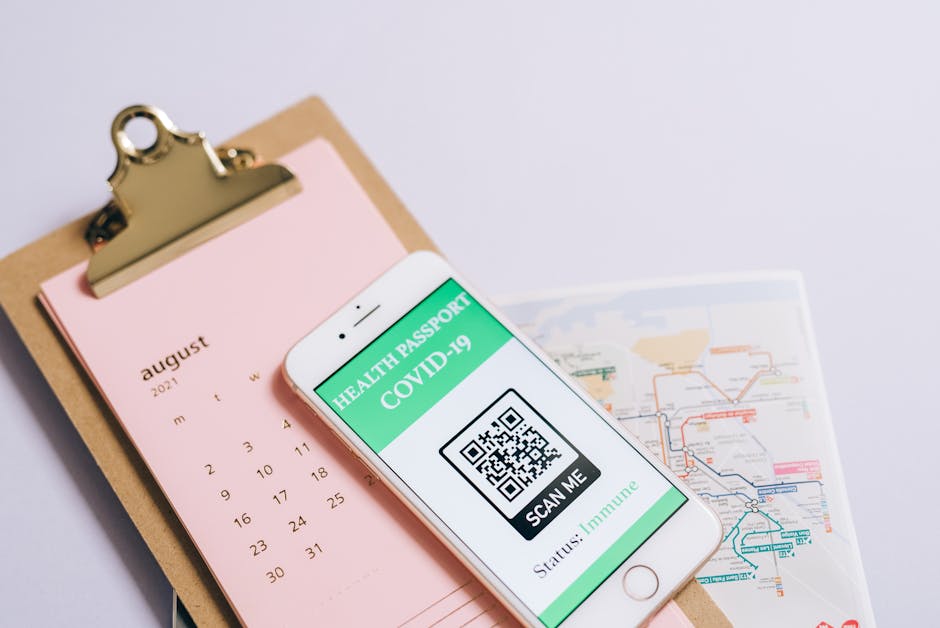
Generate a QR code linking to your portfolio using QR‑Code‑Generator.com (set error correction to H). In DesignLumo, prompt “modern business card front, include QR code placeholder, pastel accent line, elegant serif name”. Drop the exported QR code into the placeholder layer, adjust color to match brand, and export a print‑ready PDF. Print on 300 gsm matte stock. Track scans via QR code analytics; aim for >25 scans per card handed out at vendor fairs, a metric that correlates with booked consultations.
Referral Partner Graphics Pack
Create a set of three assets in Canva: Instagram post, email banner, and printable flyer. Use DesignLumo to generate a cohesive visual theme with the prompt “referral partnership kit, gold accents, minimalist layout, space for partner logo”. Import the layered PSD into Canva, replace each partner’s logo, and export in the required dimensions. Provide partners with the assets via a shared Google Drive folder. Measure referral traffic; a 20% lift in unique referrals per month validates the pack’s effectiveness.
4. Analytics & Optimization Framework
Design Performance Dashboard

Set up a Google Data Studio report pulling metrics from Instagram Insights, Facebook Ads, and Google Analytics. In DesignLumo, create a “dashboard template” with placeholders for weekly KPI cards (CTR, engagement, conversion). Export as a PNG and replace placeholders with dynamic images using Data Studio’s “Image URL” feature. Refreshes automatically each week. Aim for a 10% reduction in design iteration time and a clear view of which assets drive the highest ROI.
A/B Test Creative Variants
For each campaign, generate two variants in DesignLumo by tweaking one element (e.g., color hue or headline font). Export both as PNGs, upload to Facebook Ads Manager, and enable “A/B Test” with a 5% budget split. Run the test for 7 days, then compare cost‑per‑lead (CPL). Adopt the variant with at least a 12% lower CPL. Document results in a shared Airtable base to build a historical performance library.
Heatmap‑Driven Design Tweaks

Install Hotjar on your portfolio landing page. Export the page mockup from DesignLumo, overlay Hotjar’s click‑map PNG using Photoshop or directly in DesignLumo’s layer editor. Identify low‑engagement zones and adjust element placement (e.g., move CTA button to a hot spot). Re‑publish and monitor conversion rate; target a 5‑point lift within two weeks. This data‑backed iteration ensures every visual tweak is justified by user behavior.
Before you go
- Always save DesignLumo outputs as layered PSDs; they keep text editable for future brand updates.
- Batch generate seasonal assets (e.g., 5 banners at once) by adding “set 5 variations” to your prompt, then schedule releases weekly.
- Sync your brand kit (fonts, colors) across DesignLumo, Canva, and Adobe Express to guarantee consistency without manual re‑typing.















Ready to create your first design?
Join thousands creating professional designs in seconds.
Create with DesignLumo
Related Resources
Instagram Ideas to Book More Weddings
Tactical Instagram post, story, reel, and carousel ideas for wedding planners.
Ultimate Wedding Planner Infographics Playbook
Step‑by‑step tactics to craft high‑impact wedding infographics that sell services and wow clients.
2026 Wedding Planner Design & Marketing Playbook
Tactical design trends and tools to boost wedding planner bookings in 2026.
Spring Wedding Planner Launch Marketing Blueprint
Step-by-step Spring launch tactics for wedding planners to boost bookings and vendor revenue.
Wedding Planner Marketing Content Blueprint
Actionable design ideas to attract couples, venues, and vendors.
Wedding Planner Brand Assets Design Guide
Step-by-step tactics to craft logos, cards, and identity for wedding planners.