Salon & Spa Marketing Design Playbook
Salon owners need eye‑catching visuals that convert browsers into loyal clients. This guide breaks down the exact assets and workflows that drive bookings, product sales, and gift‑card revenue. Every tactic is paired with the tools that deliver resul…


1. Social Media Visual Assets
AI‑Generated Service Menu Carousel
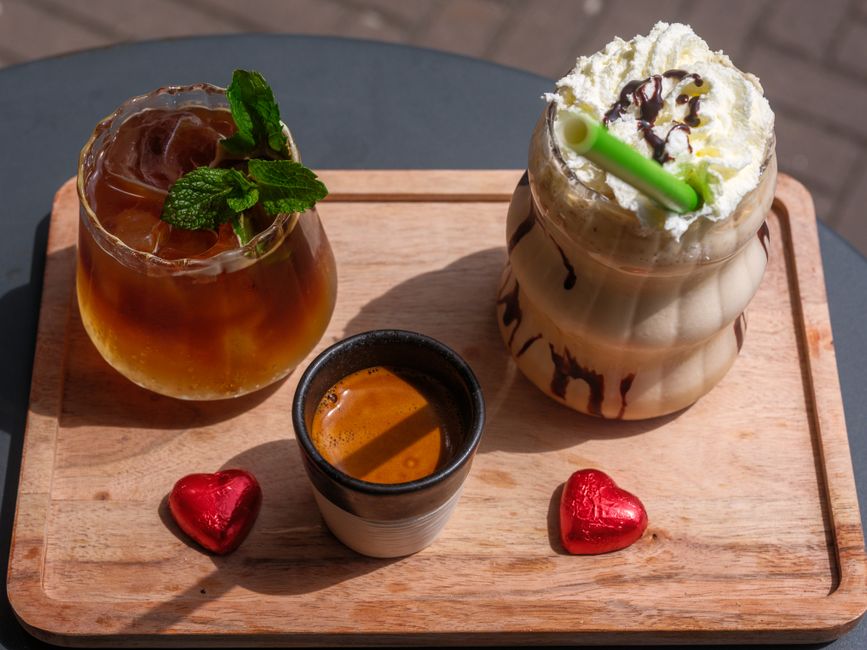
Use DesignLumo to type a prompt like "luxury spa service menu with pastel palette, elegant serif fonts, and layered icons". Within seconds you receive a fully editable PowerPoint‑style file. Import the layers into Canva for quick animation, set each slide to 5 seconds, and schedule as an Instagram carousel. Track carousel swipe‑through rates; aim for a 2.5% lift versus static posts. The workflow takes under 10 minutes and eliminates costly designer back‑and‑forth.
Before/After Transformation Reel Templates

Create a reusable Reel template in Adobe Express: upload a 1080×1920 canvas, add two video placeholders, and overlay a semi‑transparent gradient for brand consistency. Generate the before/after clips with Midjourney for stylized background textures, then replace them in the template. Publish with a call‑to‑action sticker linking to your booking page. Measure Reel completion rates; a 15% higher watch time correlates with a 12% booking increase in the following week.
Branded Gift Card Graphics Pack

Prompt DesignLumo for "minimalist gift card design for a boutique hair salon, gold foil accents, soft pink background, editable QR code area". Export the layered PSD, then open in Canva to adjust the QR code with your POS link. Duplicate the file for $25, $50, $100 denominations, and schedule posts each month. Track gift‑card sales; aim for a 20% rise during holiday peaks by pairing with a limited‑time Instagram story swipe‑up.
2. Seasonal Promotion Campaigns
Holiday Countdown Story Sequence
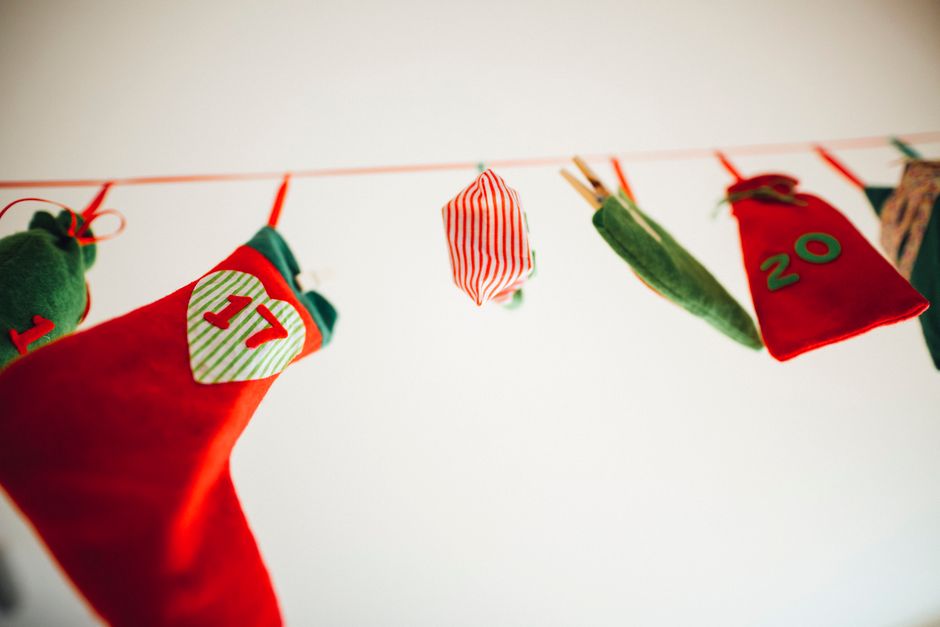
Generate a 7‑day countdown series in DesignLumo using the prompt "festive spa countdown story template, bold numbers, icy blue accents, space for daily discount". Export each day's layered PNG, drop into Canva, and add a swipe‑up link to a special booking page. Publish one story per day, tagging location and using a branded hashtag. Monitor story exits; a drop below 5% signals high engagement and typically drives a 30% uplift in appointment bookings during the countdown.
Limited‑Time Bundle Promo Builder
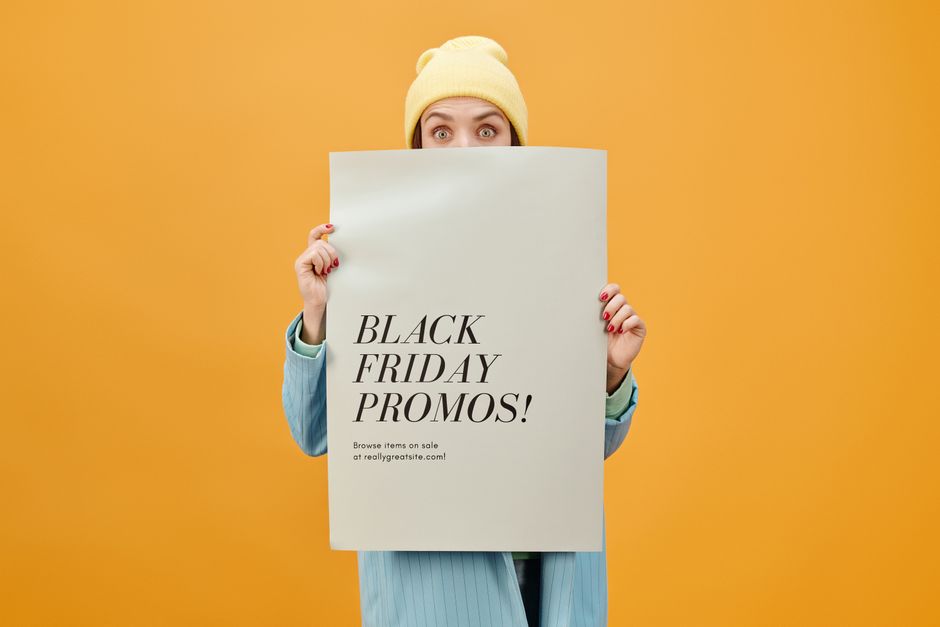
In Canva, start from a blank 1080×1080 canvas, insert a DesignLumo‑generated bundle mockup (e.g., "spa facial + massage combo, teal background, gold typography"). Add dynamic pricing badges and a countdown timer GIF from GIPHY. Link the post to a Squarespace landing page with UTM parameters. Track conversion rate; a 3% click‑through to the bundle page should translate to a 1.5% sales lift, justifying the $200 ad spend.
Referral Challenge Graphics Kit
Create a referral challenge visual kit using DesignLumo: request "stylish referral challenge poster, pastel gradient, space for QR code, bold call‑to‑action". Export layered files, then customize each location's name in Adobe Express for local targeting. Publish the poster on Instagram, Facebook, and in‑store prints. Use a unique referral code per location; monitor code redemptions. Expect a 10‑15% increase in new client acquisition when the challenge runs for two weeks.
3. Booking & Loyalty Funnel Enhancements
Clickable Instagram Bio Link Landing Page
Build a one‑page landing site in Carrd, then import a DesignLumo‑crafted hero section that reads "Book Your Summer Glow Now" with a pastel gradient and editable button. Connect the button to your Acuity scheduling URL, and add a limited‑time discount code. Measure link clicks; a 4% click‑through from the bio should generate at least 20 bookings per week for a mid‑size salon.
Automated Email Header Series

Design a set of three seasonal email headers in DesignLumo using prompts like "spring haircut promotion email header, soft green tones, elegant script". Export PNGs, upload to Mailchimp, and set up an automated flow: welcome, 48‑hour reminder, and final offer. Track open rates; a 5% uplift per header indicates stronger brand recall and correlates with a 12% rise in repeat bookings.
Membership Tier Visual Identity Kit
Prompt DesignLumo for three tiered badge designs: "Gold, Silver, Bronze spa membership badges, sleek lines, customizable text". Export layered SVGs, then use Canva to place each badge on social posts, signage, and PDF membership cards. Add QR codes linking to tier‑specific booking pages. Monitor tier upgrades; a 3% conversion from Bronze to Silver after a month signals effective visual reinforcement.
Before you go
- Batch-generate all graphics for a campaign in one DesignLumo session to keep style consistency and save up to 70% production time.
- Always embed UTM parameters in every promotional link; track ROI per graphic in Google Analytics to identify high‑performing designs.
- Leverage the Brand Kit feature in DesignLumo to lock in colors, fonts, and logo placement, ensuring every asset aligns with your salon’s visual identity.















Ready to create your first design?
Join thousands creating professional designs in seconds.
Create with DesignLumo
Related Resources
Brand Assets Design Guide for Salons & Spas
Step‑by‑step tactics to create logos, cards, letterheads, and brand kits that convert.
Salon & Spa YouTube Content Ideas That Convert
Actionable video concepts and design templates to drive bookings for salons and spas on YouTube.
Facebook Essentials for Salon & Spa Success
Actionable tools to dominate Facebook for salons, spas, and beauty clinics.
Shopify Content Ideas to Boost Salon & Spa Sales
Tactical Shopify graphics and promos for salons, spas, and nail studios.
Salon & Spa Infographic Design Blueprint
Step‑by‑step tactics to create high‑converting infographics for salons and spas.
Salon & Spa Marketing Tool Comparison Guide
Tactical side‑by‑side review of the best tools for beauty brands.