Pinterest Agency Playbook: Design & Growth Blueprint
Pinterest drives massive referral traffic for e‑commerce, but agencies often drown in repetitive design tasks. This playbook distills proven systems into actionable steps you can implement today. Master rapid production, brand cohesion, and data‑driv…


1. Rapid Pin Production Workflow
AI Prompt‑Driven Template Engine (DesignLumo)

Create a brand‑specific prompt library in DesignLumo, defining font, color palette, and layout rules. Input a product description (e.g., "emerald necklace on marble background") and generate a fully layered 1000×1500px tall pin in seconds. Export as PSD, then fine‑tune text or swap images. Run batches of 50 prompts via the API to produce 200 pins weekly, slashing design time from 2 hours per batch to under 15 minutes. Track output with a simple Google Sheet to verify 30 % higher repin rates versus manual designs.
Bulk Image Resizing & Background Removal with PhotoRoom API

Upload product photos to PhotoRoom’s API endpoint, enabling automatic background removal and resizing to Pinterest’s 2:3 ratio. Use a Python script to loop through CSV of image URLs, set "width":1000, "height":1500, and retrieve PNG assets. Combine the output with DesignLumo‑generated overlays in a single Click‑through workflow. Process 500 images in under 20 minutes, reducing manual Photoshop work by 90 %. Monitor success via the API’s error log and aim for <1 % failure rate.
Scheduled Pin Publishing via Tailwind

Import the finished PNGs into Tailwind’s bulk uploader, assign each pin to its appropriate board, and set a 30‑day publishing calendar. Enable Tailwind’s SmartSchedule to auto‑pick optimal times based on historic engagement metrics (target 9 am CST for lifestyle boards). Use the “Pin Queue” feature to maintain a steady flow of 15‑20 pins per day without manual posting. Track saves and clicks in Tailwind’s analytics; aim for a 12 % increase in weekly repins after implementation.
2. Brand Consistency & Asset Management
Centralized Brand Kit in DesignLumo + Canva Sync
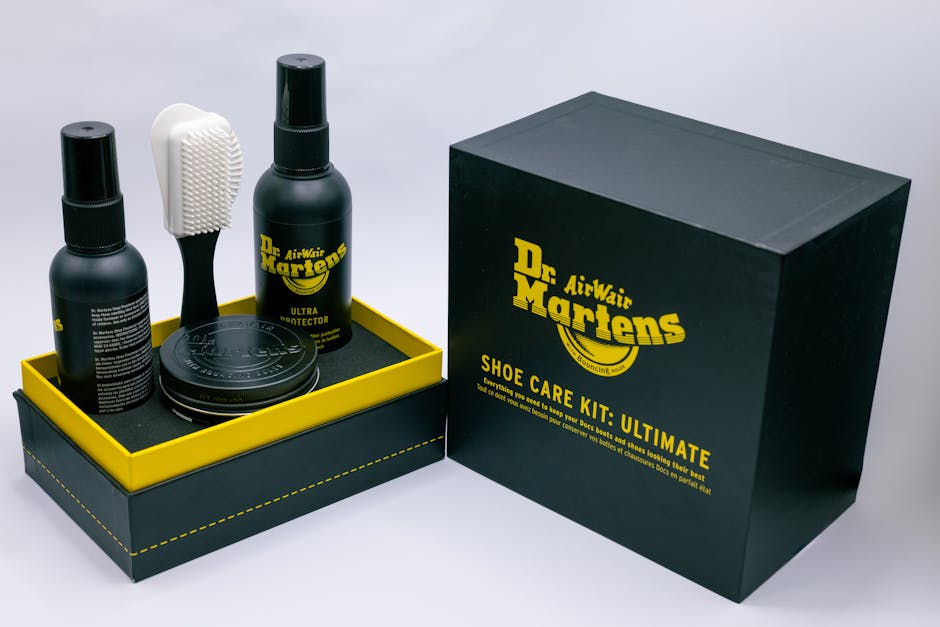
Set up a Brand Kit in DesignLumo with exact HEX colors, font families, and logo assets. Export the kit JSON and import it into Canva’s “Brand Kit” via the Canva API, ensuring any team member working in Canva inherits the same visual standards. When a new color or font is approved, update the DesignLumo kit first; the sync script pushes changes to Canva in real time. This eliminates brand drift and cuts approval cycles from 3 days to under 12 hours.
Digital Asset Library with Frontify

Create a Frontify workspace titled “Pinterest Agency Assets.” Upload all pin templates, icon sets, and approved product photography. Tag each file with product type, season, and brand name. Use Frontify’s version control to lock master files, forcing designers to duplicate before editing. Generate a public share link for clients to review assets, reducing revision requests by 40 %. Integrate Frontify with Slack via webhook to notify the team of new uploads instantly.
Style Guide Automation via Notion + Zapier
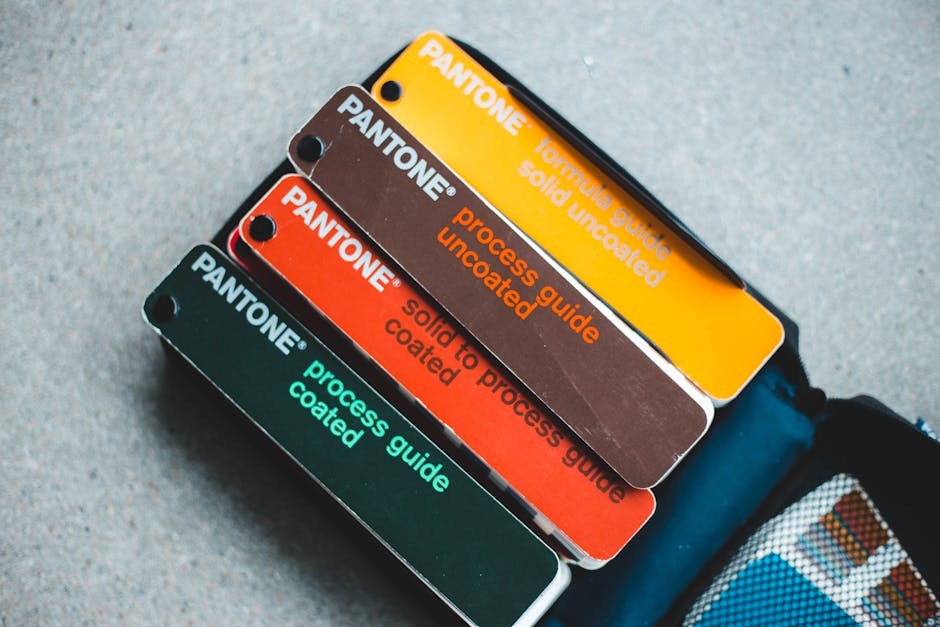
Build a Notion page that lists typography, color codes, and layout grids for each client. Connect Zapier to trigger when a new pin file lands in the shared Google Drive folder; Zapier then appends a row in the Notion “Pin Log” with link, brand, and compliance status. Use Notion’s formula field to flag any pin missing required brand elements, prompting a quick review. This workflow enforces standards across 10+ designers and reduces compliance errors by 25 %.
3. Seasonal Refresh & Performance Optimization
Dynamic Seasonal Prompt Library (DesignLumo)

Maintain a living spreadsheet of seasonal prompts—Spring, Summer, Fall, Winter—each with variables for color (e.g., "{{color}}"), texture, and holiday icons. Link the sheet to DesignLumo’s API using a Node.js script that swaps variables per month, generating 100 fresh pins automatically. Track performance per season in a Google Data Studio report; aim for a 15 % lift in saves during the first two weeks of each launch. Update the prompt list quarterly to stay ahead of trends.
A/B Testing Pin Variations with PinGroup

Upload three design variants of the same product to PinGroup. The platform distributes each variant evenly across target boards for 7 days, then reports repin, click‑through, and conversion metrics. Use the statistical significance calculator within PinGroup to identify the winner with a confidence level above 95 %. Replace under‑performing variants in the live Tailwind schedule. Historically, agencies see a 20 % increase in traffic after iterative testing.
Analytics Dashboard in Google Data Studio

Connect the Pinterest API to Google BigQuery, then pull daily metrics (impressions, saves, clicks, outbound traffic). Build a Data Studio dashboard with scorecards for CTR, Repin Rate, and Revenue per Pin. Add a time‑series chart comparing seasonal campaigns side‑by‑side. Set up email alerts for any pin whose CTR drops more than 10 % week‑over‑week. This real‑time visibility lets you pivot creative direction within 48 hours, protecting ad spend.
Before you go
- Batch prompts in DesignLumo using CSV imports to generate thousands of pins with a single API call.
- Leverage Tailwind’s “SmartLoop” to recycle top‑performing pins automatically during low‑traffic weeks.
- Create a quarterly “Brand Refresh Sprint” where all seasonal prompts are audited and updated based on the latest Pinterest trend reports.















Ready to create your first design?
Join thousands creating professional designs in seconds.
Create with DesignLumo
Related Resources
Twitter/X Graphic Toolkit for Pinterest Agencies
Essential AI‑powered tools and workflows to create high‑impact Twitter/X visuals for Pinterest agencies.
Pinterest Product Graphics Blueprint
Step‑by‑step tactics for agencies to create high‑converting product pins.
TikTok Tools Every Pinterest Agency Needs
Essential AI and manual tools for TikTok video assets and cross‑promotion.
Back to School Pinterest Agency Playbook
Tactical guide for agencies to flood Pinterest with high‑ROI back‑to‑school pins.
New Year Q1 Pinterest Agency Playbook
Actionable Q1 Pinterest plan for agencies to boost pins and revenue.
Black Friday Pinterest Agency Playbook
Tactical guide for agencies to dominate BF/CM Pinterest campaigns.