Ultimate Beginner's Guide to Pet Business Marketing
Pet‑focused businesses need eye‑catching visuals that convert, but they often lack design time or expertise. This guide gives you a proven toolkit to create engaging content in minutes. Every tactic includes exact tools, prompts, and metrics so you c…

1. Social Content Creation
AI‑Generated Pet of the Week Posts
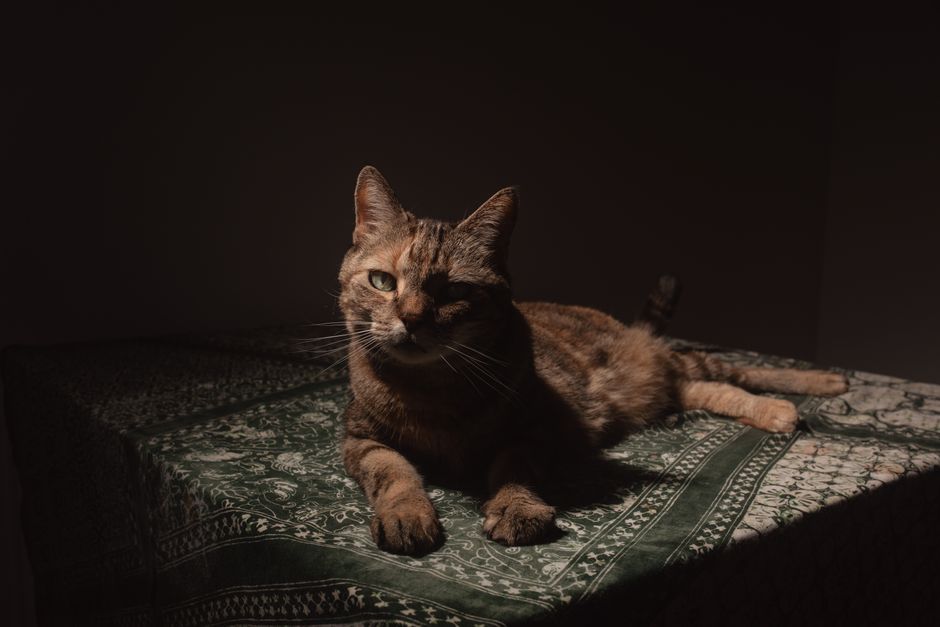
Collect a high‑resolution photo of the featured animal, then open DesignLumo (https://www.designlumo.com). Prompt: “Create a 1080×1080 Instagram post for a Golden Retriever named Bella, bold headline ‘Pet of the Week’, space for caption, using my brand colors #FF6F61 and #2D2D2D, with a playful paw‑print border.” The AI returns a layered PSD you can instantly edit text, swap fonts, or replace the photo. Export PNG, schedule via Buffer, and monitor engagement. Aim for a 5% lift in likes and comments versus regular posts.
Before/After Grooming Carousel Templates

Start with Canva’s carousel size (1080×1080) and upload the before and after images. Then open DesignLumo, prompt: “Design a three‑slide carousel layout for a grooming before/after showcase, include brand logo top‑right, consistent fonts, and a ‘Swipe for transformation’ callout.” Download the layered file, import each slide back into Canva to fine‑tune placement, then export as a single carousel. Post on Instagram and track swipe‑through rate; a well‑designed carousel should exceed 30% swipe‑through.
UGC Repost Engine with Branded Frames

Use Later’s UGC collection feature to pull all photos tagged #MyPetShop. Export the batch to a folder, then feed each image into DesignLumo with the prompt: “Add a thin white border, my brand logo bottom‑left, and a hashtag overlay ‘#PetShopLove’, keep layers editable.” Automate this via a simple Zapier workflow: Later → Google Drive → DesignLumo API. Publish the framed UGC on Instagram Stories and feed, then measure follower growth; consistent branded reposts typically add 2% net new followers per month.
2. Promotion & Service Menu Design
Dynamic Service Menu PDFs with QR Booking

Open DesignLumo and type: “Create a two‑page PDF service menu for a pet grooming salon, include sections for Bath, Trim, Full Groom, prices, icons for each service, brand colors #4A90E2 and #FFFFFF, and a QR code that links to https://myshop.com/book with UTM parameters.” The AI generates editable layers and inserts a scannable QR. Export the PDF, host on your website, and embed the UTM link in Google Analytics. Track click‑through; a well‑designed menu can lift booking clicks by 12% versus a plain text list.
Facebook & Instagram Ad Creatives in Seconds

In DesignLumo, prompt three variants: “Generate a 1200×628 Facebook ad for a dog‑training package, headline ‘Unleash Better Behavior’, CTA button ‘Book Now’, brand colors #FF9500 and #222222, include a happy dog illustration.” Export each PNG, upload to Meta Ads Manager (https://www.facebook.com/adsmanager), set identical targeting, and run a 7‑day A/B test. Measure click‑through rate; aim for at least 2.5% CTR, which typically translates to a 3‑4× ROAS for local service ads.
Email Header Templates for Promotions

Create a 600 px wide, 200 px tall header in DesignLumo: “Design an email header for a pet‑store spring sale, include space for ‘20% Off All Toys’, brand logo top‑left, pastel teal background, and a subtle paw‑print pattern.” Export as JPEG, then import into Mailchimp (https://mailchimp.com) when building the campaign. Use the same header across all promotional emails for brand consistency. Track open‑rate lift; a fresh, branded header typically adds a 10% increase over generic templates.
3. Seasonal & Safety Campaigns
Holiday Pet Safety Infographics

Prompt DesignLumo: “Create a vertical Instagram infographic titled ‘Christmas Pet Safety’, include three stats (e.g., 30% of pets ingest ornaments), icons for decorations, tree, lights, brand colors #C0392B and #ECF0F1, and a call‑to‑action ‘Visit our safety guide’. Keep each element on separate layers.” Export PNG, schedule for Dec 1‑15, and encourage shares. Monitor share‑rate; a compelling infographic should achieve >15% of viewers sharing it, driving organic reach.
Summer Heat‑Wave Checklist Cards
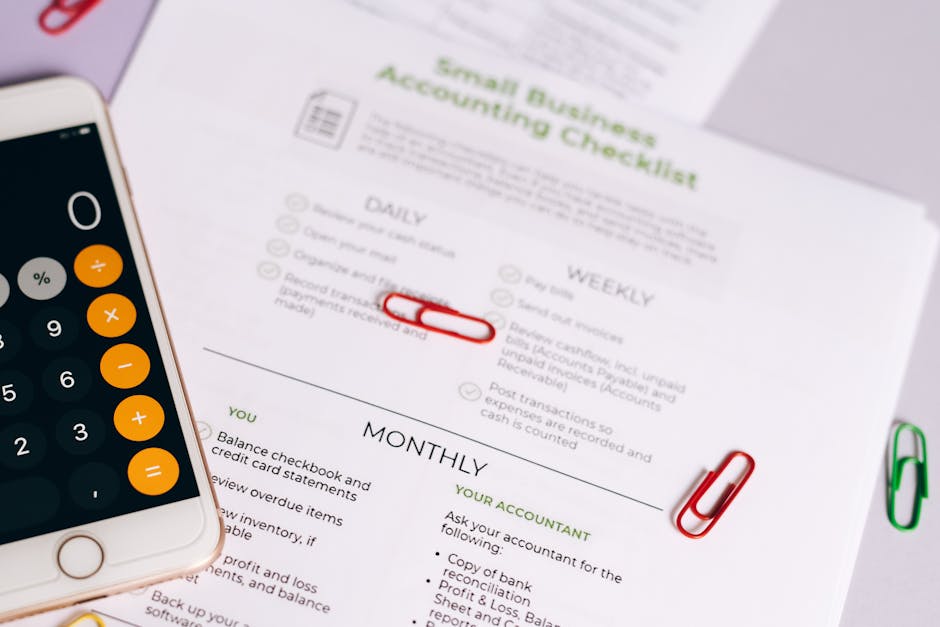
Start with a Canva checklist template (https://www.canva.com) sized 5×7 inches. Replace icons by generating custom sun, water bowl, and shade graphics in DesignLumo with the prompt: “Design flat‑style icons for a summer pet care checklist, brand colors #FFB400 and #0066CC.” Import the icons into Canva, add QR code linking to your blog post on heat safety, print 200 cards, and place them at the checkout. Track redemption codes; expect a 5% increase in summer boarding bookings from checklist holders.
Vaccination Reminder SMS Graphics

Generate a 1080×1080 reminder graphic in DesignLumo: “Create an SMS‑friendly image for a pet vaccination reminder, include ‘Your dog’s rabies shot is due’, brand logo, CTA ‘Book Now’, and a clickable button style with URL https://myvet.com/booking?utm_source=sms”. Export PNG, then use Twilio (https://www.twilio.com) to send the image with a personalized text to each client 7 days before due date. Measure appointment conversion; clinics using visual SMS reminders see an 8% lift in on‑time vaccinations.
Before you go
- Batch‑create all seasonal graphics at the start of the year using DesignLumo prompts; store layered files for quick edits later.
- Integrate UTM parameters into every QR code or link to attribute bookings directly to specific posts or ads.
- Leverage your brand kit in DesignLumo to enforce color and font consistency across all assets, boosting brand recall.















Ready to create your first design?
Join thousands creating professional designs in seconds.
Create with DesignLumo
Related Resources
Pet Email Header Design Blueprint
Step‑by‑step guide to create high‑converting email hero images for pet businesses.
YouTube Essential Tools for Pet Businesses
Turn pet videos into bookings with proven YouTube design tools.
Spring Launch Marketing & Design Playbook for Pets
Actionable spring campaign tactics for pet stores, groomers, and vets.
Pet Business Email Design Ideas That Convert
Tactical email graphics ideas for pet stores, groomers, and vets to boost bookings.
Pet Business Print Design Blueprint
Step‑by‑step guide to create flyers, brochures, and menus that book more pet services.
Pet Marketing Mistakes That Cost You Money
Avoid the top errors pet businesses make and boost bookings fast.