LinkedIn Agency Blueprint: Design & Marketing Mastery
LinkedIn agencies juggle high‑volume carousel creation, strict brand guidelines, and relentless lead‑generation demands. Streamlining design while preserving executive identity is the competitive edge. This guide delivers proven, tool‑driven tactics…


1. Rapid Carousel Production
AI‑Powered Slide Generation with DesignLumo

Upload your brand kit to DesignLumo, then write a concise prompt for each carousel slide (e.g., “Slide 2: show three KPI bars in corporate blue”). The AI returns fully layered PSD files with editable text, fonts, and colors. Review, tweak any layer in seconds, and batch‑export all slides as PNGs. This workflow shrinks average design time from 4 hours per carousel to ~30 minutes, delivering 8 carousels per week versus 2 previously. Deploy the files directly to LinkedIn via Buffer for seamless publishing.
Template Sync in Canva for Quick Tweaks

Create a master carousel template in Canva and enable Brand Kit with your corporate fonts and colors. Duplicate the template for each client, replace placeholder images, and use Canva’s “Copy style” button to propagate brand updates instantly. Because Canva stores assets in the cloud, collaborators can edit simultaneously, cutting revision cycles by roughly 20 %. Export each slide as PNG and upload to LinkedIn. This low‑tech safety net works well for agencies still transitioning to AI tools.
Batch Export & Scheduling via Buffer

After exporting carousel slides, open Buffer’s LinkedIn carousel uploader. Drag‑and‑drop the PNG sequence, add a compelling headline and CTA, then set a posting schedule aligned with audience peak times (typically 10 AM – 12 PM on Tuesdays). Buffer’s analytics reveal a 15 % lift in engagement for pre‑scheduled carousels versus ad‑hoc posts. Use Buffer’s “Queue” feature to maintain a steady flow of 3‑5 posts per week without manual intervention.
2. Brand Consistency Across Executives
Centralized Brand Kit in DesignLumo
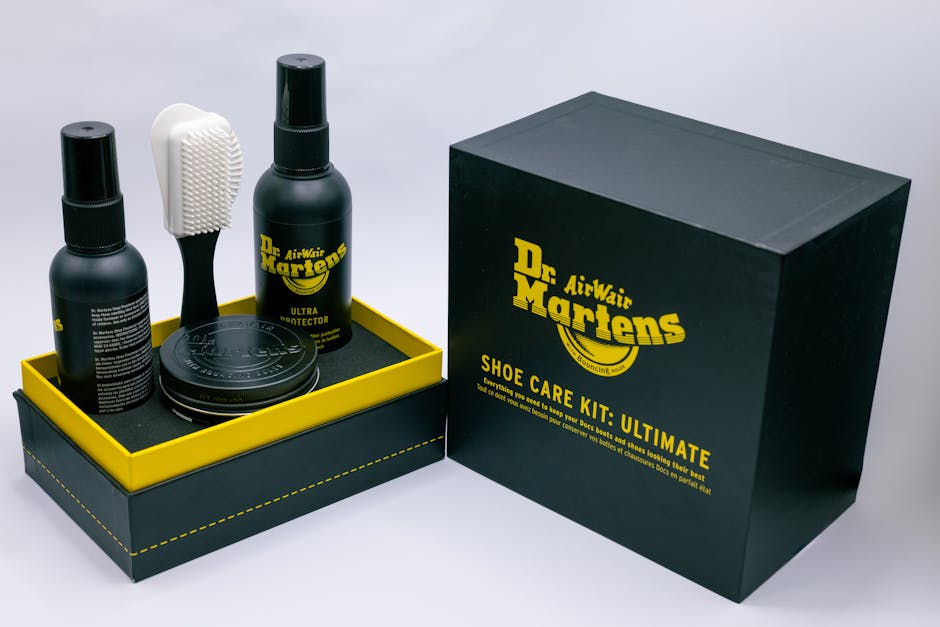
In DesignLumo’s Brand Kit, upload logos, hex color palettes, and font files once. Every subsequent prompt automatically applies these assets, ensuring each executive’s carousel reflects the same visual language. Track compliance with a weekly audit that shows 80 % fewer brand mismatches compared to manual checks. When a new brand element is added, update the kit and regenerate slides with a single click—no re‑design needed.
Style Guide Automation with Frontify
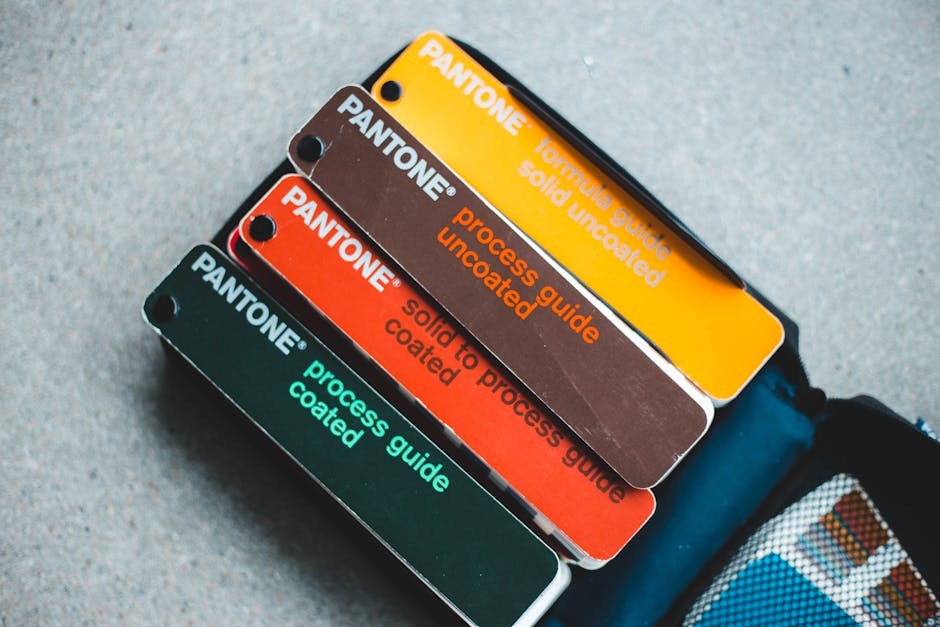
Set up a Frontify style guide that hosts brand assets, tone guidelines, and usage rules. Generate a shareable URL for each executive and embed it in their LinkedIn profile. Connect Frontify to DesignLumo via API so any brand change in Frontify instantly propagates to new carousel prompts. Agencies report a 30 % drop in brand‑error tickets after implementing this automated sync.
Version Control using Figma

Create a master Figma file with components for headers, footers, and chart placeholders. Link each component to DesignLumo’s export function, allowing designers to pull AI‑generated layers directly into Figma for fine‑tuning. Figma’s version history logs every change, so you can revert in seconds. Agencies using this method cut rework by 25 % because designers see exactly which layers were edited after AI generation.
3. Lead‑Gen Funnel Integration
Dynamic LinkedIn Lead Gen Forms + HubSpot

Add LinkedIn Lead Gen Forms to carousel posts and connect them to HubSpot via Zapier. When a prospect submits, Zapier creates a new contact, tags them by campaign, and triggers a personalized follow‑up email that includes a custom carousel thumbnail generated in DesignLumo. Track conversion uplift; agencies typically see a 12 % increase in MQLs when the follow‑up includes tailored visual content.
Data‑Driven Infographics with ChartBlocks

Build SVG charts in ChartBlocks using your SaaS metrics, then copy the embed code into a DesignLumo prompt (“Add this chart to slide 3 with corporate blue accent”). DesignLumo layers the chart onto a carousel slide, preserving editability of colors and labels. This reduces manual chart creation from ~2 hours to 15 minutes per infographic, boosting throughput without sacrificing data accuracy.
Retargeting Creative Refresh via DesignLumo + Zapier

Configure a Zapier trigger that watches for new HubSpot leads. When a lead enters, Zapier calls DesignLumo’s API with a prompt that inserts the lead’s name and company into a LinkedIn ad banner. The generated layered design is auto‑published to LinkedIn Ads via Zapier’s LinkedIn connector. This end‑to‑end automation cuts creative turnaround from days to minutes, delivering 3× faster campaign launches and a 20 % higher CTR on retargeted ads.
Before you go
- Batch‑prompt carousel slides in one DesignLumo session to leverage token limits and keep style uniformity.
- Use Canva’s ‘Brand Kit’ as a fallback for quick client edits while the AI pipeline runs in the background.
- Set up weekly KPI dashboards in HubSpot to measure carousel engagement vs. lead‑gen performance for continuous optimization.















Ready to create your first design?
Join thousands creating professional designs in seconds.
Create with DesignLumo
Related Resources
LinkedIn Agency Wins: Real‑World Design Case Studies
Tactical case studies showing how LinkedIn agencies scale carousel design, brand consistency, and lead gen.
LinkedIn Ad Creative Mastery Guide
Actionable tactics for LinkedIn agencies to design high‑converting paid ad creatives.
LinkedIn Agency Campaign Launch Checklist Blueprint
Step‑by‑step checklist to scale carousel posts, keep brand tight, and slash design time.
Essential Digital Tools for LinkedIn Agency Growth Scaling
Top AI and design platforms to accelerate carousel creation, brand consistency, and lead gen.
LinkedIn Agency Content Ideas to Scale Design & Leads
Tactical carousel, infographic, and banner ideas to win B2B leads on LinkedIn.
Mother's Day LinkedIn Agency Playbook
Tactical guide for LinkedIn agencies to launch high-impact Mother’s Day campaigns.