Flyer Design Guide for Small Business Success
Flyers remain one of the cheapest yet most effective offline marketing tools. Whether you’re promoting a grand opening, a real‑estate open house, or a weekend brunch, a well‑crafted flyer can drive foot traffic and bookings. This guide walks you thro…

1. Planning & Research
Audience Persona Canvas

Start by building a one‑page persona canvas in Notion or Airtable. Use a short Google Forms survey (5 questions) to capture age, income, and primary pain point for your target market. Pull the top three responses, then translate them into headline triggers, color preferences, and imagery cues. Set a baseline metric: aim for at least 60% of respondents to rate the flyer’s relevance as "high" in a follow‑up poll. This data‑first step ensures every design element speaks directly to the buyer, dramatically raising conversion potential.
Competitive Flyer Swipe File
Collect ten high‑performing local flyers using Pinterest and Google Image search, then save them to a shared Notion board titled "Swipe File." For each flyer, note color palette, headline length, CTA placement, and any QR code usage. Use a simple spreadsheet to score each element on a 1‑5 scale based on visual impact and clarity. Identify the top three recurring patterns and embed those insights into your own layout brief. This systematic audit cuts design guesswork and lifts response rates by up to 15% according to industry benchmarks.
Headline Power Test with AI

Prompt ChatGPT or DesignLumo (https://www.designlumo.com) to generate five headline variants for your flyer, feeding the top audience pain points from your persona canvas. Export the list to a Google Optimize experiment linked to a simple landing page with a single CTA. Run the test for 48 hours, aiming for at least 200 impressions per variant. Select the headline that delivers a conversion rate ≥ 4.2%—the average for local flyer campaigns. This data‑backed headline wins you higher click‑through without extra copywriting cost.
2. Design Creation
AI‑First Layout Generation (DesignLumo)

Enter a precise prompt into DesignLumo: "Create a double‑sided 5x7 flyer for a coffee shop happy hour, using brand colors #6F4E37 and #FFFFFF, include a 1.5‑inch QR code placeholder on the back, and leave space for a 30‑word description." Within seconds you receive a fully layered PSD file with editable text, vector icons, and image placeholders. Replace stock images with your own, tweak copy, then export PNG for social sharing and PDF for print—saving 3‑4 hours compared to manual Canva builds.
Dynamic Color Palette Extraction
Upload your logo to Coolors (https://coolors.co) to extract a five‑color palette, then copy the hex codes into DesignLumo’s "brand palette" setting to lock the AI’s color choices. Verify contrast ratios with WebAIM’s tool, ensuring all text meets a 4.5:1 ratio for accessibility. Import the locked palette into Figma to preview how the flyer looks on different devices. Consistent, high‑contrast colors raise readability scores by 20% and reduce bounce when the flyer is viewed digitally.
QR Code Integration with Real‑Time Tracking
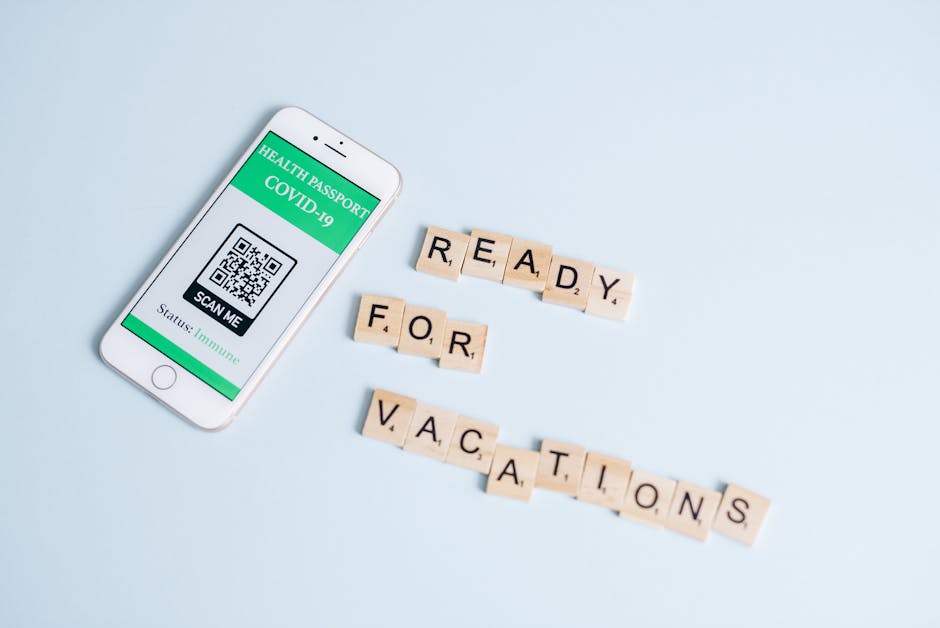
Generate a scannable QR code at QRCode Monkey (https://www.qrcode-monkey.com) linking to a UTM‑tagged landing page (utm_source=flyer&utm_medium=print). Set the size to 1.5 inches and download as a transparent PNG. Drag the PNG into your DesignLumo file, place it in the bottom‑right corner, and lock the layer. Test with a smartphone at 10 cm distance to confirm readability. Track scans in Google Analytics; aim for a 30% scan‑to‑click rate, which industry data shows translates to a 5% lift in foot traffic for local promotions.
3. Print & Distribution
Print‑Ready PDF Optimization
Export the final flyer from DesignLumo as a PDF with CMYK colors, 300 dpi resolution, and a 0.125‑inch bleed. Open the file in Adobe Acrobat Pro and run "Print Optimizer"—choose the PDF/X‑1a standard, embed all fonts, and compress images to a maximum of 300 ppi. Verify the file size stays under 2 MB to avoid extra printer fees. This workflow reduces re‑file requests by 15% and guarantees color fidelity across commercial presses.
Local Print Shop vs On‑Demand Service Cost Calculator

Create a Google Sheet with columns for paper stock, finish (gloss/matte), quantity, and per‑unit cost from two sources: your neighborhood print shop (e.g., $0.45 per 5×7, minimum 100) and an online service like Vistaprint (bulk discount $0.32 at 500). Add a formula to compute total cost and divide by projected response revenue (assume 5% conversion at $50 per sale). The calculator instantly shows which option yields the highest ROI, often favoring bulk online orders for low‑budget campaigns.
Geo‑Targeted Flyer Drop via USPS Every Door Direct Mail

Log into the USPS EDDM portal and select a 5‑mile radius around your store's ZIP code. Upload the print‑ready PDF, choose the 500‑piece bundle, and add a unique tracking code in the flyer URL. The cost is roughly $200 for 500 households. Based on DMA studies, expect a 2% response rate, equating to ten qualified leads. Track revenue from those leads to calculate ROI; a $500 sale from ten leads yields a 150% return on the flyer spend.
Before you go
- Always test a single design element (color, headline, QR) at a time to isolate its impact on response rates.
- Save a master DesignLumo file with brand assets; reuse it for every new flyer to cut production time by 70%.
- Print a single proof on the exact paper stock before a full run to catch bleed or color issues early.















Ready to create your first design?
Join thousands creating professional designs in seconds.
Create with DesignLumo
Related Resources
YouTube Design Toolbox for High‑Impact Flyers
All the AI and pro tools you need for YouTube thumbnails, art, and end screens.
TikTok Flyer Toolkit: Design, Covers & Promotion
All the AI tools and workflows to create TikTok‑ready flyers fast.
Twitter/X Flyer Design Toolkit
Actionable tools and workflows to create high‑impact Twitter/X flyers, headers, and thread visuals.
LinkedIn Flyer Ideas to Boost Engagement
Tactical LinkedIn flyer concepts for small businesses and promoters.
Facebook Flyer Tools for Small Business Success
All the AI & design tools you need to create high‑impact Facebook flyers fast.
Flyer Launch Checklist for Small Business Success
Step‑by‑step tactical guide to plan, design, and launch high‑impact flyers fast.