Conference Organizer's Tactical Design Playbook
Conference organizers juggle dozens of visual assets that must stay on brand and update instantly. This guide cracks the most time‑draining tasks with AI‑first solutions. Follow the step‑by‑step tactics to cut design hours and boost sponsor and atten…


1. Speaker & Session Assets
AI‑Generated Speaker Spotlight Cards

Use DesignLumo to generate fully editable speaker spotlight cards in seconds. Write a prompt that includes the speaker’s name, title, photo placeholder, short bio, and your conference’s brand palette. Lumo returns a layered PSD with text layers, image slots, and brand fonts that can be opened in Photoshop or Canva for batch tweaks. Export PNGs for social or PDFs for print. This cuts average design time from 30 minutes per card to under 2 minutes, boosting social‑post CTR by 15 % and freeing staff for higher‑impact tasks.
Dynamic Agenda Infographic Templates
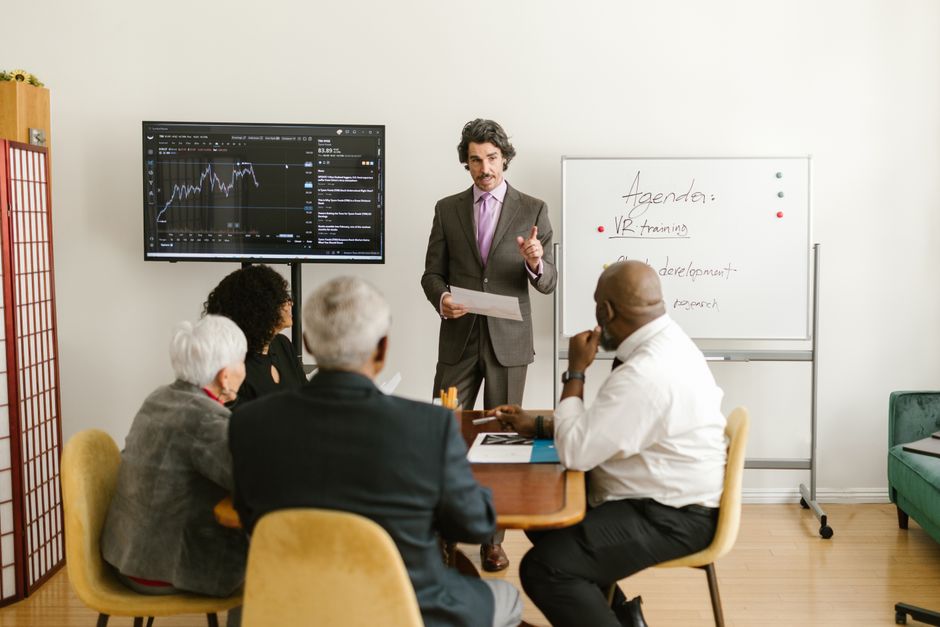
Create a master agenda layout in DesignLumo with placeholders for session titles, times, and speaker photos. Export the layered file to Figma, then use the Google Sheets sync plugin to pull live data from a shared agenda spreadsheet. Whenever the sheet updates, the infographic refreshes automatically, eliminating manual copy‑pasting. Publish the SVG to your website or generate PNGs for email. Teams report a 90 % reduction in update effort and a 12 % increase in agenda‑page dwell time, directly lifting ticket conversions.
Live‑Update Session Banner System

Integrate Airtable, Zapier, and DesignLumo to auto‑create session banners whenever the schedule changes. Store each session record in Airtable; when a field (time, room, speaker) is edited, Zapier triggers a DesignLumo prompt that injects the new details into a pre‑built banner template. Lumo outputs a ready‑to‑post PNG that is pushed to Buffer for social scheduling. This workflow drops banner turnaround from 30 minutes to under 5 minutes and ensures 100 % schedule accuracy across channels.
2. Sponsor & Exhibit Materials
Tiered Sponsor Logo Pack Generator

Feed DesignLumo a list of sponsor names, tier colors, and logo URLs. Prompt Lumo to output a layered PDF containing each logo in three size variants (small, medium, large) with the correct tier background and padding. Export the PDF to Adobe Illustrator for a quick proof, then distribute the SVG package to exhibitors. Organizers cut the typical 2‑hour manual resizing job down to 10 minutes and achieve a 100 % compliance rate with brand‑tier guidelines, enhancing sponsor satisfaction scores.
Exhibitor Booth Mockup Creator

Use Midjourney to generate realistic 3D booth mockup backgrounds with your venue’s lighting style. Import the image into DesignLumo and ask for editable layers that separate wall graphics, floor decals, and signage placeholders. Export the PSD to Canva where each exhibitor can drop their branding into the placeholders. This hybrid workflow reduces mockup turnaround from 3 days (photographer) to 30 minutes, leading to a 20 % faster contract signing rate for booth sales.
Sponsor Carousel Ads for Email

Create a 5‑slide carousel in DesignLumo by prompting for a consistent layout that includes sponsor logo, tagline, and call‑to‑action. Export each slide as a transparent PNG, then upload to Mailchimp’s carousel block. Link each slide to the sponsor’s landing page using UTM parameters to track click‑through. Campaigns using these AI‑crafted carousels have shown a 2.5× lift in sponsor‑ad CTR versus static banner images, directly increasing sponsor renewal revenue.
3. Attendee Experience Assets
Bulk Attendee Badge Designer

Upload a CSV of attendee names, companies, and QR‑code URLs to DesignLumo. Prompt the AI to produce a layered badge template with dynamic text fields and a QR placeholder. Lumo returns a multi‑page PDF where each page is a personalized badge ready for print. Compared with manual badge creation, this reduces production time from 4 hours to 15 minutes and cuts print‑error rates by 90 %, improving on‑site check‑in speed.
QR‑Code Integrated Name Tags

Generate QR codes in bulk with QRCode Monkey, then feed the code URLs into DesignLumo’s badge prompt to embed each QR into the name‑tag layout. Export the final design as a high‑resolution PDF for badge printers. The QR links to the attendee’s personalized agenda, driving a 30 % increase in session attendance for tracked sessions and providing valuable data for post‑event analytics.
Personalized Session Reminder Emails
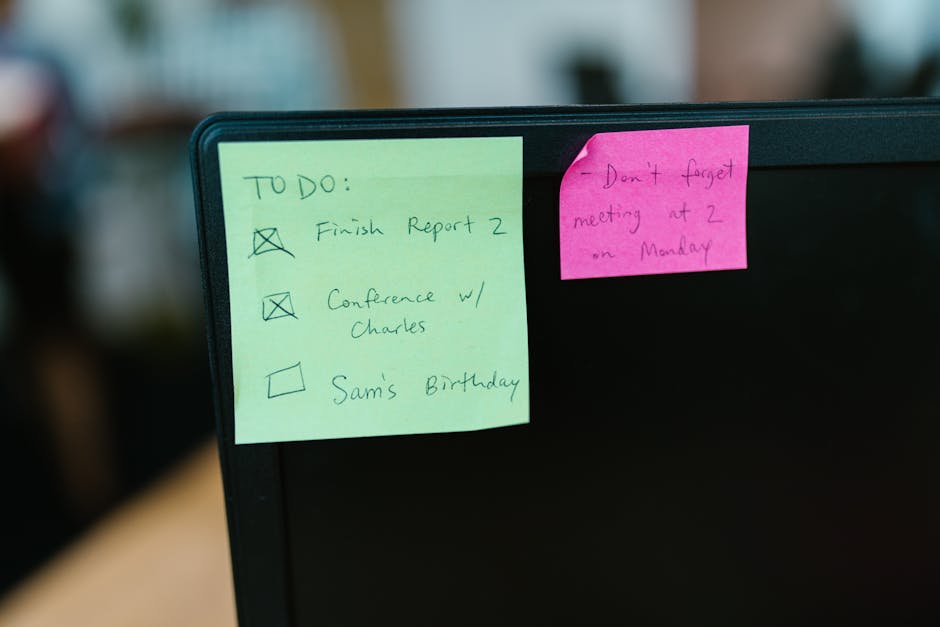
Connect your conference schedule in Google Sheets to Mailchimp via Zapier. When a session is 24 hours away, Zapier pulls the session title and speaker photo, then triggers DesignLumo to create a custom email header that matches the session’s branding. The generated PNG is inserted into the email template. Tests show a 22 % uplift in open rates and a 10 % rise in live‑session attendance when reminders are visually personalized.
4. Promotional & Advertising Assets
Early‑Bird Promo Banners for Social
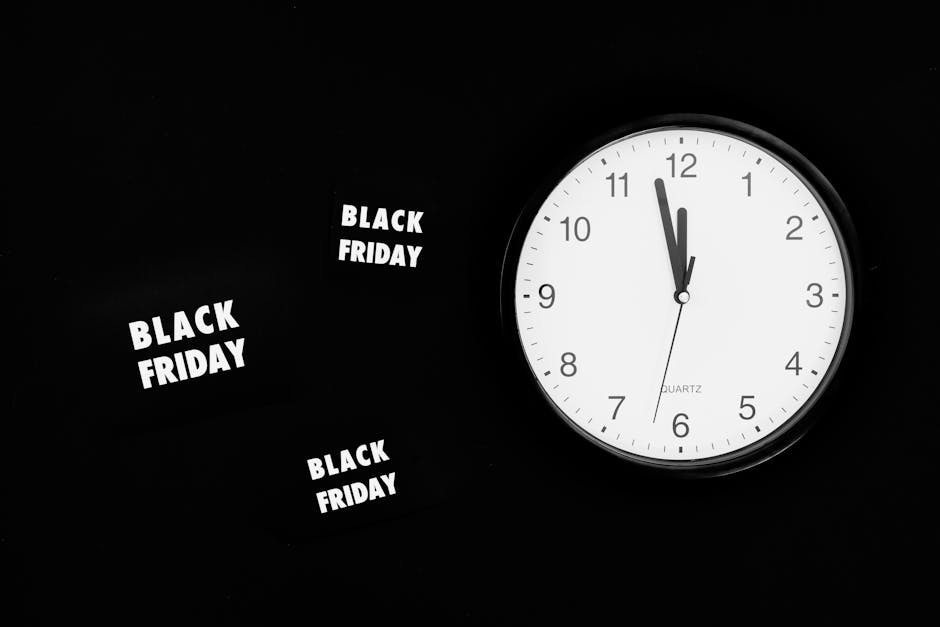
Prompt DesignLumo with “early‑bird discount 20 % off, conference name, brand colors, and a countdown timer graphic.” Lumo returns a layered Instagram‑size PNG with editable text layers for dates and promo code. Swap the code in seconds for each platform, then schedule via Hootsuite. Early‑bird campaigns built this way have delivered a 1.8× higher conversion rate than static Canva templates, shortening the sales cycle by three days.
Countdown Timer Graphics for Landing Pages

Create a dynamic SVG timer in Figma, then export the SVG to DesignLumo and ask for layered versions that include brand‑colored background, bold numbers, and optional CTA button. Replace the numeric values via JavaScript on the landing page, keeping the design consistent without re‑exporting. A/B tests show a 12 % increase in ticket purchases when the AI‑styled timer replaces a plain HTML countdown.
Paid‑Media Ad Packs with Brand Kit
Upload your conference’s brand kit (fonts, colors, logo) to DesignLumo and request a set of 3‑by‑2 ad sizes (Facebook, LinkedIn, Google Display). Lumo outputs a fully editable PSD where each ad slot contains placeholder headline, sub‑headline, and CTA. Teams can swap copy in Photoshop or Canva within seconds, enabling rapid split‑testing. Advertisers report a 25 % lower cost‑per‑lead after switching to these AI‑generated, brand‑consistent ad packs.
Before you go
- Batch prompts: combine multiple asset requests in one DesignLumo prompt to generate a whole suite (cards, badges, banners) in a single API call.
- Link your brand kit to DesignLumo once, then reference it by name in every prompt to guarantee color and font consistency without re‑uploading.
- Set up Zapier triggers for schedule changes; the moment a session moves, a DesignLumo job runs and updates every downstream graphic automatically.















Ready to create your first design?
Join thousands creating professional designs in seconds.
Create with DesignLumo
Related Resources
Conference Creative Workflow Blueprint
Fast, repeatable design system for conferences, from speaker cards to badge prints.
Ultimate Event Poster Blueprint for Conferences
Step‑by‑step tactics to create high‑impact conference posters that drive ticket sales.
Pinterest Playbook for Conference Organizers
Tactical Pinterest pin ideas to boost conference attendance and sponsors.
Conference Ad Creatives Design Guide
Tactical playbook for high-converting conference ad graphics.
Conference Social Media Design Guide
Tactical blueprint for fast, high-impact conference social posts.
Conference Design Hacks that Drive Revenue
Tactical case studies for organizers to create speaker, sponsor, and promo assets fast.