Candle Brand Marketing & Design Playbook
Candle and home‑fragrance brands need visual assets that spark desire and move shelves. From launch day hype to holiday gift guides, every graphic must feel as premium as the scent. This playbook gives you exact tools, prompts, and workflows to produ…

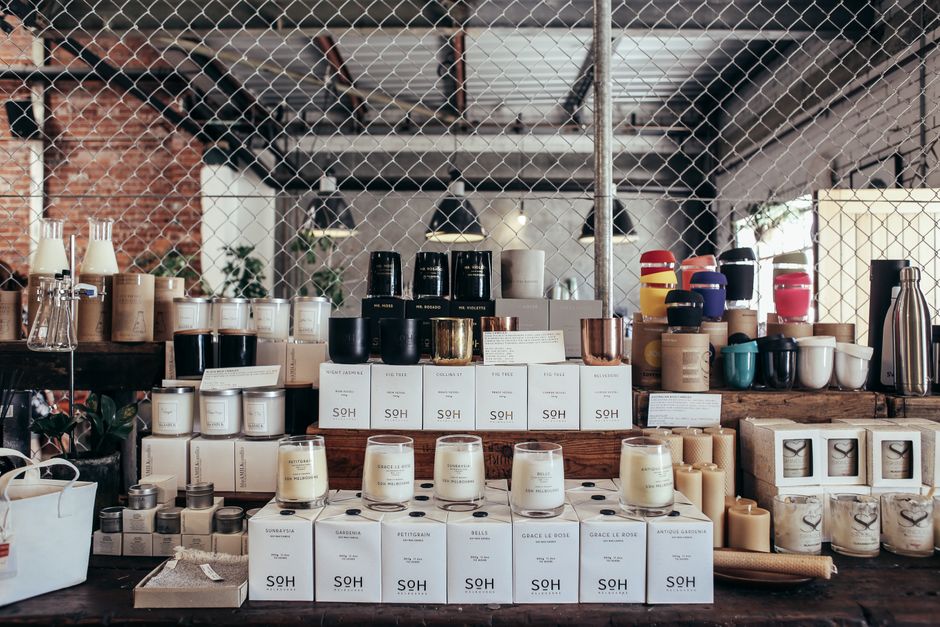
1. Launch‑Day Visuals
AI Prompt Blueprint for Candle Launch Mockups

Start by researching top‑performing launch ads in the home‑fragrance niche and note color, font, and layout trends. Craft a DesignLumo prompt: “Create a 1080x1080 Instagram post for a new vanilla‑cinnamon candle, using warm amber background, elegant serif headline, and space for a QR code.” Run the prompt, download the layered PSD, replace placeholder text with your scent name, adjust the CTA font to your brand kit, and A/B test two headline variations. Aim for a 2‑3% click‑through rate within the first 48 hours; iterate based on real‑time data.
Layered Social Carousel with DesignLumo

Use DesignLumo to generate a 5‑slide carousel template. Prompt: “Design a 1080x1080 carousel for a spring candle collection, each slide featuring a different scent, pastel palette, and space for product price.” Export the PSD, then in Canva (https://www.canva.com) replace images with your product shots, adjust copy, and add Instagram’s carousel swipe icon. Schedule the carousel using Later, monitoring swipe‑through rates; a 30% swipe‑through benchmark indicates strong engagement. Optimize by swapping the third slide’s copy if swipe‑through dips below 25%.
Dynamic Email Header Generator

Create a 600 px wide, 200 px tall email header in DesignLumo with the prompt: “Elegant email header for a limited‑edition lavender candle, featuring soft purple gradient, gold foil text, and a placeholder for a ‘Shop Now’ button.” Download the layered file, open in Adobe Express (https://www.adobe.com/express/), insert the actual URL button, and export as PNG. Track open rates; a 15% lift versus generic headers signals success. If open rates stall, test a different CTA color using DesignLumo’s quick edit mode.
2. Seasonal & Gift Guide Assets
Seasonal Palette Generator (Canva + DesignLumo)
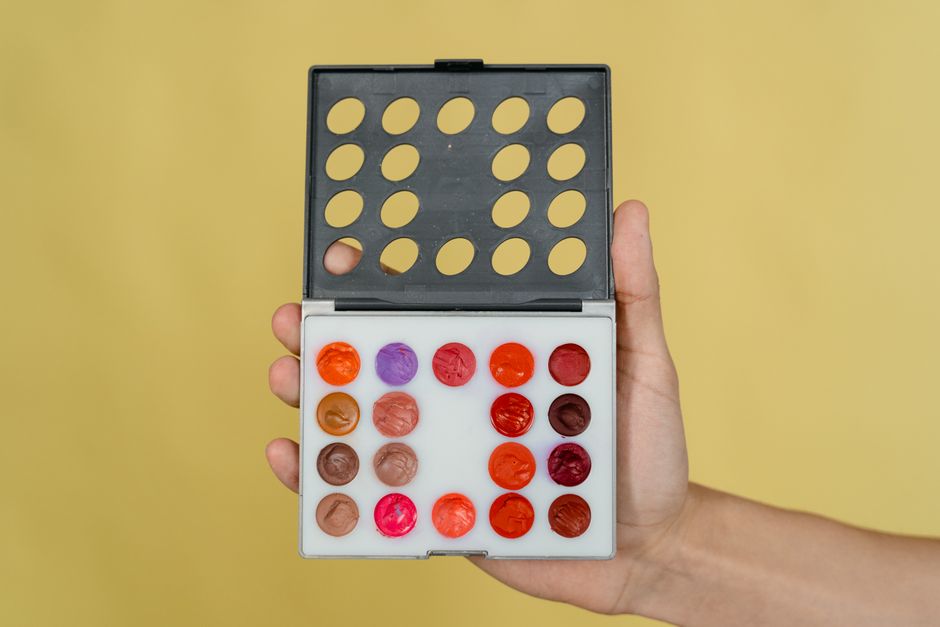
Identify the season’s trending colors on Pantone’s 2025 forecast, then feed them to DesignLumo: “Generate a set of 4 Instagram story templates for a winter candle collection, using icy blue, deep pine, and frosted silver, with editable text layers.” Export the PSD, open each template in Canva, swap placeholder images for your winter scents, and add a swipe‑up link. Measure story completion rates; aim for ≥ 40% to validate palette resonance. Adjust hue saturation in DesignLumo if completion falls below 30%.
Gift Guide Pin Templates (Pinterest Optimized)

Prompt DesignLumo: “Create three 1000x1500 Pinterest pins for a holiday gift guide, each featuring a candle, festive ribbon, and space for a ‘Buy Now’ badge, using warm gold and cranberry tones.” Export layered PNGs, then in Canva add your product photos, brand logo, and a compelling CTA. Schedule pins via Tailwind, targeting a 0.8% repin rate as industry average. If repins dip, swap the badge icon using DesignLumo’s quick‑replace layer to a more eye‑catching shape.
Holiday Bundle Mockup with Midjourney + Lumo
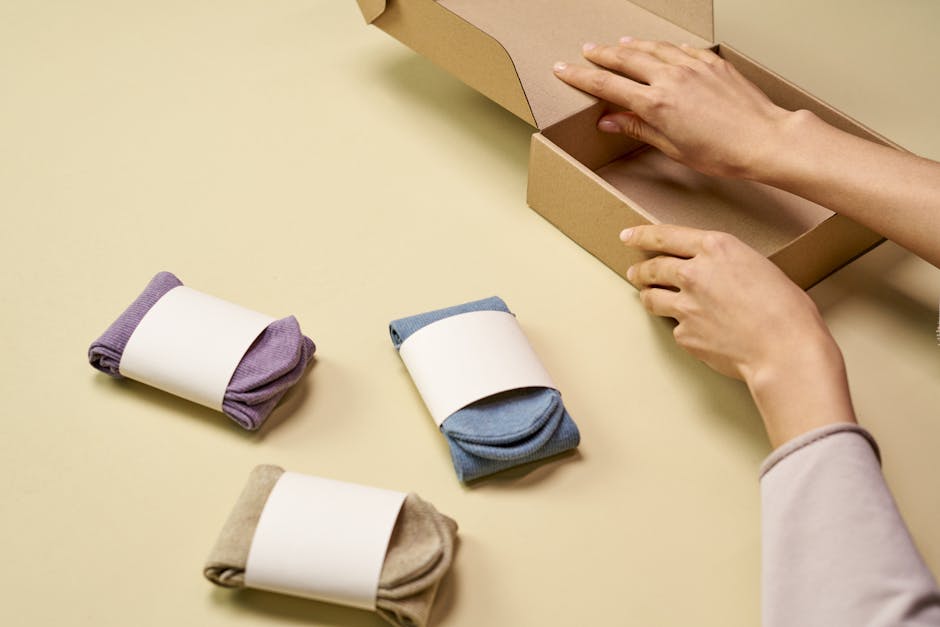
Generate a photorealistic bundle image in Midjourney (https://www.midjourney.com) using the prompt: “Holiday candle bundle on a rustic wooden table, soft candlelight, wrapped in red twine, high‑resolution.” Download the image, then feed it to DesignLumo: “Add editable text layers for product name, price, and QR code, preserving the lighting.” Export the PSD, replace text with bundle details, and embed a QR code generated via QR‑Code‑Generator (https://www.qr-code-generator.com). Track conversion from the bundle page; a 5% lift versus non‑mockup listings confirms efficacy.
3. Subscription Box Promotion Kit
Subscription Countdown Story Sequence

Create a 3‑day Instagram story countdown in DesignLumo: “Design three 1080x1920 story slides for a candle subscription launch, each with a numeric countdown, pastel background, and space for ‘Swipe Up’ link.” Export the layered files, replace dates and copy in Canva, and schedule via Later. Measure story completion; aim for ≥ 45% across the sequence. If completion drops on day two, swap the background color using DesignLumo’s live edit to a higher‑contrast hue.
Referral QR Code Banner (DesignLumo + QR Code API)
Prompt DesignLumo: “Create a 1200x400 web banner for a candle subscription referral program, with placeholder for QR code, bold ‘Refer a Friend’ headline, and brand colors.” Generate a QR code via QR‑Code‑Generator API, download PNG, and drop it into the designated layer in the PSD. Export PNG, embed on your homepage, and track referral sign‑ups. Target a 2% conversion from banner impressions; if below, test a contrasting CTA color directly in DesignLumo’s editor.
Limited‑Time Offer Pop‑up Graphic

Use DesignLumo to produce a 800x600 pop‑up: “Design a pop‑up for a 20% off subscription offer, with animated sparkles, bold red ‘20% OFF’ text, and a close button placeholder.” Export as GIF, integrate into Shopify via a free app like Popup‑Hero, and set a 7‑day timer. Monitor exit‑intent conversion; a 3% add‑to‑cart lift validates the graphic. If conversion stalls, replace the sparkles with a subtle candle‑flame animation using DesignLumo’s layer‑swap feature.
4. Wholesale & Corporate Gift Design
Corporate Gift Card Layout

Prompt DesignLumo: “Create a 5×7 inch corporate gift card template for scented candles, featuring a minimalist logo area, space for recipient name, and subtle gold foil accents.” Export the PSD, replace placeholder logo with the client’s branding in Canva, and add personalized text layers. Track order volume; aim for a 10% increase in B2B orders after rollout. If uptake lags, adjust the foil accent intensity using DesignLumo’s color‑tint tool.
Wholesale Catalog Cover (Adobe Express + Lumo)
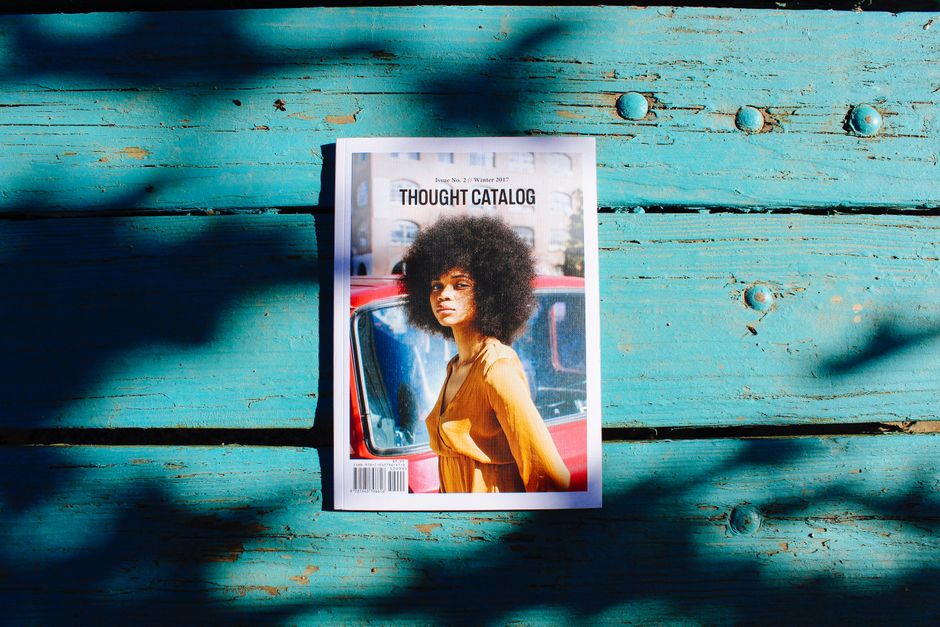
Generate a high‑impact catalog cover in DesignLumo: “Design a 8.5×11 inch wholesale catalog cover for luxury candles, with a central product image, elegant serif title, and muted charcoal background.” Export layered PNG, open in Adobe Express, insert the actual product photo, adjust the title to the current season, and add a QR code linking to the digital catalog. Measure download clicks; a 12% click‑through rate signals strong visual appeal. Refine by swapping background texture in DesignLumo if needed.
Custom Logo Emboss Effect (DesignLumo)

Upload your brand logo to DesignLumo and prompt: “Create a high‑resolution emboss effect for a candle label, with realistic depth, subtle shadow, and editable color overlay.” Download the PSD, replace the color overlay with your brand palette in Canva, and apply the label mockup to product photos. Test on a sample order; a 5% price‑point premium acceptance indicates success. If customers report the emboss looks flat, re‑run the prompt with “enhanced depth and inner‑shadow” to improve realism.
Before you go
- Batch generate all seasonal assets in one DesignLumo session, then use Canva’s Brand Kit to apply consistent fonts and colors instantly.
- Set up UTM parameters on every CTA link; compare performance across DesignLumo‑generated graphics versus template‑based ones to quantify ROI.
- Leverage DesignLumo’s layer‑export feature to create SVG icons for website micro‑interactions, reducing developer hand‑off time.















Ready to create your first design?
Join thousands creating professional designs in seconds.
Create with DesignLumo
Related Resources
Shopify Essentials for Candle & Home Fragrance Brands
Tactical tools and workflows to boost Shopify candle brand visuals and sales.
Halloween Marketing & Design Guide for Candle Brands
Tactical Halloween campaign playbook for candle and home fragrance marketers.
Valentine’s Day Candle Marketing Playbook
Tactical guide to boost Valentine’s sales for candle brands.
Holiday Marketing Blueprint for Candle Brands
Step-by-step holiday design tactics to boost candle sales and subscriptions.
Candle Brand Infographics Design Playbook
Step‑by‑step tactics to craft high‑impact infographics for candle and home fragrance brands.
AI-Powered Creative Workflow for Candle Brands
Step‑by‑step AI workflow to create high‑converting candle brand assets.