Auto Dealership Marketing & Design Playbook
Car dealers juggle daily inventory swaps, seasonal promos, and service offers. This guide shows exactly how to turn those challenges into repeatable, revenue‑driving design workflows.

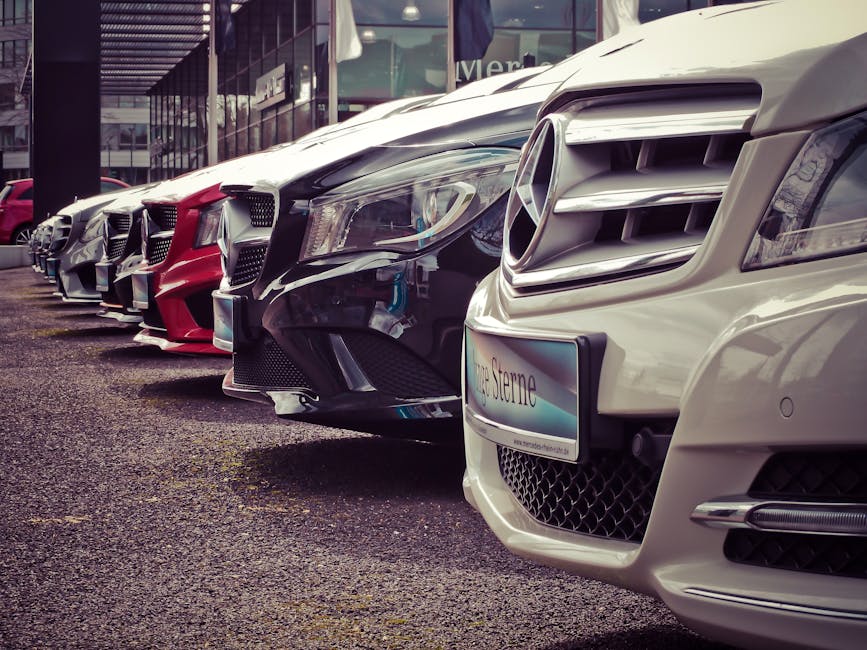
1. Inventory‑Driven Social Graphics
Automated New Arrival Carousel

Export your daily inventory CSV (VIN, model, price, photo URL) and set up a Zapier trigger that sends each row to DesignLumo via its API. Prompt: "Create a 1080x1080 Instagram carousel slide for a 2024 Toyota Camry, price $24,995, with brand colors #003366 and #FFFFFF, include a call‑to‑action button 'Schedule Test Drive'." DesignLumo returns a layered PSD; batch‑edit text in Photoshop if needed, then schedule via Buffer. Track CTR; aim for 2.5%+ per slide. This workflow cuts design time from 30 min to under 2 min per vehicle.
Dynamic Price‑Drop Banner Generator
Create a master banner template in Canva (1920×1080) with placeholders for model name, original price, new price, and discount badge. Use Integromat to pull price‑drop alerts from your DMS, then auto‑populate the template via Canva’s API. Export PNGs and push to Facebook Ads Manager with UTM parameters. Measure Cost‑Per‑Lead; aim for <$15. This method ensures every markdown is instantly marketable, boosting inventory turnover by up to 12% during clearance weeks.
Location‑Specific Inventory Cards

If you operate multiple lots, use Google Sheets to maintain a "Lot" column. Connect Sheets to DesignLumo via Zapier: each new row triggers a prompt that adds the lot name and local phone number to a 1080×1080 card. Include a QR code generated by QRCode Monkey (link in prompt). Export WebP for faster load on mobile. Track local phone‑call conversions; benchmark 5% lift versus generic cards. This hyper‑local approach drives foot traffic without extra creative staff.
2. Seasonal & Event Promotions
AI‑Powered Holiday Sale Suite

Feed a single prompt to DesignLumo: "Create a set of 5 holiday sale graphics (Facebook post, Instagram story, email header, banner, flyer) for a dealership, using red #C8102E, white, and black, include 'End‑of‑Year Clearance' and a 20% off badge." The AI returns fully layered files you can tweak in seconds. Deploy across channels with Hootsuite, monitor ROAS; target 3.5×. Reuse the same prompt each year, only swapping dates, cutting creative costs by 80%.
Financing Offer Countdown Timer

Use Adobe Express to design a 1080×1080 timer graphic with a transparent background. Export as SVG, then embed in a Webflow landing page that pulls the remaining seconds from a simple JavaScript countdown (set to the financing deadline). Add a CTA button linking to your credit application. Track conversion funnel; aim for a 1.8% increase in finance applications during the promo window. This urgency visual boosts urgency without any paid ad spend.
Trade‑In Incentive Overlay

Create a reusable overlay in Midjourney (prompt: "high‑resolution glossy badge saying 'Extra $1,000 Trade‑In Bonus' with sleek metallic finish"). Download PNG with transparent background, then import into DesignLumo to merge with vehicle images automatically via a Zapier action. Publish on Instagram Stories and Google Display Network. Measure lift in trade‑in inquiries; typical lift is 12‑15% over baseline. This hybrid AI‑art plus editable layers ensures eye‑catching promotions with zero design staff.
3. Service & Parts Lead Generation
Service Appointment Reminder Visuals

Export upcoming service appointments from your CRM into a CSV. Use DesignLumo to generate personalized reminder cards: prompt includes customer first name, service type, and date, styled with your brand kit. Export as JPG and attach to SMS via Twilio API. Track appointment confirmation rate; aim for 70% vs 45% baseline. Automating visual reminders reduces no‑shows and frees staff for upsell conversations.
Parts Promotion Email Header
In Mailchimp, create a campaign and use a custom HTML header generated by DesignLumo. Prompt: "Design a 600px wide email header for brake pad sale, include a bold red discount badge and brand logo, use Helvetica Neue, background #F5F5F5". Export layered PNG for fallback. A/B test subject lines; expect a 3% lift in open rates when using the AI‑crafted header versus stock stock images. This quick win boosts parts revenue with minimal effort.
Detailing Package Social Card

Set up a weekly carousel in Buffer that showcases a before/after detailing package. Use DesignLumo to generate before‑after split images from raw photos: prompt includes "split left before, right after, overlay 'Premium Detailing – $199' in white font, brand colors". Export as PNG, schedule at peak engagement times (Wed 12 PM). Track engagement; aim for 4%+ click‑through to booking page. The AI eliminates manual photo editing, accelerating promotion cadence.
Before you go
- Integrate your DMS directly with DesignLumo via Zapier to auto‑generate graphics the moment a vehicle status changes.
- Maintain a brand kit in DesignLumo (fonts, colors, logo) so every AI‑generated file is on‑brand without post‑edit.
- Add UTM parameters to every graphic‑driven link; use Google Data Studio to visualize which design type drives the highest conversion.















Ready to create your first design?
Join thousands creating professional designs in seconds.
Create with DesignLumo
Related Resources
Auto Dealership Creative Workflow Blueprint
Tactical step‑by‑step guide to fast, high‑ROI graphics for car dealers.
Auto Dealership Print Design Playbook
Tactical guide for flyers, brochures, and print promos that convert car shoppers.
2026 Auto Dealership Design & Marketing Playbook
Actionable design trends and tactics for car dealers in 2026.
Auto Dealership Marketing Success Stories
Tactical case studies showing how dealers boost sales with AI design tools.
Auto Dealership Event Poster Blueprint
Step-by-step guide to create high-converting event posters for car dealers.
Auto Dealership Product Graphics Playbook
Tactical guide for car dealers to create high‑ROI product graphics fast.