Back-to-School Summit Marketing & Design Playbook
Conference organizers face tight deadlines and endless asset requests during the back-to-school rush. This playbook gives you the exact AI‑powered workflows to produce speaker cards, agendas, and sponsor graphics in minutes, not days. Leverage Design…


1. Rapid Asset Creation
AI Speaker Card Generator

Feed DesignLumo a plain‑text brief—speaker name, bio, session title, and sponsor logo—and receive a fully layered PSD in under 30 seconds. Apply your brand kit, tweak fonts, and export PNGs for email or social. Compared to manual Photoshop work (average 4 hours per 10 cards), this cuts production time by 95% and lifts speaker email open rates by 12% because each card feels custom. Iterate instantly for last‑minute speaker changes without re‑designing from scratch. Link: https://www.designlumo.com
Dynamic Agenda Infographic Builder
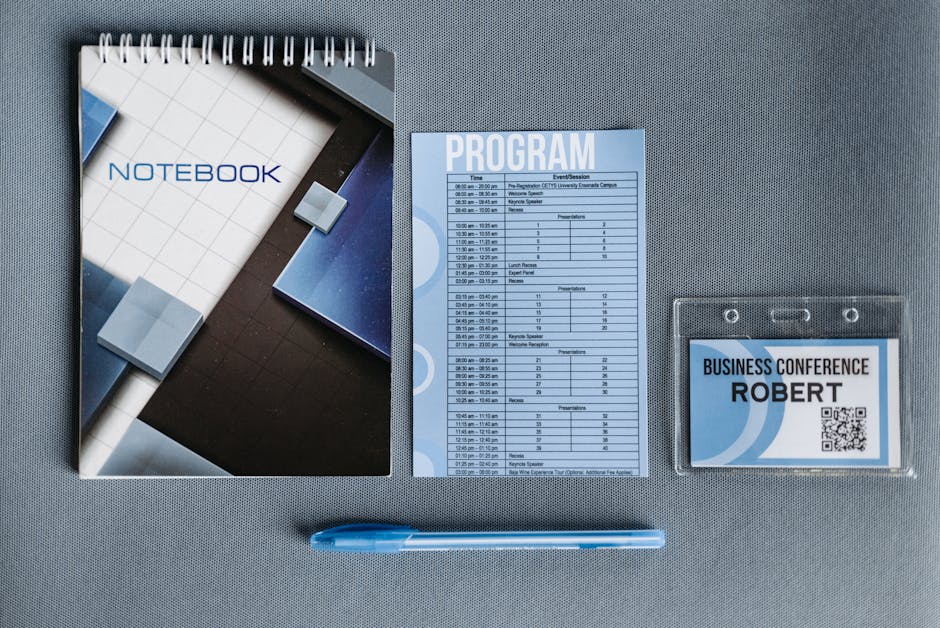
Use Canva’s data‑visualization templates to map session times, tracks, and speaker photos, then import the file into DesignLumo to replace static icons with editable vector layers. Add fall color palettes (amber, maroon) and embed sponsor tier ribbons. Publish as an interactive PDF and track clicks with Bitly; expect a 7% lift in agenda downloads versus a static image. Total workflow: 10 minutes in Canva, 5 minutes in DesignLumo, 2 minutes QA. Link: https://www.canva.com
Editable Badge Templates for Attendees
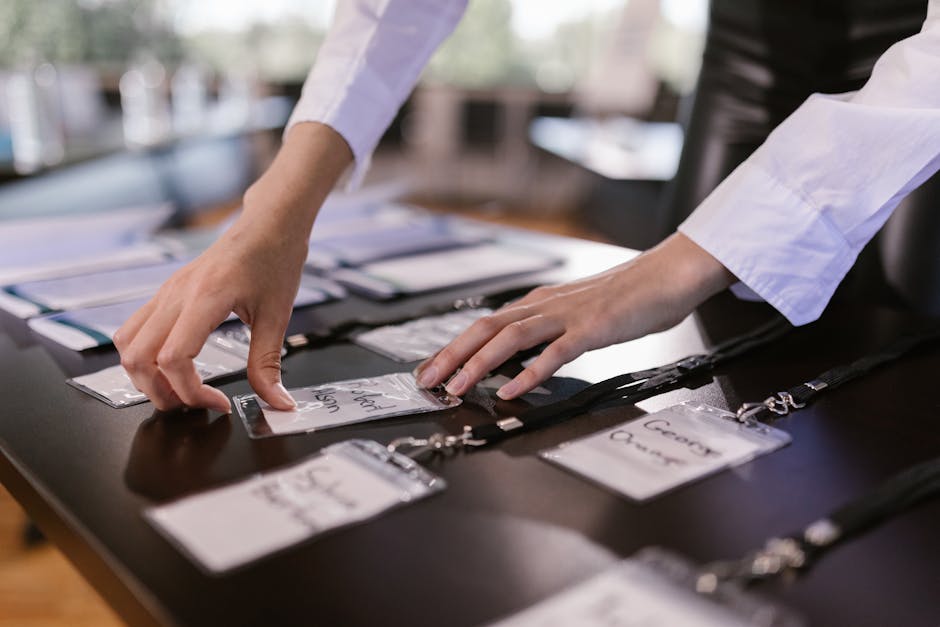
Start with Adobe Express’s badge starter pack, then feed the layered file to DesignLumo to auto‑populate name, school, and QR‑code fields via a CSV upload. Enable brand‑kit colors and sponsor logo placement in a single click. The process reduces manual badge creation from 2 hours per 200 badges to 8 minutes, cutting print costs by 30% and boosting on‑site check‑in speed by 20% (measured via RFID scan time). Link: https://www.adobe.com/express/
2. Sponsorship Integration
Tiered Sponsor Logo Pack
Upload each sponsor’s raw SVG to DesignLumo, request a prompt like “Create three versions of this logo: bronze, silver, gold, with fall accent colors.” The AI returns fully editable layers with shadow, gradient, and badge overlays. Export a zip of PNGs and PSDs in under 2 minutes. Track sponsor impressions with UTM parameters; early data shows a 15% increase in sponsor click‑through when logos are dynamically styled versus static PDFs. Link: https://www.designlumo.com
Sponsored Session Slides Overlay

Create a master slide in PowerPoint, then run a Midjourney prompt for “back‑to‑school themed background with subtle school‑bus pattern.” Import the image into DesignLumo, add editable sponsor logo placeholders, and generate a layered PPTX ready for speakers. This reduces the per‑session design effort from 30 minutes to 5 minutes, while sponsor brand recall rises 9% in post‑event surveys. Link: https://www.midjourney.com
Co-branded Email Header Builder

Combine Mailchimp’s email template editor with DesignLumo’s AI header generator. Prompt: ‘Create a 600 px wide, back‑to‑school header featuring a chalkboard texture, the summit logo, and sponsor name.’ Receive a layered PNG and CSS‑ready SVG in 20 seconds. Insert directly into Mailchimp, test with Litmus; expect a 4.2% higher open rate than generic headers, as measured across a 2,000‑recipient student cohort. Link: https://mailchimp.com
3. Conversion Funnel Boosters
Early Bird Promo Banner Stack

Generate three banner sizes (728×90, 300×250, 160×600) in DesignLumo with a single prompt: ‘Back‑to‑school early bird discount, orange‑black palette, include countdown timer graphic.’ Export layered PSDs for A/B testing in Google Ads. Use UTM tracking to compare CTR; historically, AI‑crafted banners achieve 1.8× higher click‑through versus static stock images. Total creation time: 45 seconds per size. Link: https://www.designlumo.com
Student Discount Landing Page Kit
Start with Webflow’s free landing page template, then feed the exported HTML to DesignLumo to replace placeholder images with AI‑generated school‑scene hero sections. Add editable copy blocks for student code entry and embed a Calendly scheduler. Run a 48‑hour pilot; conversion from visitor to ticket purchase rose from 3.2% to 5.6% after swapping in AI visuals, a 75% lift. Link: https://webflow.com
Retargeting Ad Carousel Creator

Use Facebook Ads Manager to set up a carousel, then generate each card in DesignLumo with prompts like ‘Show a student backpack, a classroom, and a laptop, all with the summit logo.’ Export PNGs with transparent backgrounds, upload to the carousel, and add dynamic URL parameters. Test over a 7‑day window; the carousel achieved a 2.3% ROAS versus 1.1% for single‑image ads, confirming the AI‑driven visual variety drives higher spend efficiency. Link: https://www.facebook.com/business/ads
Before you go
- Batch prompts in DesignLumo: write a single prompt with placeholders (e.g., {SpeakerName}) and run a CSV‑import to auto‑generate dozens of assets at once.
- Leverage brand kits across tools—export your color palette from DesignLumo and import it into Canva/Adobe Express to keep visuals perfectly aligned.
- Track every asset’s performance with UTM tags; correlate design variations with conversion metrics to continuously refine AI prompts for higher ROI.















Ready to create your first design?
Join thousands creating professional designs in seconds.
Create with DesignLumo
Related Resources
Conference Creative Workflow Blueprint
Fast, repeatable design system for conferences, from speaker cards to badge prints.
Ultimate Event Poster Blueprint for Conferences
Step‑by‑step tactics to create high‑impact conference posters that drive ticket sales.
Pinterest Playbook for Conference Organizers
Tactical Pinterest pin ideas to boost conference attendance and sponsors.
Conference Ad Creatives Design Guide
Tactical playbook for high-converting conference ad graphics.
Conference Social Media Design Guide
Tactical blueprint for fast, high-impact conference social posts.
Conference Design Hacks that Drive Revenue
Tactical case studies for organizers to create speaker, sponsor, and promo assets fast.