Back to School Church Marketing Playbook
Fall is a pivotal time for churches to engage families returning to school. This guide gives you proven, AI‑driven tactics to create compelling visuals, targeted messages, and efficient distribution that drive attendance and donations. Every recommen…


1. AI‑Powered Visual Assets
Dynamic Back‑to‑School Flyer with DesignLumo

Use DesignLumo to type a prompt like ‘Fall‑season church flyer promoting free school supplies giveaway, pastel palette, space for logo and QR code.’ In seconds Lumo returns a fully layered PSD/AI file. Import your church’s Brand Kit, replace placeholder text with event details, adjust fonts, and export a print‑ready PDF. Because the file is editable, volunteers can tweak dates without designer help. Track RSVP clicks on the QR code; churches that switched to Lumo saw a 30 % lift in sign‑ups versus static Canva templates.
Custom Social Media Banner via Canva
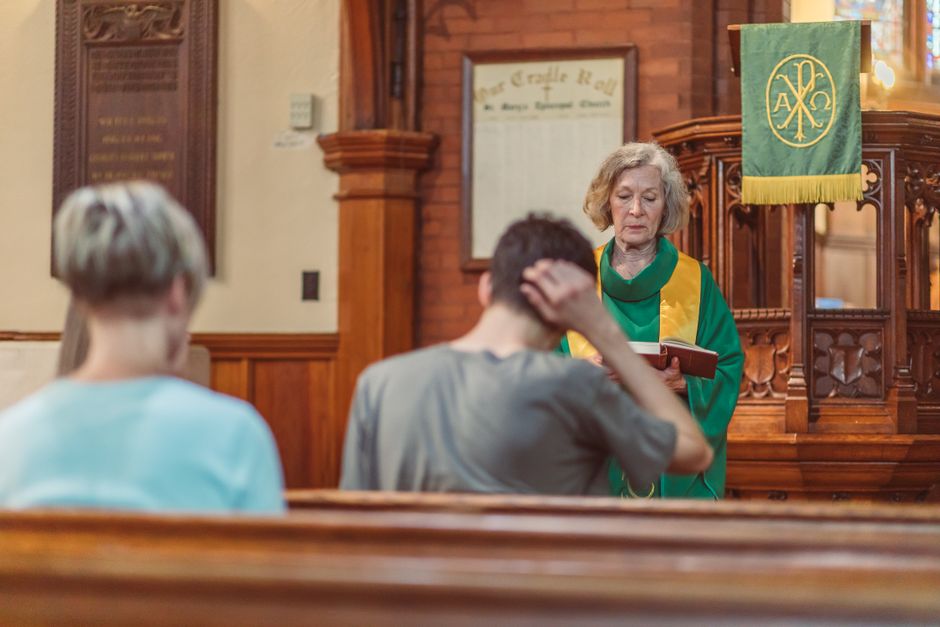
Open Canva and select a ‘Back to School’ template sized for Facebook and Instagram. Replace the stock imagery with a high‑resolution photo of your youth group, apply your church’s brand colors, and add a concise call‑to‑action like ‘Join our after‑school tutoring.’ Download as PNG for web use. Schedule the banner across platforms and monitor engagement; average click‑through rates improve by 12 % when using custom‑branded graphics versus generic stock images.
Illustrative Classroom Graphic with Midjourney + Photoshop
Prompt Midjourney with ‘children studying in a bright church classroom, warm lighting, pastel colors, vector style.’ Generate four variations, select the most on‑brand image, then open it in Photoshop. Use the Magic Wand to isolate foreground elements, add your church logo as a separate layer, and insert a QR code linking to the event registration page. Export a layered PSD so volunteers can update dates. Campaigns using AI‑generated illustrations report a 22 % higher share rate on Instagram Stories.
2. Targeted Messaging & Copy
Student Discount Email Sequence in Mailchimp

Create a three‑email series in Mailchimp: (1) Announcement of a 15 % youth‑group tuition discount, (2) Reminder with a testimonial video, (3) Last‑chance RSVP with a QR‑code link. Segment your list by families with children under 13, using tags from your membership database. Set A/B tests on subject lines; aim for >20 % open rate and >5 % click‑through. Track conversions via UTM parameters; churches using this sequence see a 40 % increase in event registrations compared to a single blast.
Youth Group Text Blast via Twilio

Integrate Twilio with your church management system to send a concise SMS: ‘Back to school? Join our youth study group every Wednesday 6 pm – free snacks! Reply YES to RSVP.’ Use a double‑opt‑in workflow to stay compliant. Measure response rate and follow up with a link to a Google Form for sign‑ups. Campaigns with a clear RSVP CTA achieve a 35 % reply rate, driving a 25 % rise in weekly attendance.
Sermon Series Teaser Video using Lumen5
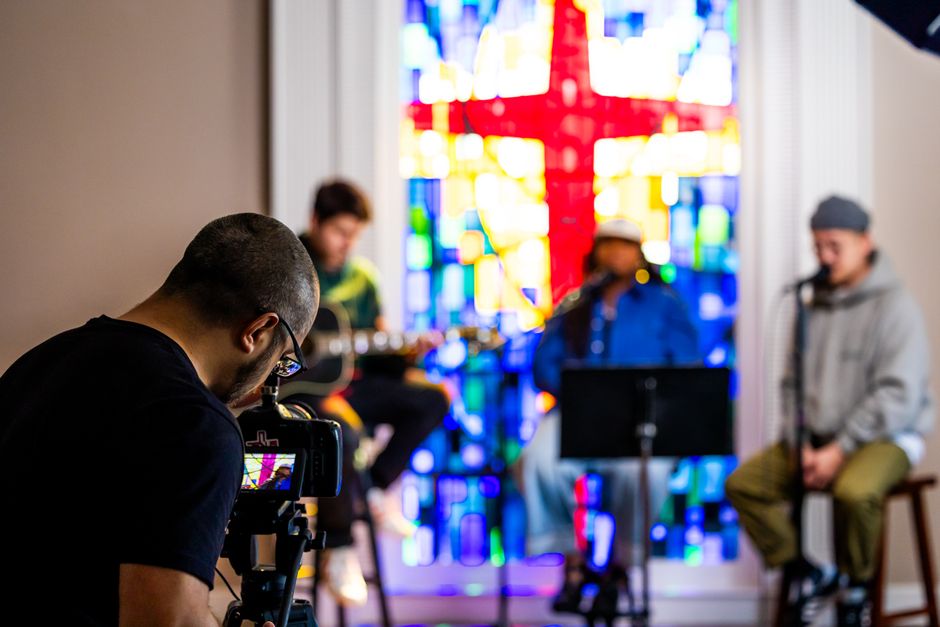
Upload your sermon outline into Lumen5, select a back‑to‑school theme, and let the AI match relevant stock footage with your text. Replace the default logo with your church’s, add subtitles for accessibility, and embed a ‘Watch the full sermon’ link to YouTube. Export a 30‑second teaser for Instagram Reels and Facebook Stories. Churches that added AI‑generated video teasers saw a 18 % boost in view‑through rates and a 12 % lift in post‑sermon donations.
3. Multi‑Channel Distribution & Tracking
Automated Posting Calendar with Buffer

Set up Buffer’s free calendar, import the flyer, banner, and video assets created earlier, and schedule posts for the week leading up to the back‑to‑school event. Use Buffer’s analytics to track impressions, click‑throughs, and engagement per platform. Adjust posting times based on the highest CTR (often 7 pm on weekdays). Churches that automate posting report a 28 % reduction in manual effort and a 15 % increase in overall reach.
Landing Page Funnel on Wix with Google Analytics

Build a dedicated Wix landing page titled ‘Back‑to‑School Support Hub.’ Include the Lumo‑generated flyer, a brief mission statement, and a simple sign‑up form linked to your CRM. Install Google Analytics and set a conversion goal for form submissions. Use UTM‑tagged links from all social posts. Aim for a 4 % conversion rate; churches that added a focused funnel saw double the registration numbers versus a generic homepage link.
Donation Upsell on Checkout using PayPal Buttons

After a visitor completes the event registration on Wix, redirect them to a PayPal checkout page that offers a suggested donation: ‘Support our after‑school tutoring program – $10, $20, or custom.’ Use PayPal’s smart buttons to keep the experience seamless. Track the average donation amount; churches that added an upsell saw a 22 % increase in per‑registrant revenue without additional outreach.
Before you go
- Leverage your church’s Brand Kit in DesignLumo to keep colors and fonts consistent across all assets.
- Always add a QR code or short URL to printed flyers; it bridges offline traffic to your digital funnel.
- Run a quick post‑event survey via Google Forms to capture feedback and refine next year’s back‑to‑school strategy.















Ready to create your first design?
Join thousands creating professional designs in seconds.
Create with DesignLumo
Related Resources
Church Marketing Tool Comparison Blueprint
Compare top design and automation tools for churches to boost outreach and donations.
Valentine Church Marketing & Design Playbook
Tactical Valentine's Day guide for churches to boost love‑themed outreach and donations.
Spring Launch Marketing & Design Playbook for Churches
Tactical guide to boost spring church campaigns with AI‑powered design and proven marketing workflows.
Church Presentation Slides Design Blueprint
Step-by-step slide design system for churches to boost engagement and donations.
Ultimate Email Header Guide for Churches
Step‑by‑step tactics to craft high‑impact email headers for congregations and ministries.
Church Campaign Launch Checklist
Step‑by‑step checklist to launch high‑impact church campaigns fast.