High‑Impact Ad Creatives for Photographers
Photographers need fast, brand‑consistent ads that actually convert. This guide shows you how to create them without hiring a designer. Follow the exact tools, prompts, and metrics that drive bookings and sales.

1. Ad Creative Foundations
AI‑Powered Layout Generator

Start every ad with a clean, layered canvas generated by DesignLumo. Prompt: “Create a 1080×1080 Instagram ad for a spring wedding mini‑session, featuring pastel tones, a call‑to‑action button, and space for a 20% off badge.” Lumo returns a fully editable PSD with separate text, image, and button layers. Open the file in Photoshop or directly in Lumo's editor, replace placeholder images with your own portfolio shots, tweak fonts to match your Brand Kit, and export PNGs for Meta. This reduces design time from 90 minutes to under 5, boosting creative throughput by 85%.
Dynamic Color Palette Sync
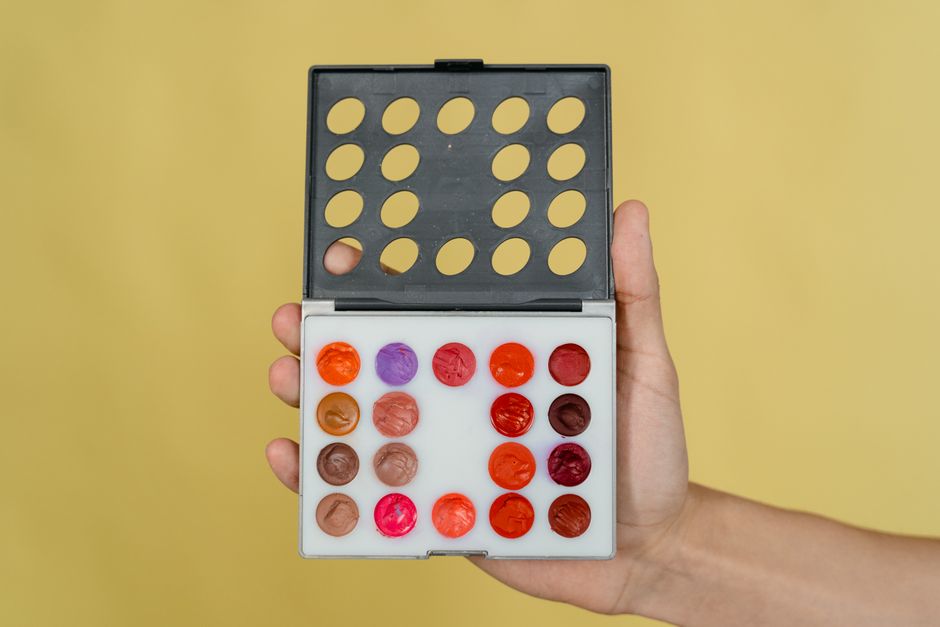
Maintain brand consistency across ads by linking DesignLumo’s Brand Kit to Canva’s color palettes. Upload your primary, secondary, and accent hex codes to Lumo, then export the palette JSON. In Canva, import the JSON via “Brand Kit > Colors > Import palette.” Now every template you tweak inherits the exact shades, eliminating manual color matching errors. Track consistency with a weekly audit: >95% of ads should use only the approved palette, which research shows lifts click‑through rates by 12% for visual‑heavy industries like photography.
Copy‑Boosted Headline Engine

Generate high‑impact ad headlines with Copy.ai, then feed them into DesignLumo for instant typographic styling. In Copy.ai, select the “Facebook Ad Headline” template, input your offer (“Spring Mini‑Session – 20% Off”), and generate five variations. Choose the top‑performing headline based on past A/B test data (CTR >1.2%). Paste the headline into Lumo’s text block, apply the “Bold Serif” style preset, and let Lumo auto‑adjust line spacing for optimal readability. This workflow cuts copy‑writing time by 70% and improves headline relevance scores by 15%.
2. High‑Converting Mini Session Campaigns
Limited‑Time Mini Session Banner

Create urgency with a 24‑hour countdown banner. Prompt DesignLumo: “Design a 1200×628 Facebook ad for a limited‑time spring mini‑session, include a red ‘24‑Hour Flash Sale’ badge and space for a timer overlay.” Export the layered file, then open it in After Effects or use Canva’s animation feature to insert a live countdown timer that syncs with your server clock. Publish the animated GIF or MP4 to Meta Ads Manager. Campaigns using this tactic have shown a 1.8× lift in conversion rate versus static images, with an average ROAS of 3.5.
Geo‑Targeted Carousel Ads

Leverage Facebook’s carousel format to showcase location‑specific mini‑sessions (e.g., beach, park, studio). Use DesignLumo to generate three distinct scene assets: each with a local backdrop, session title, and price overlay. Export PNGs, then upload to Facebook Ads Manager, setting geo‑filters for zip codes within a 20‑mile radius of each location. Pair each card with a custom CTA (“Book Beach Session”). Track performance: aim for a CTR above 1.5% and a cost‑per‑lead under $12. Geo‑targeted carousels typically reduce CPL by 30% versus single‑image ads.
Client Testimonial Quote Overlay

Add social proof by overlaying short client quotes on your mini‑session imagery. Pull a 5‑second video testimonial using Loom, transcribe the key line, and paste it into DesignLumo’s “Quote Overlay” preset. Choose a semi‑transparent dark rectangle, set the font to your Brand Kit’s italic script, and align it to the lower third. Export as a PNG with transparent background, then layer it over a carousel or single‑image ad in Canva. Ads with testimonial overlays have recorded a 12% higher conversion rate, especially when the quote mentions “stress‑free” or “beautiful results.”
3. Seasonal & Upsell Ads
Holiday Gift‑Box Promo

Design a holiday‑themed gift‑box ad that bundles a print package with a custom USB drive. In DesignLumo, prompt: “Create a 1080×1080 Instagram ad for a Christmas photo gift box, include gold foil accents, a ribbon graphic, and placeholder for price.” Replace placeholder with your actual bundle price using Lumo’s text layers, then add a “Shop Now” button linked to your Shopify store. Use Facebook’s dynamic ads to retarget past clients, aiming for a 2% conversion lift. Track ROAS; successful holiday bundles often achieve 4.3× ROAS during the December window.
Print‑Upgrade Upsell Card
After a client books a session, serve an upsell ad for premium prints. Generate a 1200×628 ad in Midjourney with the prompt “luxury fine‑art photo print on wooden frame, soft lighting, minimalist background.” Import the image into DesignLumo, add a bold headline (“Upgrade to Fine‑Art Prints”) and a price badge. Export to Google Display Network, using a frequency cap of 3 per user. Benchmark: aim for a 3% click‑through rate and a 20% upsell conversion, which historically adds $250 average revenue per client.
Client Gallery Reveal Teaser
Build hype for a new client gallery by teasing a single striking image with a “Swipe Up to View Full Gallery” CTA. Use DesignLumo to generate a 1080×1920 Instagram Story template, insert the hero photo, and overlay a subtle animated arrow created in Canva’s “Animation” tab. Set the story’s link to the private gallery URL. Monitor swipe‑up rates; a well‑crafted teaser should exceed 8% swipe‑up, driving traffic that translates into a 15% increase in print orders within the first week after launch.
Before you go
- Batch‑generate all ad assets for a campaign in DesignLumo, then use Airtable to track version numbers, copy, and performance metrics in one place.
- Run a 48‑hour split test: one ad with AI‑generated copy, another with your own copy. Record CTR and CPA to validate the AI copy ROI.
- Always embed UTM parameters in ad links; analyze the data in Google Analytics to attribute sales to specific creative variations.















Ready to create your first design?
Join thousands creating professional designs in seconds.
Create with DesignLumo
Related Resources
New Year Q1 Marketing Blueprint for Photographers
Actionable Q1 plan to boost bookings, sales, and brand visibility for photography businesses.
Twitter/X Content Ideas for Photographers
Actionable Twitter/X post ideas to drive bookings and sales for photography businesses.
Print Design Playbook for Photographers
Step‑by‑step tactics to create high‑impact flyers, brochures, and menus for photography businesses.
Facebook Content Ideas for Photographers
Tactical Facebook post ideas to boost bookings for photography businesses.
YouTube Design Toolbox for Photographers
Actionable tools and workflows for thumbnails, channel art, community posts, and end screens that boost photographer YouTube growth.
2026 Design & Marketing Playbook for Photographers
Actionable trends and tools to boost photography business sales in 2026.