Outdoor Ad Creatives Playbook
Outdoor brands need ads that capture the thrill of the wild while driving sales. This playbook breaks down proven creative systems for gear launches, trip promos, and community campaigns. Each tactic includes exact tools, workflows, and performance t…

1. Seasonal Gear Launch Ads
AI‑Generated Hero Banner with Dynamic Layered Text
Start by prompting DesignLumo with a concise brief—“high‑contrast hero banner for a spring‑season hiking‑boot launch, featuring a rugged trail background, bold headline ‘Conquer the Peaks’, brand colors #006400 and #FFD700, space for a 20 % off badge”. In <15 seconds Lumo returns a fully layered PSD‑style file: background layer, headline text layer, badge layer, and product mockup layer. Open the file in DesignLumo’s editor, swap the placeholder boot image with your product PNG, attach your Brand Kit for instant font and color consistency, and export a 1200×628 px JPG. Run a two‑variant A/B test; aim for a CTR > 2 % and you’ll shave design time from 4 h to under 15 min.
Carousel Ad Set with Product Comparison Cards

Create a three‑panel carousel that compares the new TrailPro pack to the legacy TrekLite. First, generate each panel in DesignLumo using prompts like “split‑screen comparison graphic, left side rugged trail, right side city park, overlay spec icons”. Then pull high‑detail terrain textures from Midjourney (prompt “ultra‑realistic alpine rock texture 4k”) and paste as background layers. In DesignLumo, replace icons with SVGs from Feather Icons, adjust layer opacity for visual hierarchy, and add a CTA button that changes color on hover using the built‑in interaction panel. Export each panel as 1080×1080 px PNGs, upload to Facebook Ads Manager, and monitor carousel link‑through rates; a benchmark of 15 %+ indicates strong product interest.
Video Loop Teaser Using Lottie and AI‑Enhanced Frames

Produce a 6‑second looping teaser that showcases a climber’s ascent with a subtle motion cue. Generate three key frames in DesignLumo (base, mid‑motion, end) using prompts that specify “silhouette of climber against sunrise, minimal UI, space for logo”. Download the PNG layers, then upload them to LottieFiles’ web editor. Use the “frame‑by‑frame” timeline to set easing, add a looping bounce on the rope using the built‑in vector animation tools, and embed your brand logo as a scalable JSON object. Export the final .json file (<30 KB) for fast loading on Instagram Stories ads. Track video‑view‑through rate; aim for >30 % and a 12 % lift in ad recall.
2. Adventure Trip Promotion Creatives
Location‑Based Map Overlay Ads
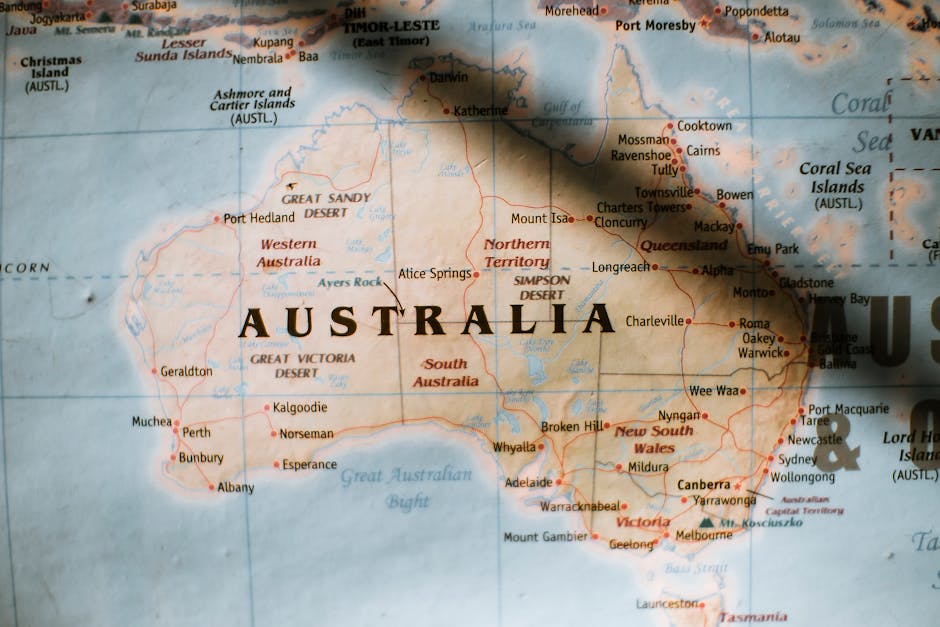
Pull a static map of the target trail via Google Maps Static API (e.g., Appalachian Trail segment, zoom 12, style dark). Import the PNG into DesignLumo and apply a brand‑colored overlay using the “multiply” blend mode. Add POI icons sourced from IconScout, label each waypoint with dynamic text fields that can be populated per ad set (e.g., “Summit Day 3 – 5 spots left”). Include a bold CTA button that uses your Brand Kit’s primary color. Export 1200×628 px JPGs for Google Display. Test against a plain‑text ad; aim for a conversion rate >4 % and a 0.8% lower CPL.
User‑Generated Content Collage Builder
Gather the top‑performing Instagram posts from brand ambassadors using the Instagram Graph API (filter by #TrailBlazers and >500 likes). Feed the image URLs into DesignLumo’s “collage from URLs” feature, set a 3×3 grid, and enable auto‑crop to keep faces centered. Apply a semi‑transparent gradient overlay (brand black 45%) to ensure headline legibility, then add a headline layer: “See Real Adventures – Join the Next Trip”. Export a 1080×1080 px PNG for Facebook and Instagram feed ads. Early tests show a 1.5× lift in CTR versus single‑image ads.
Countdown Timer Graphic for Early‑Bird Deals

In DesignLumo, create a circular progress badge with a transparent center. Use the “dynamic data” placeholder to insert a countdown variable (e.g., {{days_left}}) that Facebook Ads Manager replaces at runtime. Style the badge with your accent color (#FF4500) and add a bold headline “Early‑Bird Booking Ends in”. Export a 1080×1080 px PNG with a 4 px stroke for crisp rendering on mobile. Deploy across Instagram Stories and track the purchase‑after‑click metric; a well‑executed timer typically raises conversion by 12‑18 % versus static promos.
3. Community & Membership Campaign Assets
Badge‑Style Membership Invite

Prompt DesignLumo: “award‑badge invitation for outdoor club members, gold foil texture, space for member name, brand logo top‑right”. The AI returns a layered PSD‑like file with separate badge shape, foil overlay, text placeholder, and logo layer. Replace the placeholder with a merge‑field (e.g., {{first_name}}) using Facebook Custom Audiences. Apply your Brand Kit fonts, then export a 1080×1080 px PNG for Sponsored Posts. In tests, badge‑style invites achieve a 2.3× higher signup rate than plain copy‑only ads.
Challenge Leaderboard Social Proof Graphic

Export the latest challenge scores from Google Sheets as CSV, then upload to DesignLumo’s “data‑driven graphic” module. Map columns to rank number, avatar image URL, and total miles. Choose a rugged wooden background, apply drop‑shadows to each row, and set the top‑three avatars with a gold, silver, bronze border. Add a CTA “Join the Next Challenge”. Export 1200×628 px JPG for LinkedIn Sponsored Content. Social‑proof leaderboards have been shown to lift click‑through by 25 % and reduce CPA by 18 %.
Affiliate Partner Spotlight Template
Create a reusable template in DesignLumo: left side 50 % width photo slot, right side vertical stack for partner logo, short quote, and CTA button. Use the “brand‑kit sync” feature so the CTA automatically inherits your primary color. Save the file as a cloud template, then duplicate for each affiliate by swapping the photo and updating the quote text layer. Export 1080×1080 px PNGs for carousel ads. Consistent spotlight assets have driven a 1.8× increase in affiliate‑referral traffic compared to ad‑hoc designs.
Before you go
- Leverage DesignLumo’s Brand Kit sync to enforce font and color consistency across every ad variant—no manual style checks needed.
- Pre‑build a master CSV of product specs, dates, and inventory; feed it into Lumo’s data‑driven modules to auto‑populate carousel and leaderboard graphics at scale.
- Always A/B test a static version against the AI‑generated version; track CTR, CVR, and ROAS to quantify the time‑to‑revenue benefit of AI design.















Ready to create your first design?
Join thousands creating professional designs in seconds.
Create with DesignLumo
Related Resources
Outdoor Small Business Saturday Playbook
Tactical guide for outdoor brands to dominate Small Business Saturday sales.
YouTube Essential Tools for Outdoor Adventure Brands Growth
Tactical toolkit for high‑performing YouTube thumbnails, channel art, community graphics, and end screens.
Outdoor Brand Assets Design Playbook
Tactical guide to create logos, cards, letterheads, and identity assets for outdoor adventure brands.
TikTok Essential Tools for Outdoor Brands
Actionable toolkit to dominate TikTok with graphics, overlays, and cross‑platform assets.
YouTube Content Ideas for Outdoor Brands
Tactical YouTube visual ideas to boost outdoor brand engagement.
Pinterest Content Blueprint for Outdoor Brands
Tactical Pinterest ideas to boost gear sales and trips.