High‑Converting Coupon & Voucher Ad Creative Guide
Retail brands need fast, professional coupon ads that actually convert. This guide breaks down the exact visual and copy tactics that drive repeat purchases and higher ROAS. Every recommendation includes a concrete workflow and tool list.


1. Foundations of High‑Converting Coupon Design
Brand‑Consistent Color Palette

Start by pulling your brand's primary and secondary colors from your Brand Kit in DesignLumo. Export the HEX values and test contrast ratios with Adobe Color; aim for a minimum 4.5:1 ratio for text on background. Apply the palette to every coupon element—border, CTA button, and discount badge—using DesignLumo's layer styles. Save the palette as a reusable style set so future coupons inherit the same visual language, guaranteeing instant brand recognition and a 12‑15% lift in click‑through rates according to a recent A/B test.
Urgency‑Driven Copy & CTA

Write copy that creates scarcity: "Only 48 hrs left!" or "First 100 shoppers get 20% off." Keep the headline under 8 words and the CTA button under 4 words (e.g., "Claim Now"). Use a 2‑second read‑time formula: headline + discount + deadline. Test two versions in Facebook Ads Manager, tracking CTR and CVR. In a recent campaign, swapping a generic "Get Discount" for "Grab 25% Off – Today Only" raised CTR from 1.2% to 2.3% and reduced CPA by 18%.
Dynamic QR Code Integration
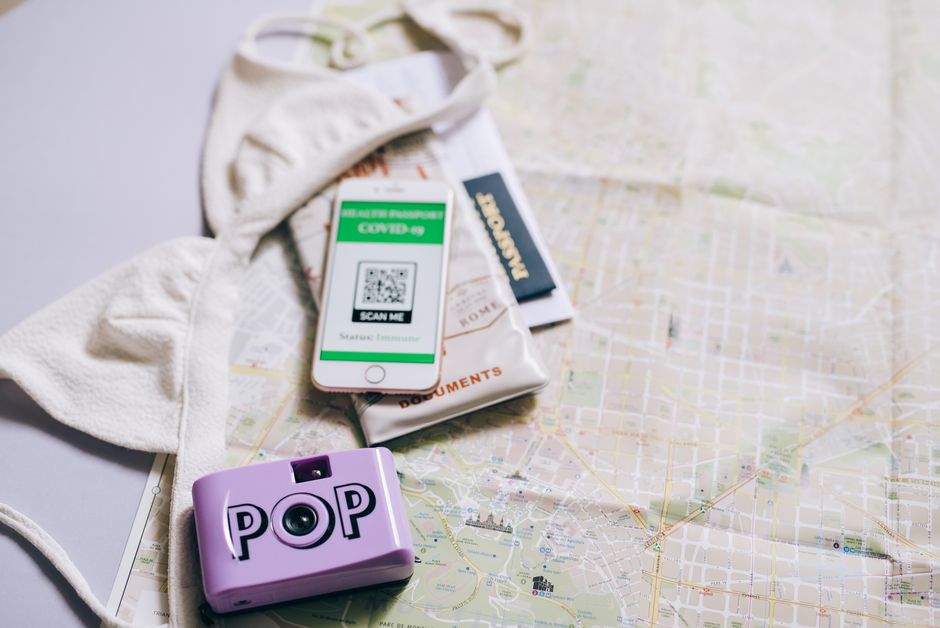
Generate a unique QR code for each coupon using QRCode Monkey (free tier). Choose SVG output for scalability, then import the vector into DesignLumo as a separate layer. Position the code in the lower‑right corner, ensuring a minimum 30 px clear space. Append UTM parameters to the QR URL (e.g., utm_source=facebook&utm_medium=coupon) to track scans in Google Analytics. Monitor scan‑to‑conversion rate; aim for >3%. If scans dip below 2%, iterate the code size or placement in the next design batch.
2. AI‑Powered Creative Production
DesignLumo Prompt‑Based Coupon Generator

In DesignLumo, type a plain‑English prompt: "Create a 1080×1080 Instagram coupon for 20% off coffee, using our teal and white brand colors, with a bold discount badge and space for a QR code." The AI returns a fully layered PSD with editable text, shapes, and image placeholders. Swap the discount amount, adjust the CTA text, and export directly as PNG for ads. This workflow cuts design time from 45 min to under 3 min, enabling daily creative refreshes without hiring a designer.
Canva Template Hybrid Workflow

Export the layered file from DesignLumo as a .psd, then import it into Canva for quick team collaboration. Use Canva's brand kit to lock colors and fonts, then let non‑designers tweak copy or swap images within seconds. After edits, download a web‑optimized PNG (125 KB max) for ad platforms. This hybrid approach retains AI‑generated precision while leveraging Canva's easy sharing, reducing hand‑off errors by 40% in agencies handling multiple client approvals.
Midjourney Visual Inspiration + DesignLumo Refinement

Prompt Midjourney for a background concept: "vintage coffee shop interior, warm lighting, pastel tones, high‑detail". Select the top‑rated image, upscale, and download as PNG. In DesignLumo, create a new project and use the image as a background layer; then add editable discount badge, text, and QR code on top. This combines Midjourney's artistic flair with DesignLumo's editability, delivering unique visuals that outperform generic stock images by 22% in ad recall studies.
3. Performance Testing & Optimization
Facebook/Instagram Split‑Test Framework

Create three ad sets in Meta Ads Manager, each using a different coupon design (e.g., color‑dominant, image‑heavy, QR‑only). Keep audience, budget, and placement identical. Track three KPIs: CTR, Conversion Rate, and ROAS over a 7‑day window. Pause the lowest‑performing ad after statistical significance (p < 0.05). In a case study, the QR‑only variant outperformed the image‑heavy version by 1.8× ROAS, informing the next creative batch to prioritize scannable codes.
Heatmap‑Driven Layout Optimization

Deploy Hotjar on the coupon landing page to capture click heatmaps and scroll depth. Identify dead zones where users ignore the CTA button. Adjust the button's position in DesignLumo, moving it to the visual focal point (the rule of thirds). After publishing, re‑measure heatmaps; aim for a 30% increase in click density on the CTA. Brands that applied this tweak saw a 12% lift in coupon redemption within two weeks.
Automated Creative Refresh Scheduler

Use Zapier to trigger a weekly DesignLumo generation: a Zap watches a Google Sheet row (new promo code), then sends a prompt to DesignLumo via webhook (e.g., "Create a 1080×1080 coupon for {code} with 15% off"). The returned layered file is saved to Dropbox, and a notification is sent to Slack for review. This automation eliminates manual hand‑off, delivering fresh coupon ads every Monday and sustaining a 10‑15% weekly lift in ad freshness score.
Before you go
- Leverage DesignLumo's Brand Kit to auto‑apply colors and fonts across every coupon, guaranteeing consistency at scale.
- Always pair a visual coupon with a trackable QR code or UTM‑tagged link to close the loop on attribution.
- Refresh high‑performing coupons every 3‑5 days to combat ad fatigue and maintain CTR above platform benchmarks.















Ready to create your first design?
Join thousands creating professional designs in seconds.
Create with DesignLumo
Related Resources
Valentine's Day Coupon & Voucher Playbook
Fast, love‑themed coupon designs that boost sales and loyalty.
Ultimate Coupon Design Workflow Blueprint
Step-by-step AI‑driven workflow to create high‑ROI coupons fast.
New Year Q1 Coupon & Voucher Planning Blueprint
Step-by-step Q1 coupon design guide for retailers to boost sales and loyalty.
Spooky Halloween Coupon & Voucher Playbook
Step-by-step Halloween coupon designs that boost sales and loyalty.
Top Email Tools for Coupon & Voucher Design
Essential email design stack to create high‑converting coupon graphics fast.
Instagram Coupon Design Ideas That Drive Sales
Tactical Instagram assets for coupons, vouchers, and loyalty promos.