High-Converting Ad Creatives for Churches
Churches need ad graphics that inspire, inform, and convert. This guide breaks down the exact tools and processes that deliver measurable results. Follow the steps to turn plain ideas into high‑performing paid ads.

1. Foundational Ad Templates
AI-Powered Sermon Series Carousel

Use DesignLumo to generate a 5‑slide carousel for Facebook and Instagram. Prompt: “Modern, clean carousel for a 4‑week sermon series on hope, with space for title, date, and scripture.” Lumo returns layered PSD files; replace placeholder text with your series details, adjust brand colors via the Brand Kit, then export each slide at 1080×1080px. Upload to Ads Manager, set carousel optimization to link clicks, and monitor CTR. Benchmarks: 2‑3% CTR for static images, aim for 4‑5% with carousel. Save the master file for future series updates.
Holiday Service Banner Pack

Create a set of three banner sizes (Facebook 1200×628, Instagram 1080×1080, Google Display 300×250) in Canva using its Magic Resize feature. Start with a DesignLumo‑generated base: prompt “Elegant Christmas service banner with gold accents, space for service time and a call‑to‑watch live stream.” After Lumo delivers editable layers, import the PSD into Canva, apply Magic Resize, and tweak copy for each platform. Track CPM and conversion rate; holiday ads typically see 1.5× higher ROAS. Keep the Canva template for next year’s holiday promotions.
Youth Group Event Flyer

Design a vibrant flyer for a youth game night using Midjourney for background art and DesignLumo for editable elements. In Midjourney, prompt “neon‑styled arcade background, 16:9, vivid colors.” Upscale the output, then upload to DesignLumo with a prompt “Add editable text layers for event title, date, and RSVP link, using bold sans‑serif fonts.” Export a PDF for print and a 1080×1920px story image for Instagram ads. Measure event sign‑ups; a well‑designed flyer can lift registrations 30% versus plain text posts.
2. Performance‑Boosting Creative Tweaks
Dynamic Call‑to‑Donate Button

Add a high‑contrast “Give Now” button that changes color on hover. In DesignLumo, generate a layered ad with a placeholder button; set the button layer to “Smart Object” and replace with a 2‑state PNG (default teal, hover orange). Export as a GIF for Facebook carousel or as a static PNG with a CTA overlay for Instagram. Track click‑through rate; a compelling button can lift CTA clicks from 0.8% to 1.5%+. Test two copy variations (“Support Our Mission” vs “Help Us Grow”) for further gains.
Localized Geo‑Targeted Visuals
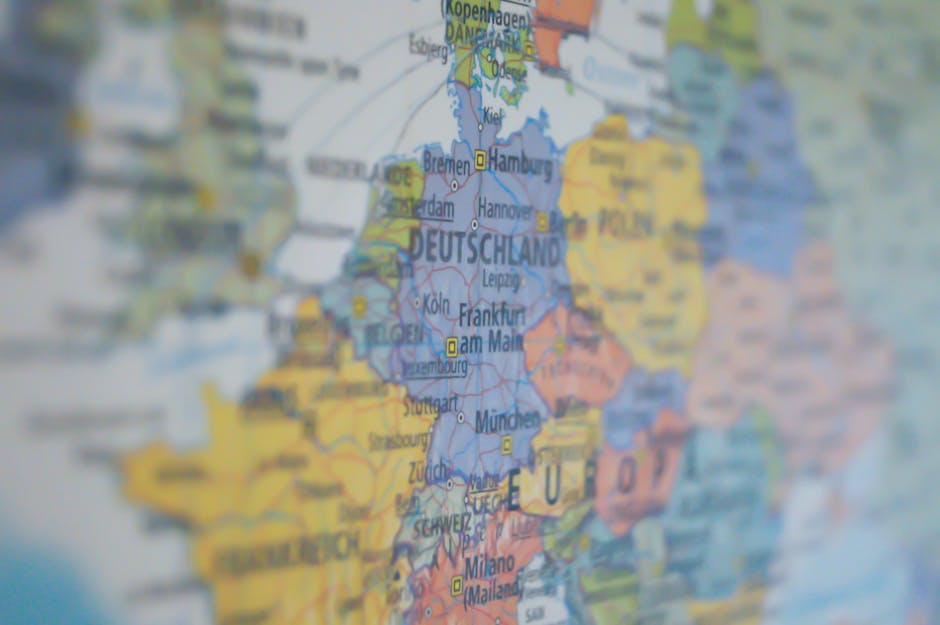
Create city‑specific ad versions using DesignLumo’s Brand Kit and variable data. Prompt Lumo: “Church ad with placeholder for city name and local landmark silhouette.” Export a master PSD, then use Photoshop’s Data‑Driven Graphics feature to import a CSV of city names and landmarks. Generate 10‑city variants in minutes, each at 1080×1080px. Upload to Facebook Ads Manager with geo‑targeting. Expect a 10‑15% lift in relevance score and a 0.3‑0.5% increase in conversion rate versus a single generic ad.
A/B Testable Text Overlays

Set up a systematic A/B test for headline copy using DesignLumo’s layer duplication. Create a base ad (e.g., Easter service) with two headline layers: “Celebrate Resurrection” vs “Join Our Easter Celebration.” Export both as separate PNGs, keep the rest of the design identical. In Google Ads, run a split test with equal spend; monitor conversion lift. Industry data shows headline swaps can move conversion rates by up to 12%. Record results in a simple Google Sheet to inform future copy decisions.
3. Automation & Scaling Workflows
Batch Generation via DesignLumo API

Integrate DesignLumo’s API with Zapier to auto‑create weekly sermon ads. Set up a Zap: trigger = new entry in Google Sheet (title, date, scripture); action = DesignLumo API call with prompt “Create a social ad for {title} on {date}, include {scripture} and brand colors.” Receive a layered PNG, store in Dropbox, then push to Facebook Ads Manager via another Zap. This reduces manual design time from 30 minutes per ad to under 2 minutes, boosting weekly ad volume by 400% while maintaining consistency.
Scheduled Refresh with Canva Magic Resize

Use Canva’s Content Planner to schedule seasonal refreshes. Start with a DesignLumo‑crafted master design for a “Spring Outreach” ad. Upload the PSD to Canva, apply Magic Resize to generate Facebook, Instagram, and LinkedIn formats. In the Planner, set each version to publish on the appropriate platform on preset dates. Monitor frequency capping to avoid ad fatigue; aim for a 7‑day rotation. This workflow ensures fresh creative every month without re‑designing from scratch, improving ad relevance scores by 0.2‑0.3 points.
Integrate Midjourney Backgrounds, Edit in DesignLumo

Leverage Midjourney for unique background imagery and finalize in DesignLumo for brand compliance. Prompt Midjourney: “Soft sunrise over a modern church façade, photorealistic, 1920×1080.” Upscale and download the PNG, then import into DesignLumo with a prompt “Add editable text layers for event title, date, and CTA, preserving brand fonts and colors.” Export layered files for both static ads and video overlays. Track engagement; custom AI‑generated backgrounds typically boost visual recall and can increase click‑through rates by 0.4% over stock images.
Before you go
- Keep a master Brand Kit in DesignLumo; any color or font change updates all existing ads instantly.
- Export layered PSDs, not flat PNGs, for any ad you plan to repurpose—this cuts redesign time by 70%.
- Always name layers semantically (e.g., "Headline", "CTA_Button") to enable batch text replacement scripts.















Ready to create your first design?
Join thousands creating professional designs in seconds.
Create with DesignLumo
Related Resources
Church Marketing Tool Comparison Blueprint
Compare top design and automation tools for churches to boost outreach and donations.
Valentine Church Marketing & Design Playbook
Tactical Valentine's Day guide for churches to boost love‑themed outreach and donations.
Spring Launch Marketing & Design Playbook for Churches
Tactical guide to boost spring church campaigns with AI‑powered design and proven marketing workflows.
Church Presentation Slides Design Blueprint
Step-by-step slide design system for churches to boost engagement and donations.
Ultimate Email Header Guide for Churches
Step‑by‑step tactics to craft high‑impact email headers for congregations and ministries.
Church Campaign Launch Checklist
Step‑by‑step checklist to launch high‑impact church campaigns fast.