DesignLumo vs Canva vs Midjourney: Which Is Best?
Short comparison of DesignLumo, Canva, and Midjourney for speed, editability, and campaign workflow.
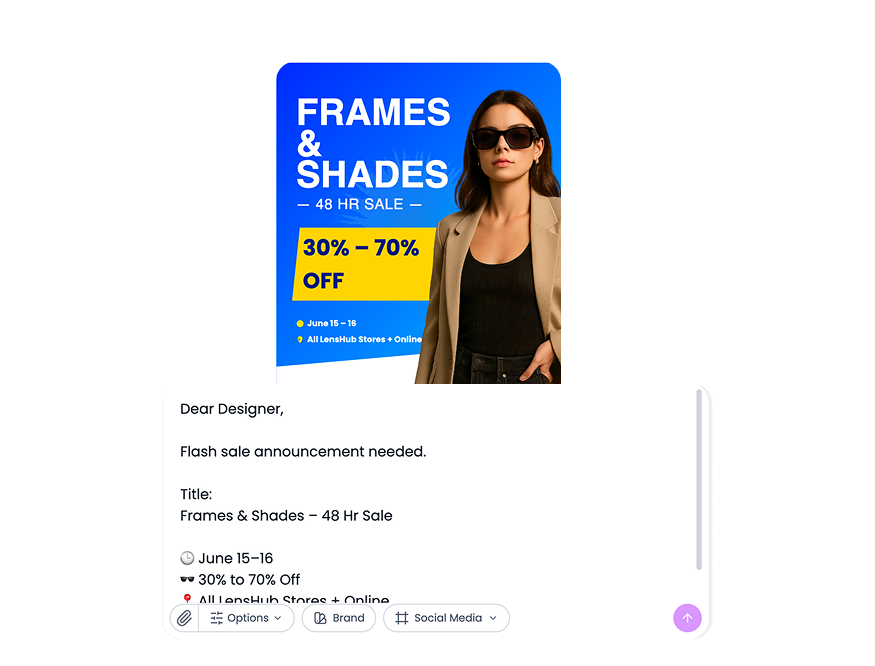
Think of it like this: Midjourney is strong for visual idea generation, Canva is strong for template editing, and DesignLumo combines generation with editable output for campaign production.

Why this matters for teams
Most teams do not need only images. They need ad creatives, social posts, and banners that can be edited quickly as offers change.
Practical fit by use case
- Style exploration and concept moodboards -> Midjourney
- Template-heavy recurring assets -> Canva
- High-velocity campaign production -> DesignLumo
Where Canva AI can feel limited
For some teams, Canva AI still feels template-first and static in deeper production workflows. You often adapt from known structures rather than generating fully custom campaign directions with flexible edits.
How to choose objectively
- Run one real brief through all three workflows
- Track draft speed, edit effort, and variant effort
- Pick the workflow with least production friction
If your priority is execution speed, start with AI Marketing Design, then produce channel variants with Facebook Ad Maker and Shopify Banner.
Quick practical example
Example: using Midjourney for exploration and DesignLumo for editable production reduced rework compared to template-only flow.
Mistakes to avoid
- Comparing tools without stage context
- No real-brief test
- Optimizing for visual novelty only
Before you publish checklist
- Stage fit clear
- Real sprint run
- Friction score calculated
Topics covered















Ready to create your first design?
Join thousands creating professional designs in seconds.
Related articles
Best AI Design Tools 2026: Complete Guide & Comparison
Discover the top AI design tools of 2026. Compare features, pricing, and capabilities of leading AI-powered design platforms for businesses and creators.
Canva vs DesignLumo: Templates vs AI-Editable Designs
See how DesignLumo's AI-first, fully editable output compares to template-based workflows in speed and originality.
Canva vs DesignLumo 2025: Which Design Tool is Better?
Detailed comparison of Canva vs DesignLumo. Compare features, pricing, AI capabilities, and ease of use to choose the best design tool for your needs.